m
HANDLING THE DISCS
Dirt, dust, scratches, and warpage cause skips in the play back and a deterioration
of sound quality. Here is how to take care of your discs.
-
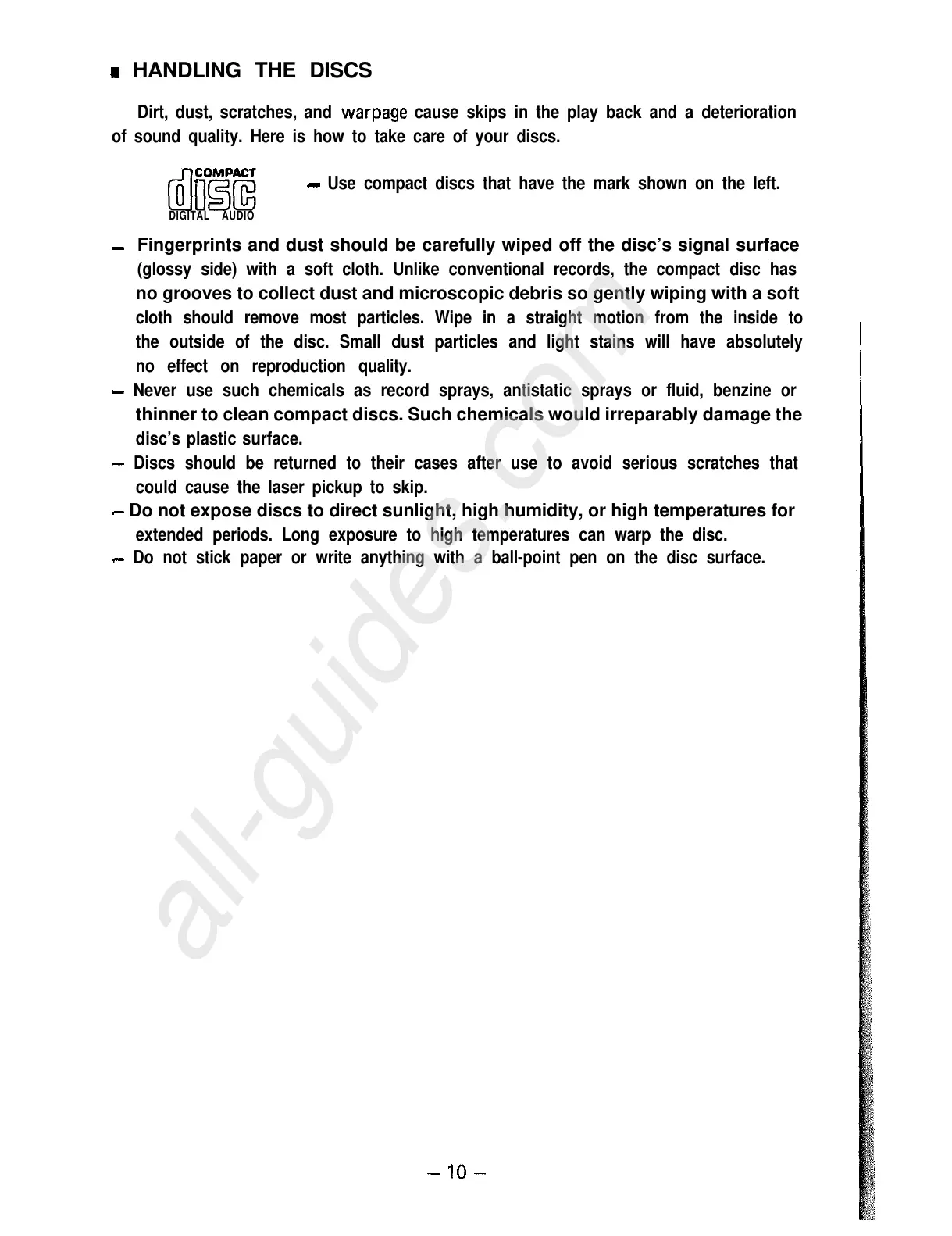
Use compact discs that have the mark shown on the left.
DIGITAL AUDIO
-
Fingerprints and dust should be carefully wiped off the disc’s signal surface
(glossy side) with a soft cloth. Unlike conventional records, the compact disc has
no grooves to collect dust and microscopic debris so gently wiping with a soft
cloth should remove most particles. Wipe in a straight motion from the inside to
the outside of the disc. Small dust particles and light stains will have absolutely
no effect on reproduction quality.
-
Never use such chemicals as record sprays, antistatic sprays or fluid, benzine or
thinner to clean compact discs. Such chemicals would irreparably damage the
disc’s plastic surface.
-
Discs should be returned to their cases after use to avoid serious scratches that
could cause the laser pickup to skip.
-
Do not expose discs to direct sunlight, high humidity, or high temperatures for
extended periods. Long exposure to high temperatures can warp the disc.
-
Do not stick paper or write anything with a ball-point pen on the disc surface.
-lO-



 To Next Page