Release ratchet cam
lever. Slide ratchet
into desired notch
position.
FINALLY – A
COMPANY THAT
LOVES BIKES AS
MUCH AS YOU DO.
Chances are, your bikes are just like
ours - your most valued possessions.
And if it has the Saris name on it,
nothing we build goes out the
door unless it’s worth putting those
possessions on. Call it obsessive. Call
it eccentric. We just chalk it up to
caring a hell of a lot about creating
the last rack you’ll ever need.
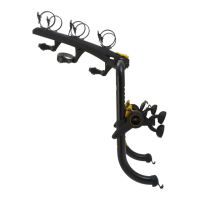
Lay the Bones RS fl at to adjust.
Lock ratchet cam lever in place.
Reference Saris Fit Guide for
notch position on your vehicle.
Example pictured: Cam lever is
locked into notch #4 (3 visible
notches below cam lever).
Notch #1 is at the bottom of the
rack. Saris Fit Guide available at
dealer or saris.com
Before installing carrier, clean all surfaces of vehicle which may come in contact with the
carrier or it’s belts. Make sure all pads and hooks are free of any debris that could scratch
vehicle’s fi nish. Clean all contact points periodically when using rack for prolonged periods.
CAUTION
Ratchet Assembly
Upper Hook
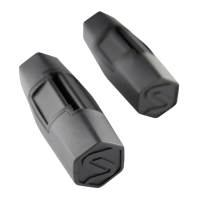
Foot pads
Arms
Anti-sway
hold-downs
Hold-downs
Cam Lever
Bottom Hooks
Lock
SUV Mount
Hatchback Mount
Sedan Mount
A. ADJUST RACK TO VEHICLE.
1. Release ratchet cam lever. 2. Adjust ratchet into position.
Belts
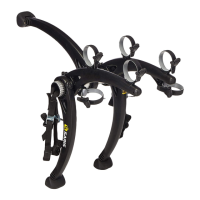
Bones RS
Installation Instructions
Rubber Pads
ATTENTION: Consult Saris Fit Guide before installation to obtain notch location on rack
for your vehicle. Available in box, at your local dealer, or at www.saris.com/bonesrs
Lever
Lever
Notch #1
Notch #1
Notch #1

 Need help?
 General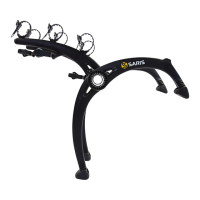




 To Next Page