EasyManua.ls Logo

Satlink WS-6933 - Transponder Setup; Calculate Angle

Satlink WS-6933
14 pages
Print Icon
To Next Page IconTo Next Page
To Previous Page IconTo Previous Page
Loading...
Digital Satellite Finder
7



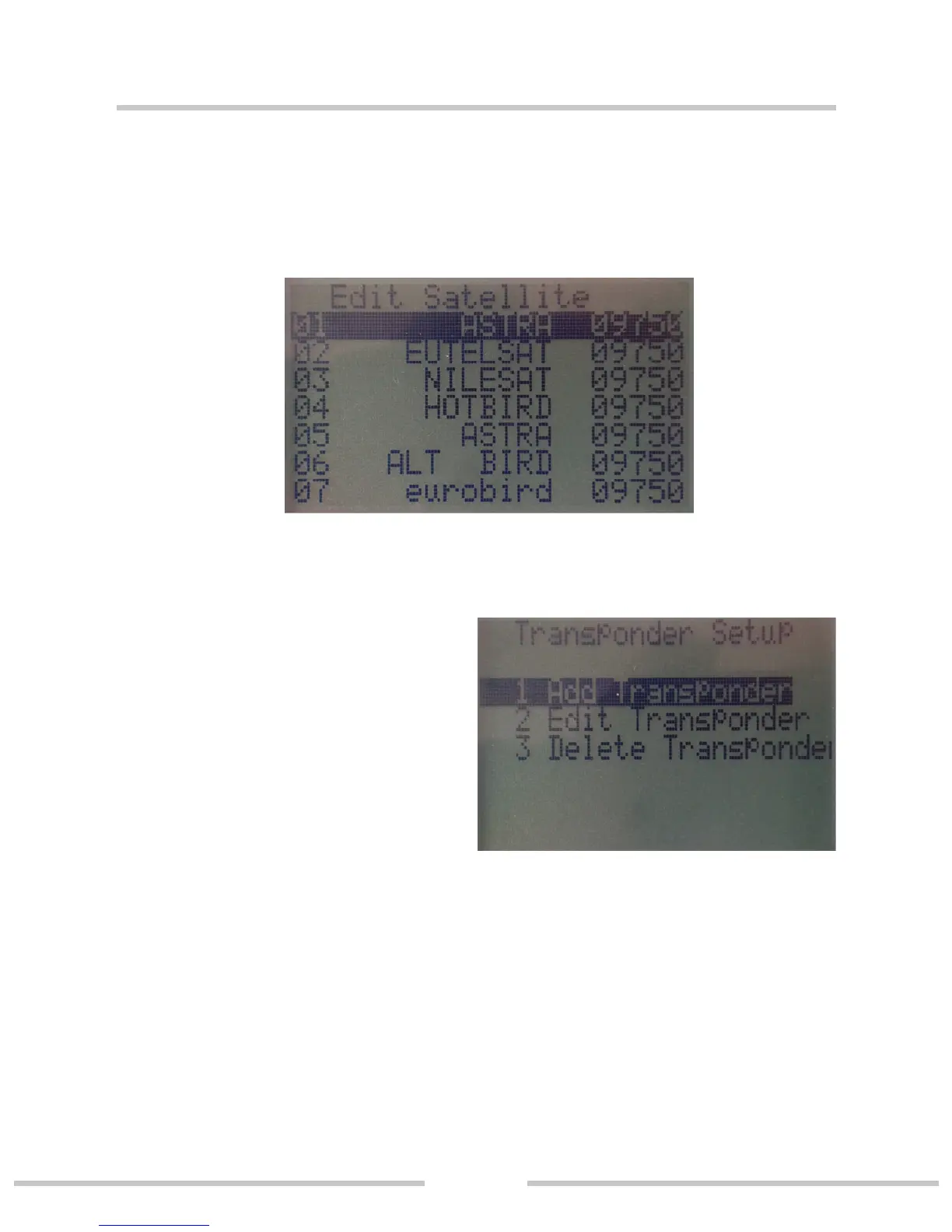
3.4 Transponder Setup
1. Add Transponder
2. Edit Transponder
3. Delete Transponder

3.5 Calculate Angle
Press▲▼ key to move the cursor, then press OK key to
select the option. Press ▲▼ to input value press ◄► to
set east/west or north/south. The bottom of the screen can
get the parameters of the satellite.

Related product manuals