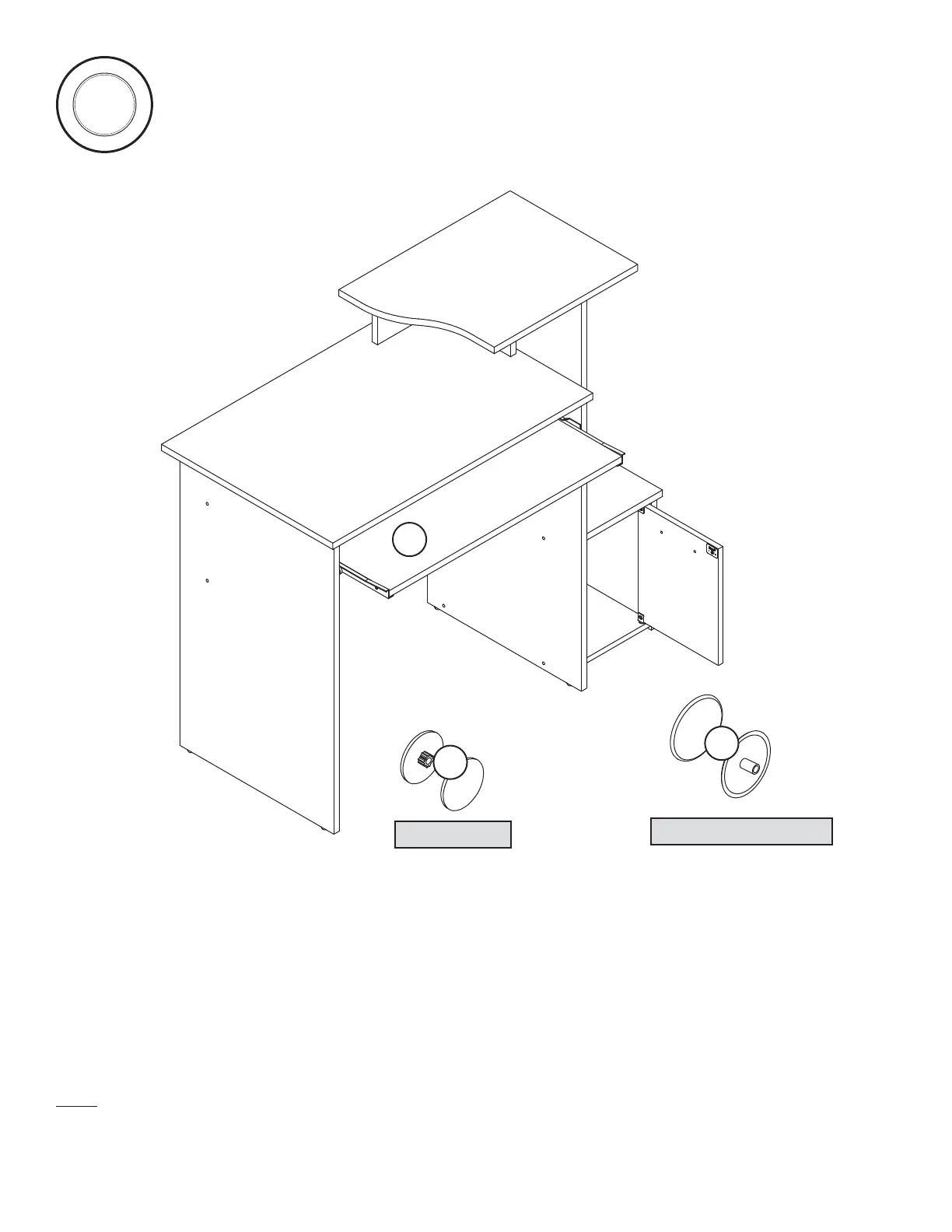
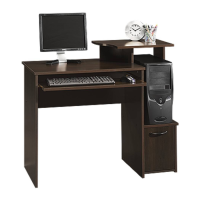
To insert the KEYBOARD SHELF (M) into your unit, tip the front of the shelf down and drop the rollers on the shelf behind the
rollers on the unit. Lift the front of the shelf up and slide it into the unit.
Push a CAM COVER (BB) onto each HIDDEN CAM.
Cover the visible SCREWS with a SCREW COVER (CC). Center a COVER over the head of each SCREW and press firmly.
NOTE: Please read the back pages of the instruction booklet for important safety information. This completes assembly. Clean with
your favorite furniture polish or a damp cloth. Wipe dry.
14
S
t
e
p
To cover screws
To cover HIDDEN CAMS
(11 used)
(7 used)
BB
CC
15 lbs.
20 lbs.
25 lbs.
30 lbs.
50 lbs.
Page 18 www.sauder.com/services 408726
M




 To Next Page