Step 1
Look for this icon. It means a
video assembly tip is available at
www.sauder.com/services/tips
å
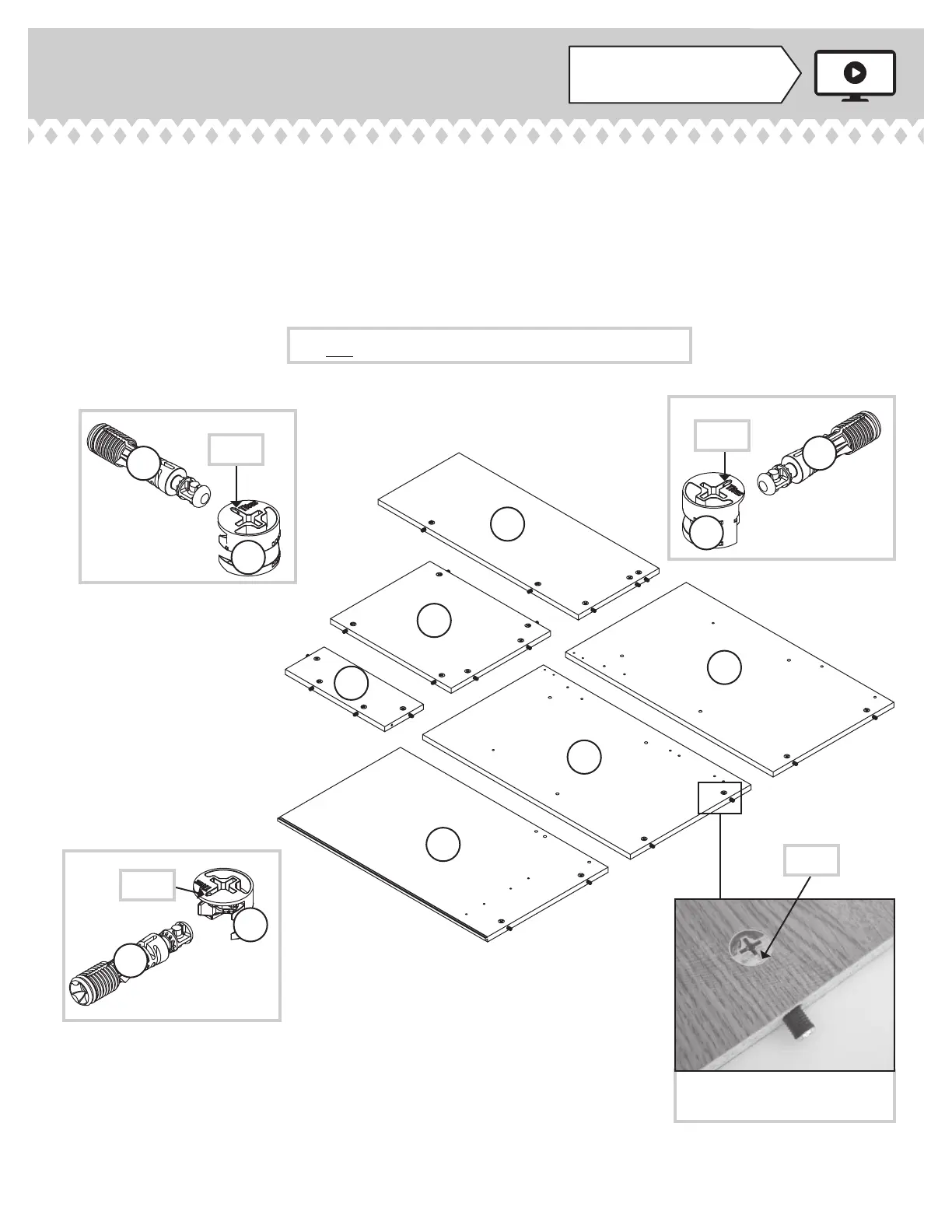
Assemble your unit on a carpeted fl oor or on the empty
carton to avoid scratching your unit or the fl oor.
å
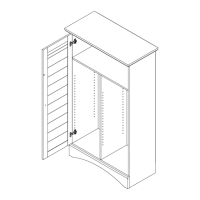
Push twenty-one HIDDEN CAMS (1F) into the ENDS (A
and B), UPRIGHT (C), BOTTOM (E), MODESTY
PANEL (F), and SHELF (G). Then, insert a CAM
DOWEL (2F) into each HIDDEN CAM.
Arrow
Do not tighten the HIDDEN CAMS in this step.
(21 used)
Arrow
Insert the metal end of the CAM
DOWEL into the HIDDEN CAM.
Arrow
408995 www.sauder.com/servicesPage 6
Arrow
B
C
A
F
G
E
1F
2F
1F
2F
1F
2F





 To Next Page