å
NOTE: You may need someone’s help in this step.
å
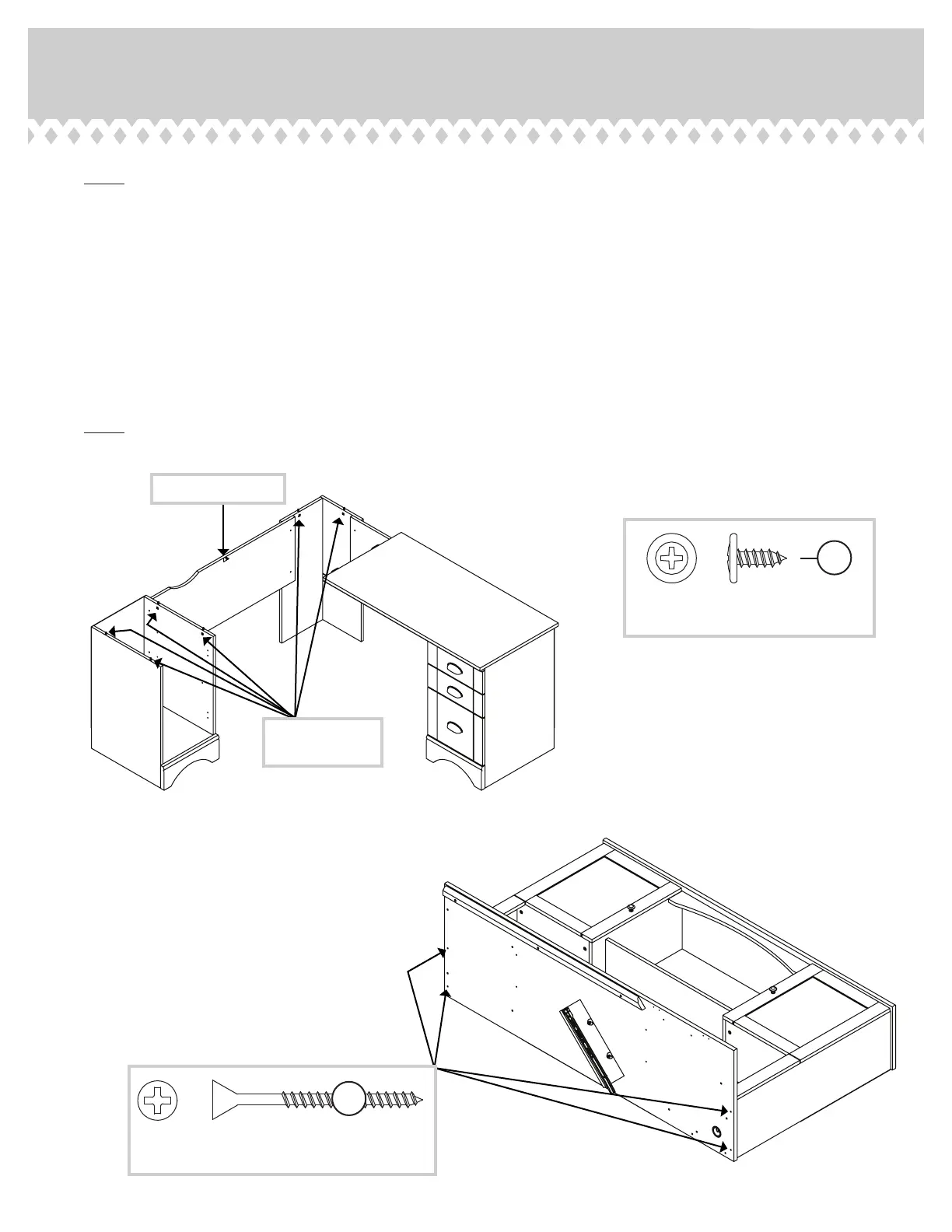
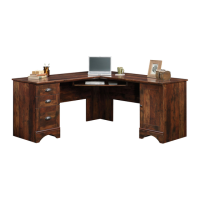
Remove KEYBOARD SHELF and DOOR from the 417586 Corner Computer Desk.
å
Loosen six Hidden Cams in the END, UPRIGHT, and CORNER that attach the desk top. Remove the BLACK 9/16” LARGE
HEAD SCREW above the MODESTY PANEL.
å
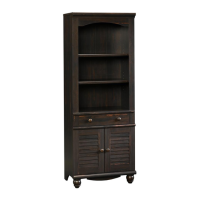
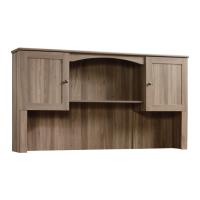
Remove DESK TOP and fasten it to your HUTCH. Use four BLACK 1- 7/8” FLAT HEAD SCREWS (2S) into the pre-drilled
starter holes in the DESK TOP. Use a little extra force to start the screws.
å
Carefully, set the Hutch back onto the base unit. Tighten six HIDDEN CAMS.
å
Fasten the LARGE BACK (H) to the back edge of the DESK TOP. Use six BROWN 7/16” LARGE HEAD SCREWS (6S).
å
NOTE: There are no pre-drilled holes in the back edge of the DESK TOP. Use a little extra force to start the screws.
Step 16
417587 www.sauder.com/servicesPage 20
BROWN 7/16" LARGE HEAD SCREW
(6 used for the LARGE BACK)
6S
Remove this screw.
Loosen these
HIDDEN CAMS.
BLACK 1-7/8" FLAT HEAD SCREW
(4 used for the Desk Top)
2S
OPTION 1



 To Next Page