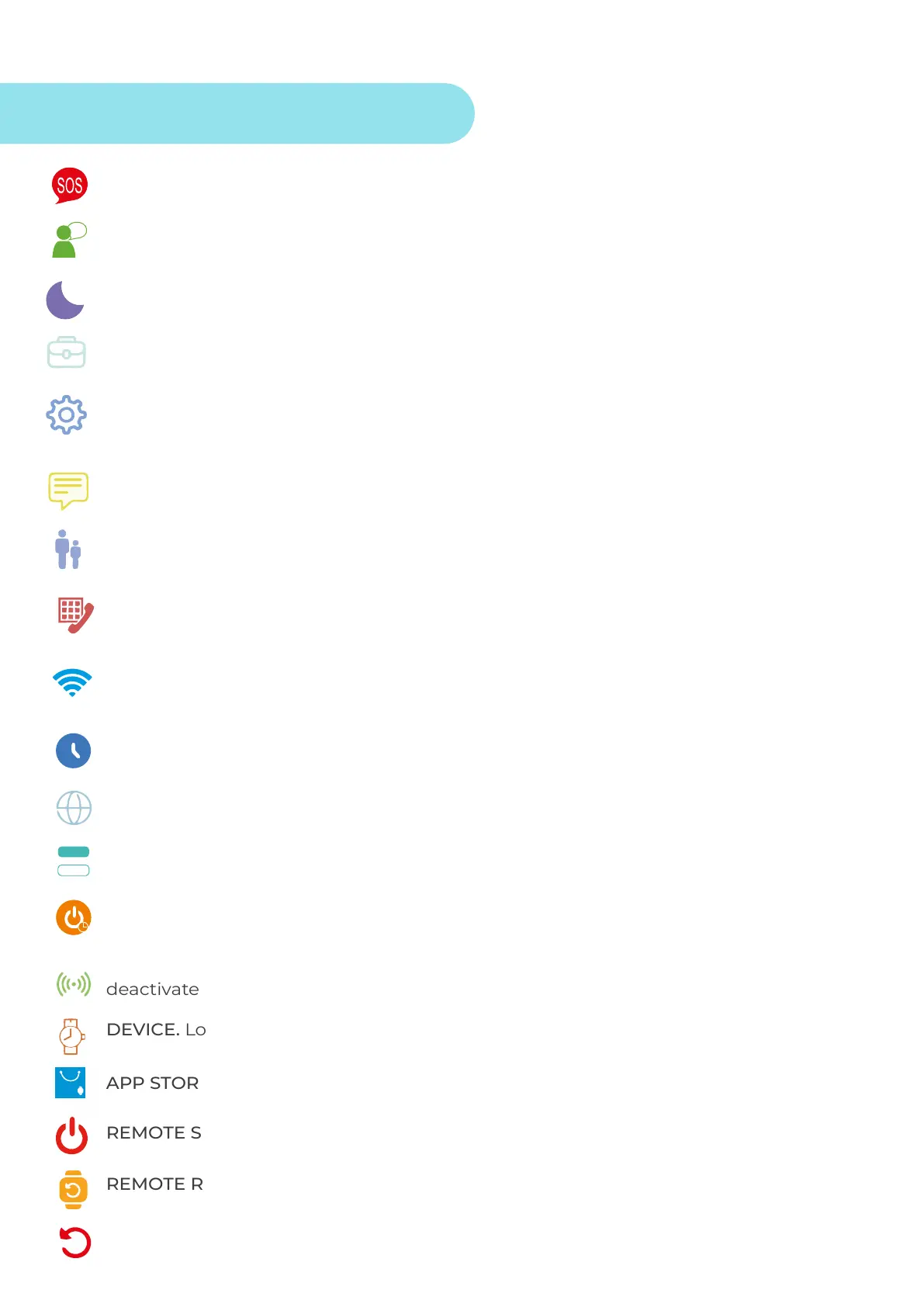
SOS. Add up to 3 telephone numbers for emergency calls.
WORK MODE. Device tracking update period.
CONTEXTUAL MODE.
Switch between the different sound profiles of the watch; mute,
vibration, sound...
App users.
SMS ALERT SETTINGS. Activates or deactivates the SMS alert on low battery and
SOS (Additional cost SMS).
AntiSpam phonebook. Enter the phone numbers that can call the device
and vice versa.
VOICE. Listen in remotely. Enter the phone number to receive the call (not the
number on the watch).
The clock will be disconnected from the
mains between 22:00h and 06:00h.
TIME ZONE SELECTION. GMT: +1:00 (Peninsula and Balearic Islands). GMT:00:00 (Canary
Islands).
Select the desired language.
DEVICE. Locates the device by sound alert.
Turns the smartwatch off. Switches on from the device.
REMOTE REBOOT. Resets the smartwatch. Resets while the smartwatch is on.
RESET DEVICE. Reset the clock to factory settings.
Device-based number dialling option.
The clock will automatically switch on or off at a set time.
LBS. Location in remote areas where GPS and WiFi are not available. Always keep it
deactivated.
WIFI CONFIGURATION. Activate WiFi networks so that the watch can connect and
knows which WiFi it is connected to.
Find all the apps you can download on your watch.
App Settings



 To Next Page