9
8 ACCESSING EVEN MORE INFORMATION
By pressing the Top Button (TB) briefly the Saveometer will instantly show you even
more information. Each short consecutive press of the button shows the following:
Backlight turns on. If
already illuminated
move to 2 below…
The back light remains illuminated whenever the
display is placed on a charging base. When turned on
the back light illuminates the display & also the cost
threshold LED’s. To conserve battery life, when
removed from a charging base the backlights remain
illuminated for 5 minutes and may be turned on or off
at any time by briefly pressing the key marked S
This is the total cost of electricity used since you last
reset the Saveometer (see mode 6 later in this guide)
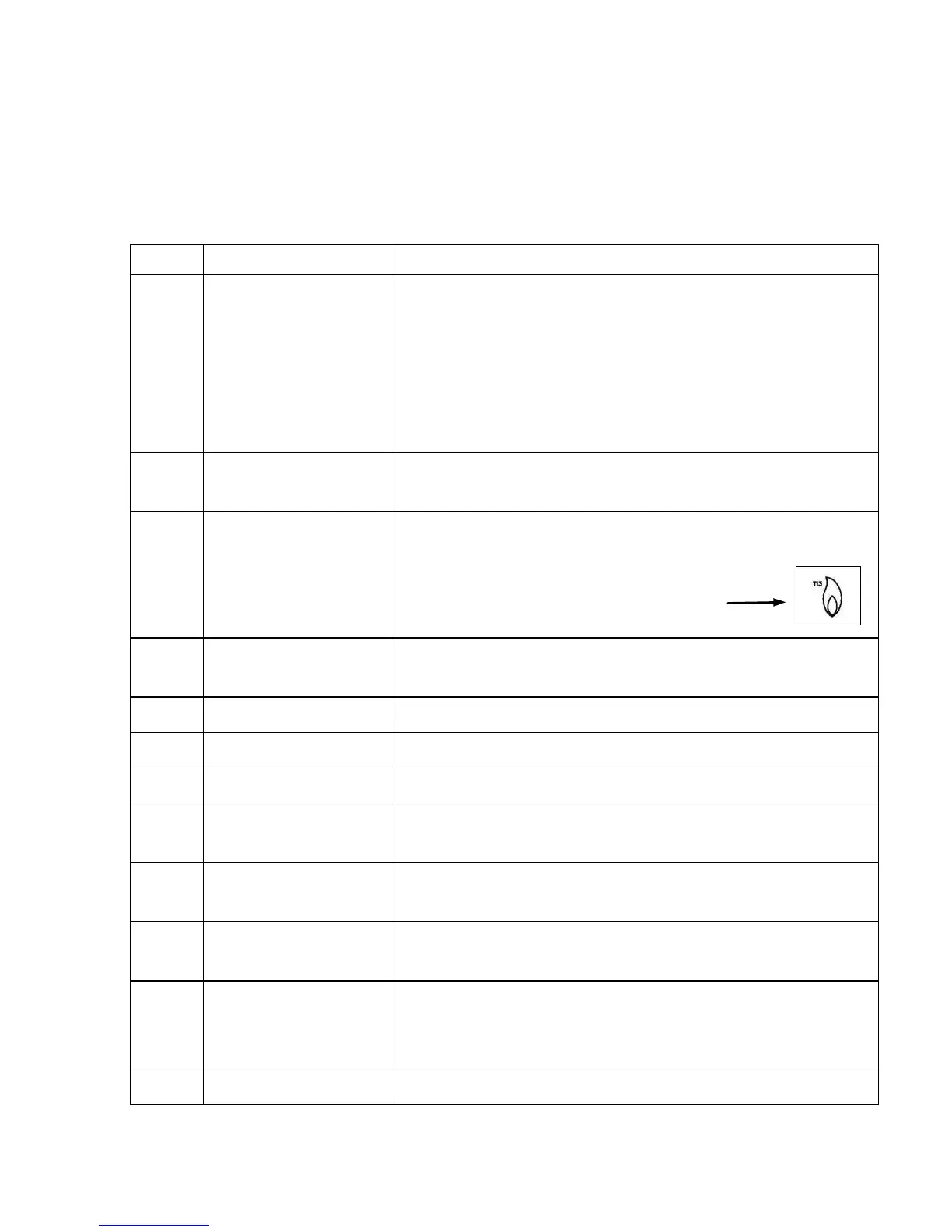
A gas transmitter will be required to be purchased.
This mode shows the total cost of gas since you last
reset the Saveometer
A symbol denoting gas is also shown
The cost of electricity used in the previous week,
ending on Saturday at 12.00 pm
Cost of electricity used in previous calendar month
Cost of electricity used in previous calendar quarter
The cost of electricity used in the previous year
How many kWh (Kilowatt hours or “units”) of
electricity used in the current month
How many kWh (or electricity “units”) you have used
so far in the current year
How much (in Kilograms) CO
2
created to produce the
electricity used in the current calendar month
How much (in Kilograms) CO
2
has been created to
produce the electricity you have used in the current
calendar year
Saveometer reverts to normal default display cycle


 To Next Page