10
9 HOW TO CHANGE SETTINGS
Getting the best from the Saveometer PSM
You can personalise your Saveometer and make it even more accurate for your
particular home, office or commercial premises. During manufacture the variable
choices are set to default values, all of which can be varied and tailor made to your
own personal choice. It is quick to carry out, each setting using the same procedure.
Starting on page 11 is a description of the settings that may be varied, together with
the default values that have been set during manufacture. Each is changed using a
separate mode, and to change any setting the procedure is identical.
How to change settings
1 Press the top button for 5 seconds until display shows
“TIME+DATE”, release button and mode “01” will blink
where the temperature is normally seen
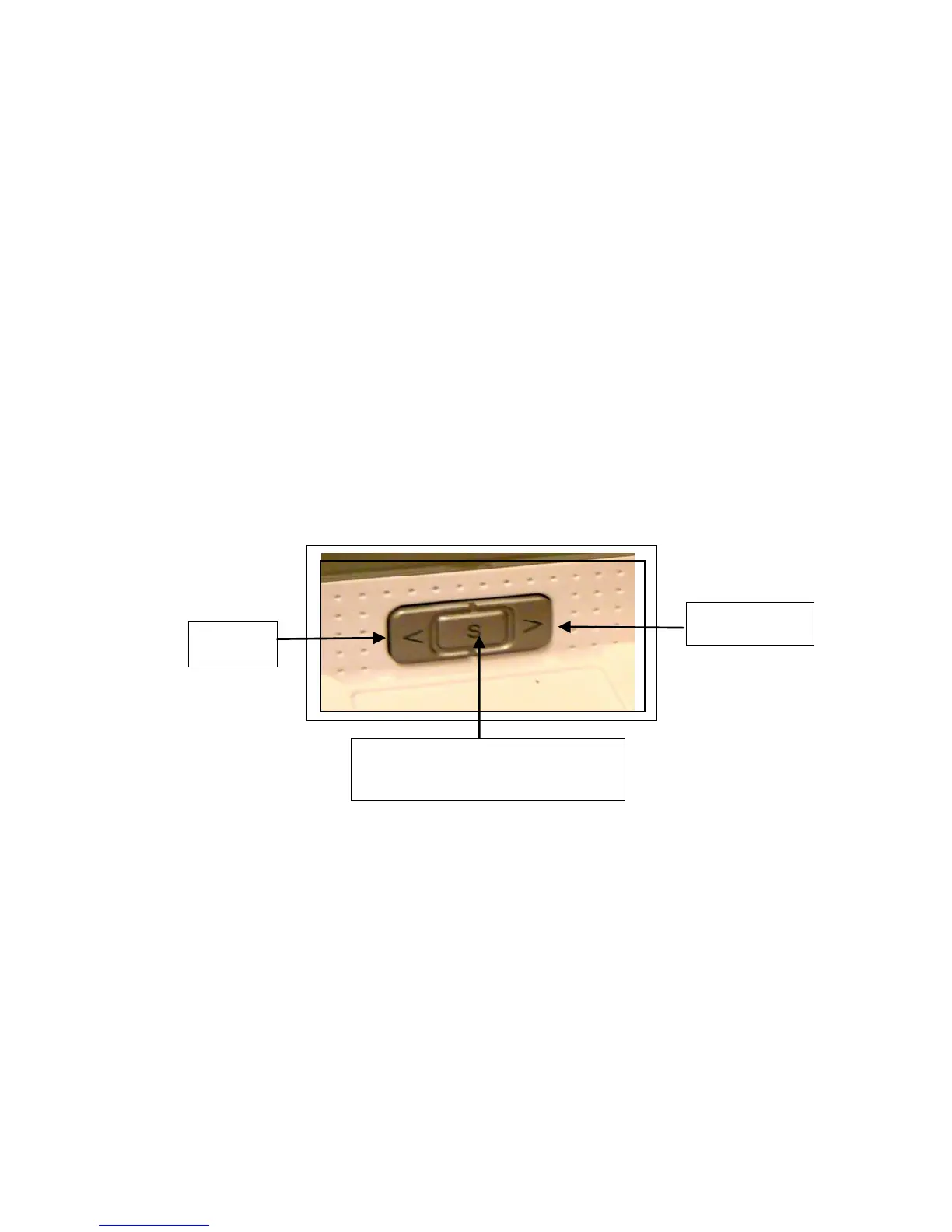
2 Use the < and > keys to select the mode you require
3 Press S to select the mode
4 Use the < and > keys to vary the values as you wish
5 Press S to finish, when the display shows “DONE” and reverts to
the normal default electricity cost / hour
The same procedure is used to change any mode or setting. If at any time you wish to
stop setting a mode, press the top button and you will immediately return to the default
display and your actions within the mode will be ignored.


 To Next Page