4
UK USER MANUAL
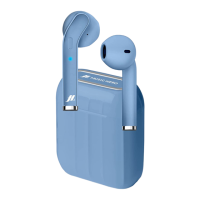
Charging the base.
Get a USB / micro-USB cable: insert the micro-USB side
into the “A” socket of the charging box and the USB side
into a PC port or a travel charger. The LED (B) will light up
as flashing red during recharging and turn fixed blue when
fully recharged.
Charging the earphones.
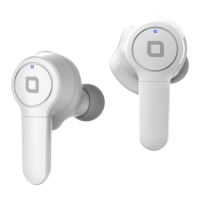
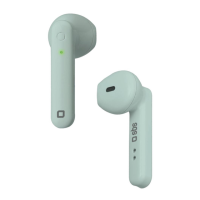
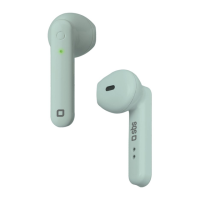
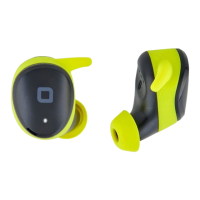
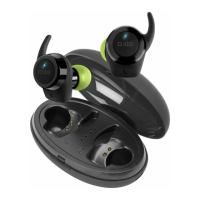
Place both earphones in the charging box: the LEDs (C) will
illuminate fixed red to indicate that charging is in progress. When
charging is complete, the red LEDs turn o.
Activation and pairing
Make sure you have turned o Bluetooth® on your smartphone.
Remove the completely recharged earphones from the charging
box and wait a few seconds for them to pair with one another - a
message and a flashing blue LED light will confirm the pairing. At
this point activate Bluetooth® on the phone and select “SBS TWS
SOLID” from the list of devices found. A message will confirm
pairing. If only one earphone has been paired by mistake, unpair
it and repeat the procedure from scratch. Pairing will take place
automatically after the initial association.
Functions summary.
• Answering a call: touch MFB once quickly
• Ending a call: touch MFB once quickly
• Declining a call: touch and hold MFB for about five seconds
• Volume up: touch left MFB quickly
• Volume down: touch right MFB quickly
• Voice commands: touch quickly three times
• Recall the last number: touch the MFB key four times quickly
• Play / pause music: quickly touch MFB during playback
• Previous track: touch right MFB for about three seconds
• Next track: touch left MFB for about three seconds
Power o.
Touch the MFB keys until LED “C” flashes red once to indicate that
power has been turned o.






 To Next Page