4
UK USER MANUAL
Fully charge the product before use.
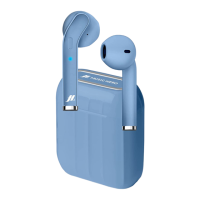
To charge the base: using a USB/Type C cable, insert the Type
C side into the socket of the box and the USB side into a travel
charge or USB port of a PC. The four LEDs will begin to flash in
succession, indicating the progress of charging. They will turn o
when charging is complete.
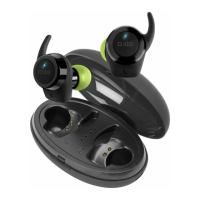
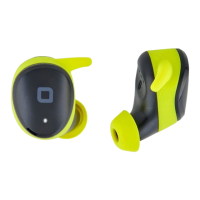
Charge the headset: insert the headset into the earphone
compartment of the box, the red led on the headset will light up.
When charging is complete, the LED will turn o.
IMPORTANT
remove stickers from earphones when first used.
Turning on and pairing.
Make sure the Bluetooth® on your smartphone is switched o.
Remove the earphones from the box and wait a few seconds until
the two earphones pair up (right LED flashes blue and red). Once
paired, turn on Bluetooth® on your phone and proceed to search
and pair the headset.
Power o.
Reinsert the headset into the charging box or press the MLF
button for 5 seconds.
Summary of main functions.
Function Action Button
Play/pause
Previous track
Next track
Answer/end call
Reject call
Volume +
Volume -
Voice assistant
One tap
Long touch about 3 seconds
Long touch about 3 seconds
Press once
Long touch about 2 seconds
Rapid double tap
Rapid double tap
Rapid triple tap
Left or Right
Right
Left
Left or Right
Left or Right
Right
Left
Left or Right





 To Next Page