22
d. e.
000000
1
iidn1
0.0 0 0 Fun 3
a. b. c.
iidn
F 3
f.
PRINT
0.0 0 0 Fun 4
a. b.
c.
Midn
F 4
d. e.
id1L
id1u
1
Mid1
i
...
0 9
1 2
1 2
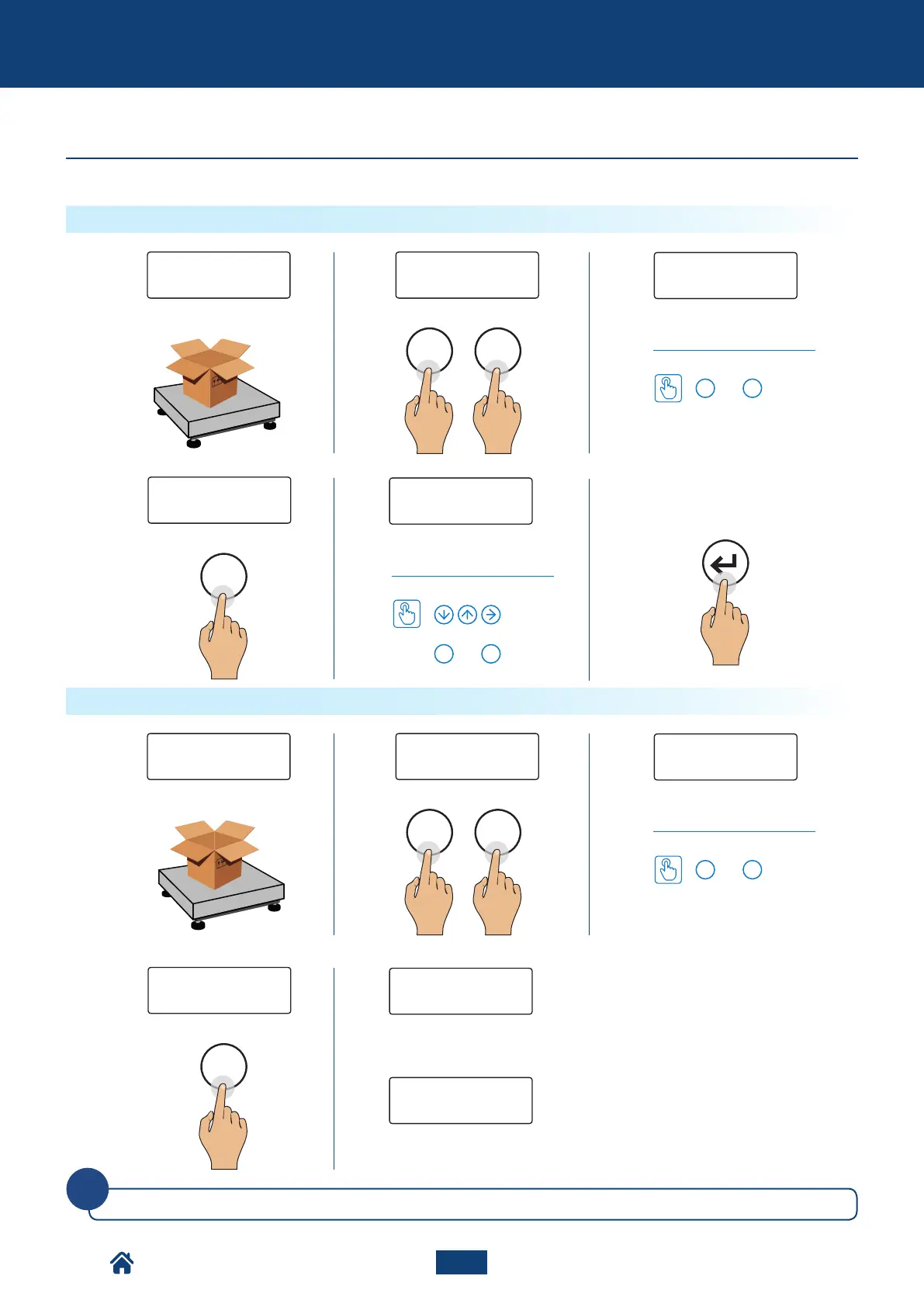
How to set the value
or
Select the memory.
How to set the value
or
NUMERICAL IDS
Select the memory.
How to enable automatic ID deletion
How to set the value
Automatic deletion disabled.
Automatic deletion enabled: the entered
ID will be deleted automatically when the
pallet truck is completely unloaded.
The numerical IDs zero automatically when turning o the scale.
Enter the required ID
(up to 10 digits)
or
The instrument is fitted with 2 memories for the temporary registration of numerical codes that can be used to identify the prod-
uct, the operator, the lot etc… These codes, if entered, will be present in the ticket when printing.
Additional function for models with numerical keyboard
How to enter the ID
NU2-IPC20_50-E-0918



 To Next Page