49
tik.res
I
o n.p ri n
autoff
G
tare
loCk
unloCk
off
auto
C
on.prin
H
autoff
no
yes
A
B
C
D
E
F
G
H
I
J
K
L
=
=
=
=
i
C
alibi
setpnt
filter
tare
o n.pr i n
reset
diaG
sCreen
autoff
t i k.r e s
Clock
preC.10
MENU
Manual Vaux port switching on (switching on
printer, radio module or other device powered
via Vaux)
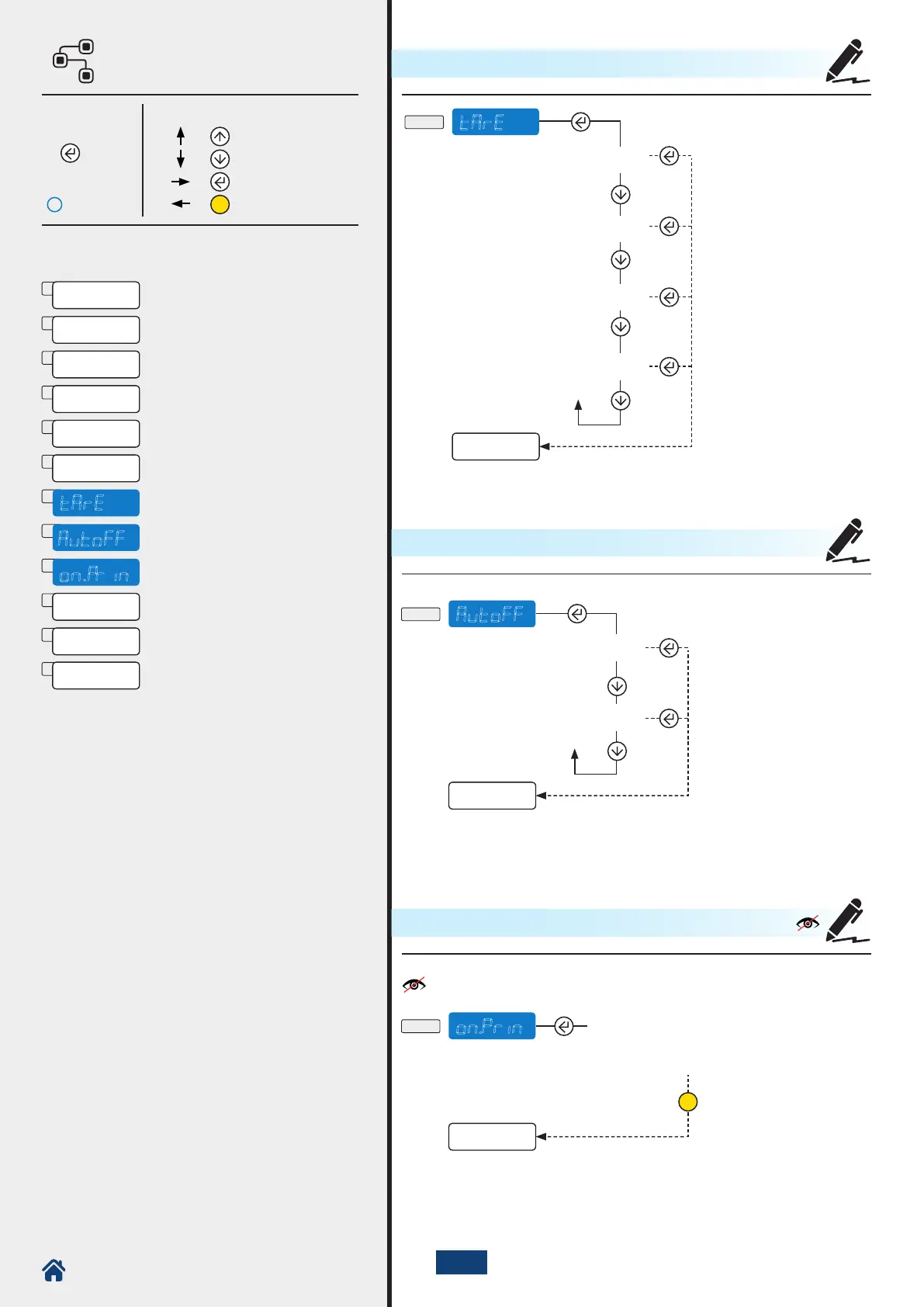
The tare is saved.
Manual deletion.
Tare automatically deleted
when scale is unloaded.
Tare functions inhibited.
Tare automatically carried
out when weight is stable.
Visible only if there is an integrated printer.
How to enter How to browse
Page 44
1. 5 Sec.
ARE - TARE
autoff - AUTOMATIC SWITCHING OFF
on.prin - MANUAL PRINTER SWITCHING ON
NU2-IPC20_50-E-0918



 To Next Page