EasyManua.ls Logo

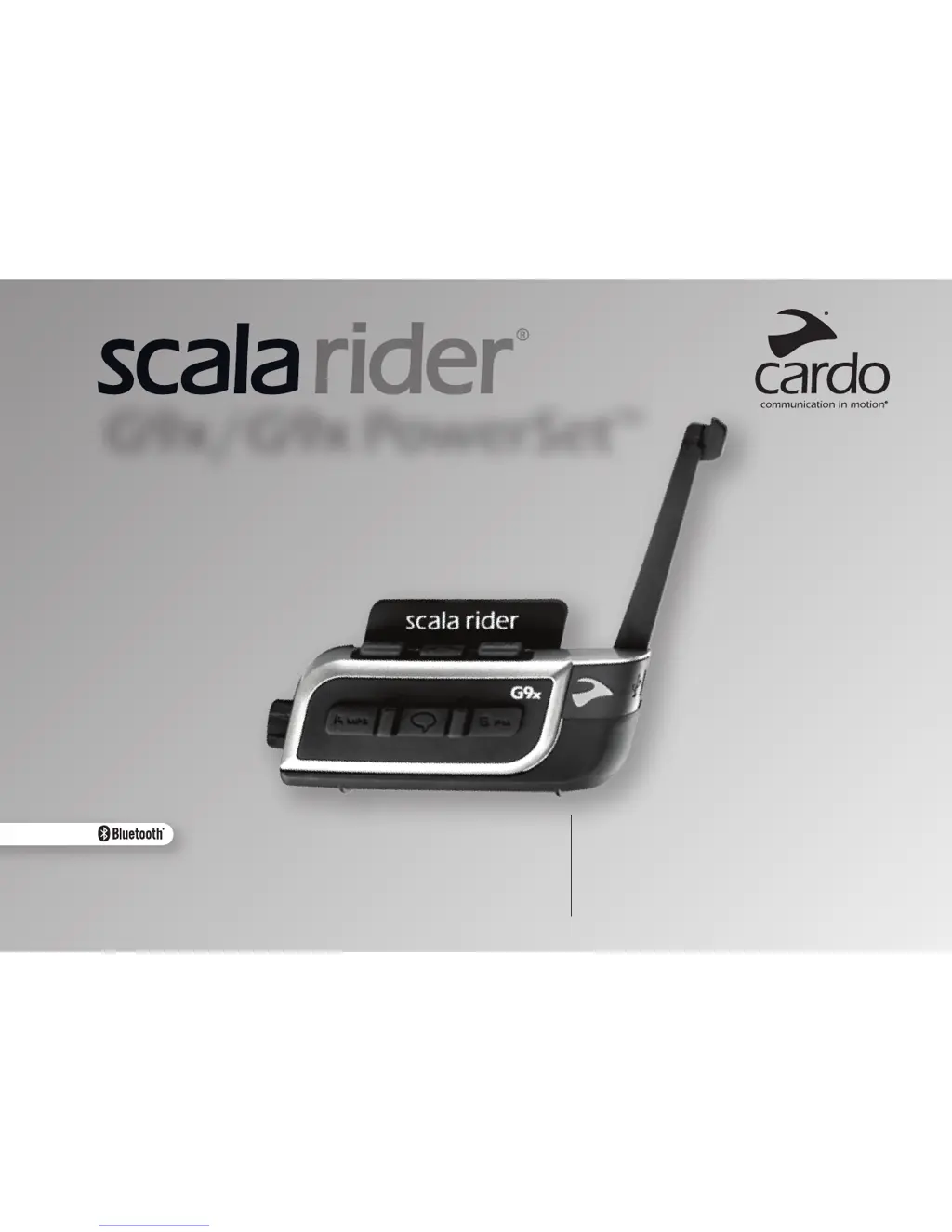
scala rider G9x - User Manual

scala rider G9x
18 pages
Print Icon
To Next Page IconTo Next Page
Loading...
User
Guid e
User
Guid e
Guia do Usuário
Руководство пользователя
Användarmanual
G9x / G9x PowerSet

Questions and Answers

Summary

Charging the Scala Rider G9 x

Getting Started with Scala Rider G9 x

Voice Command and Device Settings

Voice Command Operations

Covers voice control features for hands-free operation of various functions.

Voice Connect (VOX) Functionality

Scala Rider G9 x Intercom System

One+8 Intercom Toggling Mode

Details the "One+8" intercom feature for connecting with multiple buddies.

Calling One+8 Intercom Buddies

Explains how to initiate intercom calls with "One+8" buddies via voice or manual mode.

Intercom with Channels A and B

Describes multi-party conversations using Intercom Channels "A" and "B".

Pairing Intercom Channels A and B

Details the process of pairing intercom channels "A" and "B" with other devices.

Calling Intercom Channels A and B

Explains how to initiate intercom calls using Channels "A" and "B".

Click-to-Link (CTL) Intercom Mode

Introduces the spontaneous Click-to-Link intercom feature for connecting without prior pairing.

Pairing and Using Mobile Phones, GPS, and MP3 Players

Built-in FM Radio Functionality

Troubleshooting Common Issues

Health and Safety Precautions

scala rider G9x Specifications

General IconGeneral
Audio MultitaskingYes
Voice CommandYes
Intercom RangeUp to 1.6 km (1 mile)
Music SharingYes
Voice ControlYes
Voice PromptsYes
Range1.6 km (1 mile)
Battery LifeUp to 13 hours talk time
Number of Intercom Users4
FM RadioYes
ProfilesA2DP, AVRCP

Related product manuals