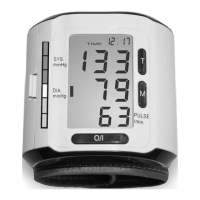
The year blinks in the top right corner of the display.
Set the year with the 0/I-START button.
When the correct year is set, press the TIME button again. Now the 1
blinks in the top right corner of the LCD. It stands for the month.
Set the month with the 0/I-START button.
Another press of the TIME button sets another 1 blinking. It stands for
the first day in the month. Set the day with the 0/I-START button.
Another press of the TIME button takes you to the clock setting – the
hours blink. As earlier, set the clock with the 0/I-START button.
Pressing the TIME button advances to the minutes setting.
Set the minutes with the 0/I-START button.
A final press of the TIME button completes the setting of the date and
time.
How to obtain correct measuring results
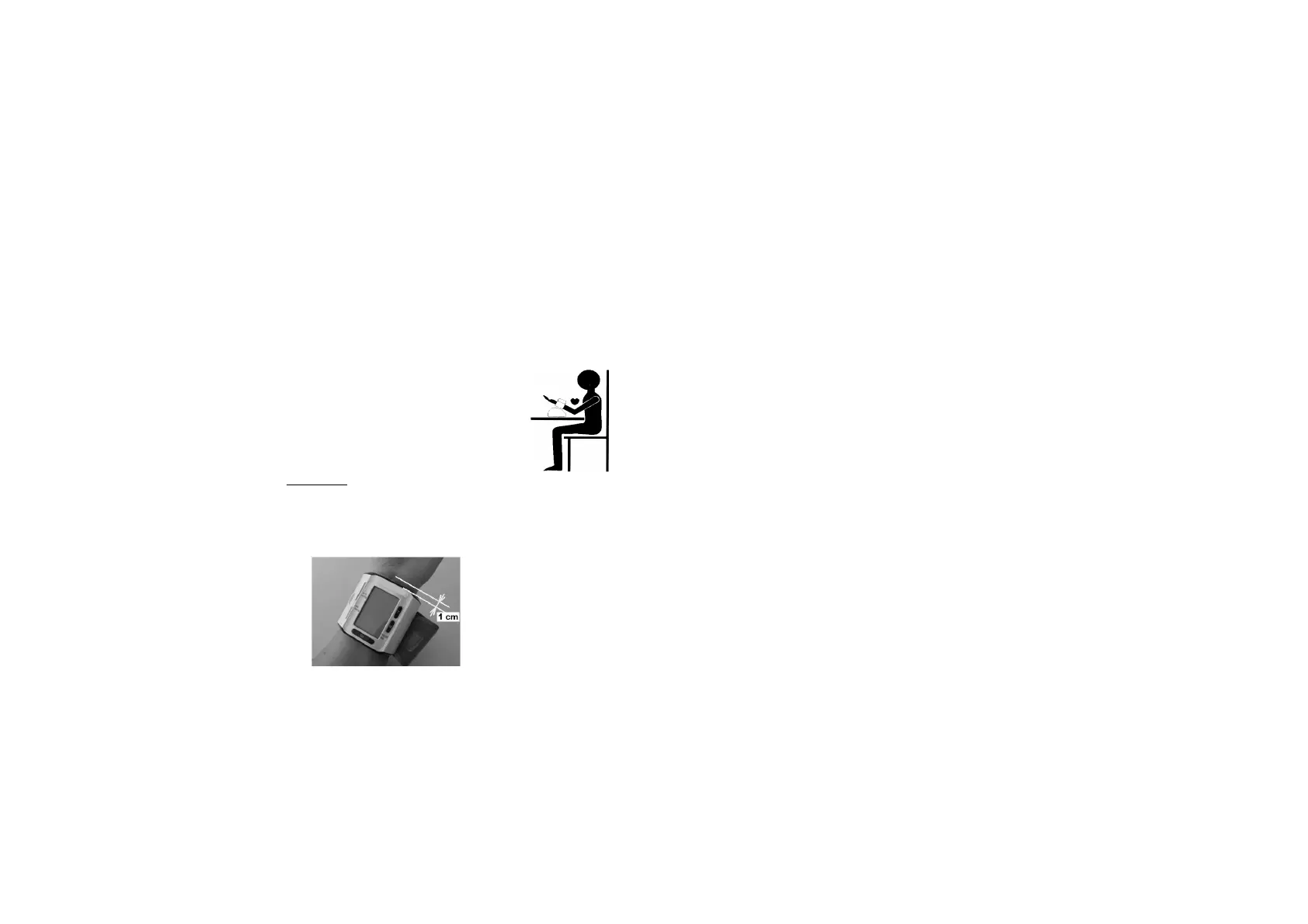
To obtain correct readings, measure the
blood pressure always under the same
conditions, at rest, not under the effect of
alcohol, not during meals, not after heavy
physical or mental stress. If possible, sit
down at a table for the measurement.
Please note: The blood pressure monitor must be at heart level during
the measurement, otherwise wrong readings are obtained.
The measuring method
Put the cuff around your left wrist making sure that the device rests on
the artery and the top edge of the device is about 1 cm away from the
wrist joint (Please see the enclosed photo).
The cuff should be applied
with moderate tightness.
Pressing the 0/I-START button starts the automatic measurement.
The cuff inflates to approx. 190 mmHg pressure.
The automatic deflation starts the measurement. After about 3
seconds, a heart icon starts blinking in the LC display. If a Korotkoff’s
sound is detected already at that time, it means a systolic pressure
3
of more than 150 mmHg. Then the monitor re-inflates (to about 220
mmHg). At the end of the measurement, the result is displayed in the
LCD and the cuff deflates.
Aborting a measurement
You can stop the measurement at any time by pressing the 0/I-START
button. The BP monitor deflates the cuff instantly.
The memory function
The SC 6400 can store up to 85 measurements in the memory area.
Together with each measurement (systolic, diastolic and heart rate),
the date and time are also saved. The measurement with the longest
residence time in the memory is assigned number 1. All other
measurements increment by one until number 85. Then the memory is
full. The next measurement occupies memory location 85. The
measurement formerly at location 85 changes to location 84 (etc.,
8382 .... 21). The oldest measurement formerly at location 1 is
lost.
Memory recall
With the MEMORY button you can recall the memories.
Delete a blood pressure value from the memory
Press the MEMORY button to view the blood pressure value you want
to delete. Pressing the 0/I-START button instantly (and holding it for at
least 4 secs.) displays:
dEL (for "delete") and the number of the memory location.
Press the 0/I-START button instantly and the value will be deleted.
Delete all blood pressure values in the memory
Press the MEMORY button to display any blood pressure value.
Pressing the POWRER key instantly (and holding it for at least 4
secs.) displays:
dEL (for "delete") and the number of the memory location
Press the MEMORY button instantly and the LCD displays:
dEL (for "delete") and ALL (for all memory locations).
Press the 0/I-START button instantly and all values will be deleted.
Time and date are not deleted.
4


 To Next Page
 Loading...