10
CONNECT CARS -
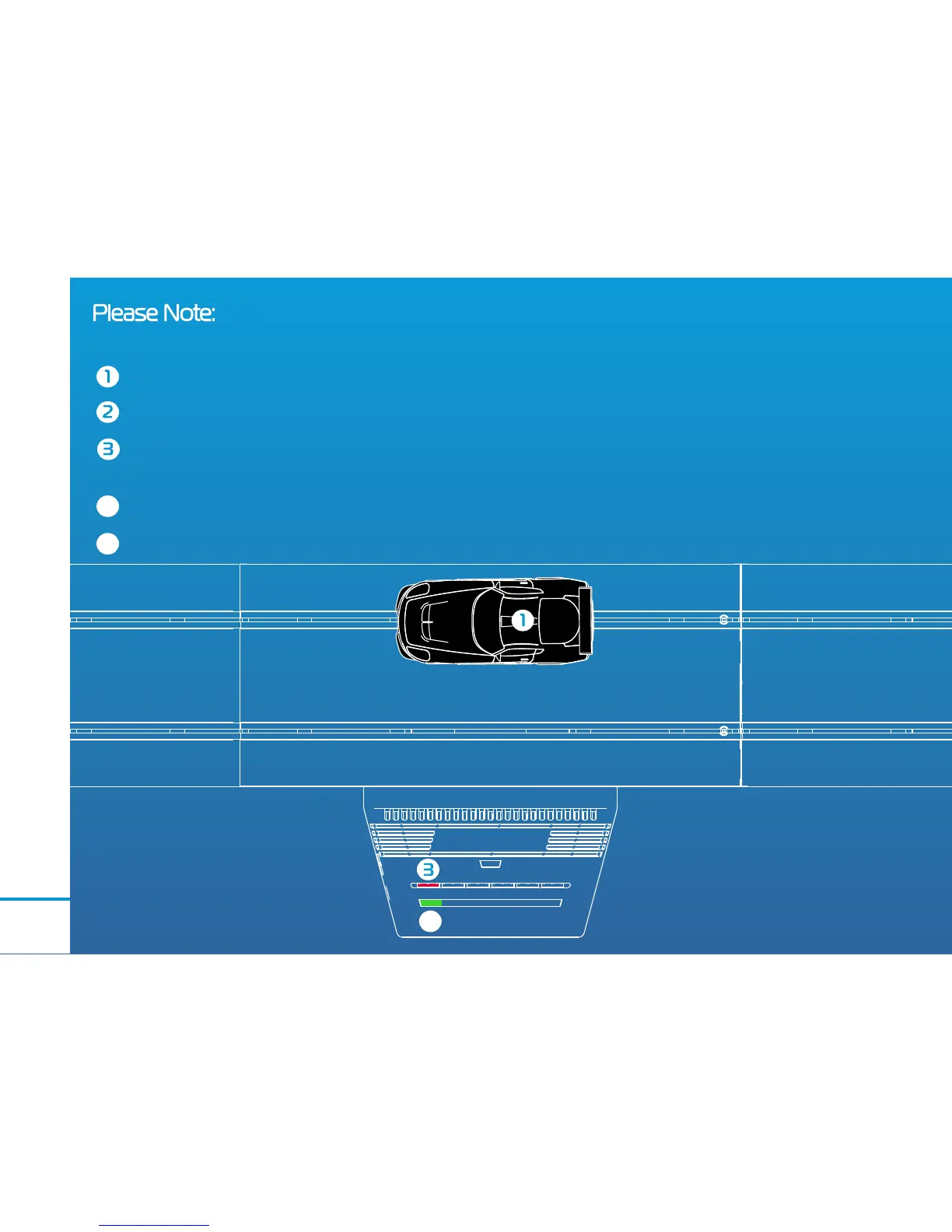
Place car onto track. (NOTE; only 1 car on the track at a time)
Ensure the controller is switched on.
Double press the coloured button on the powerbase to connect your car to the
corresponding controller. This will cause the LED to ash.
When LED glows solid green, the car is connected.
Gently pull trigger to test connection.
4
5
Please Note: Your car should already be connected to the controller. However if it is not, or
you wish to connect your car to a different colour, please follow the steps below
4
4
STAGE



 To Next Page