38 TUTORIAL: PROCESSING DOCUMENTS
3.
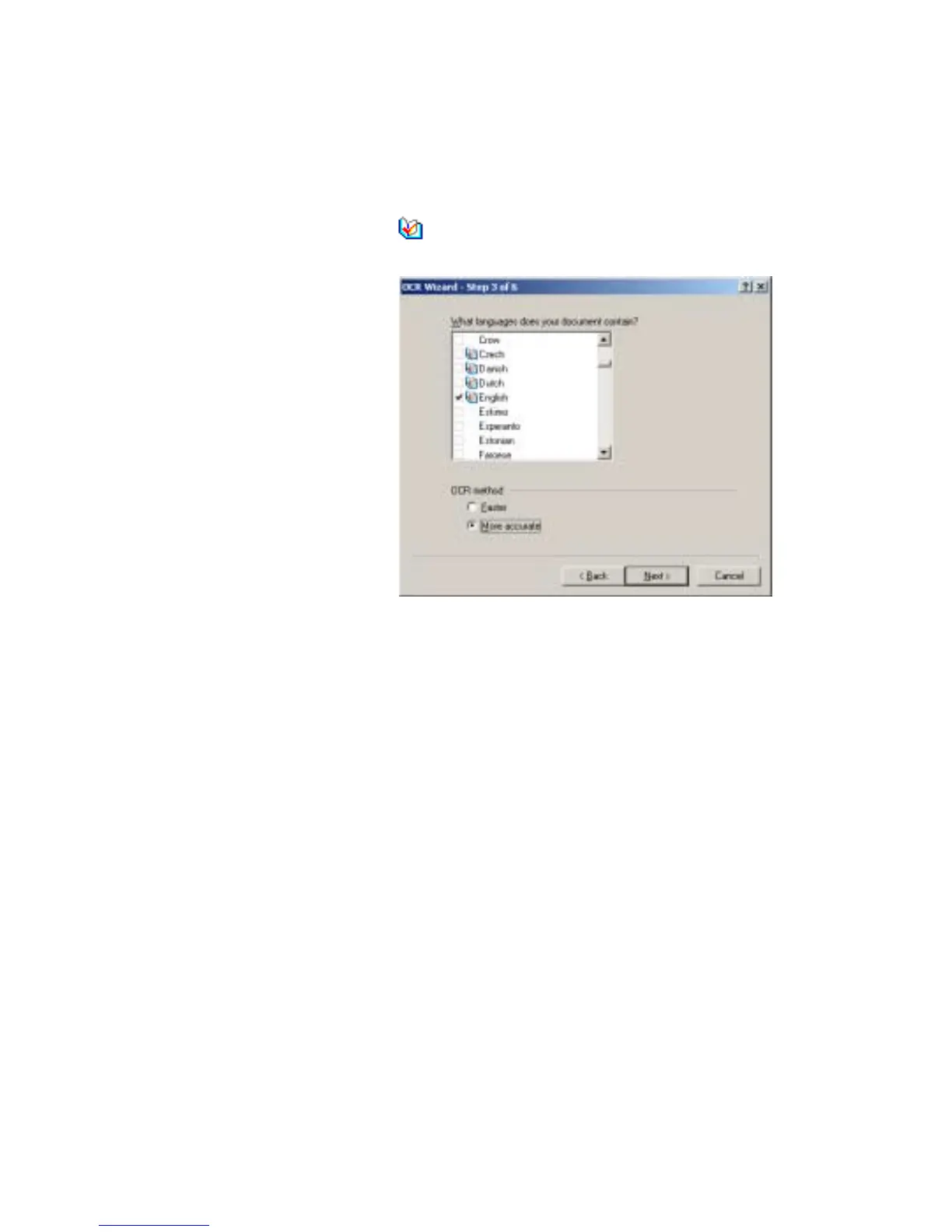
The third panel (shown below) lets you define recognition languages
and decide OCR method. Languages with dictionary support have
the icon .
4.
The fourth panel lets you define the formatting level to be applied to
your document for display and export. See chapter 4 for more
information.
5.
The fifth panel asks if you want to proofread the text before export. If
you choose Yes you can also edit the text before saving. You also
decide whether to create and use IntelliTrain data during proofing.
See chapter 4 for more information.
6.
The last panel asks you to define the export choice: saving to file or
copying to Clipboard. After setting the choice, click Finish to close
the Wizard and start the automatic processing.


 To Next Page