TO READ THE LOG
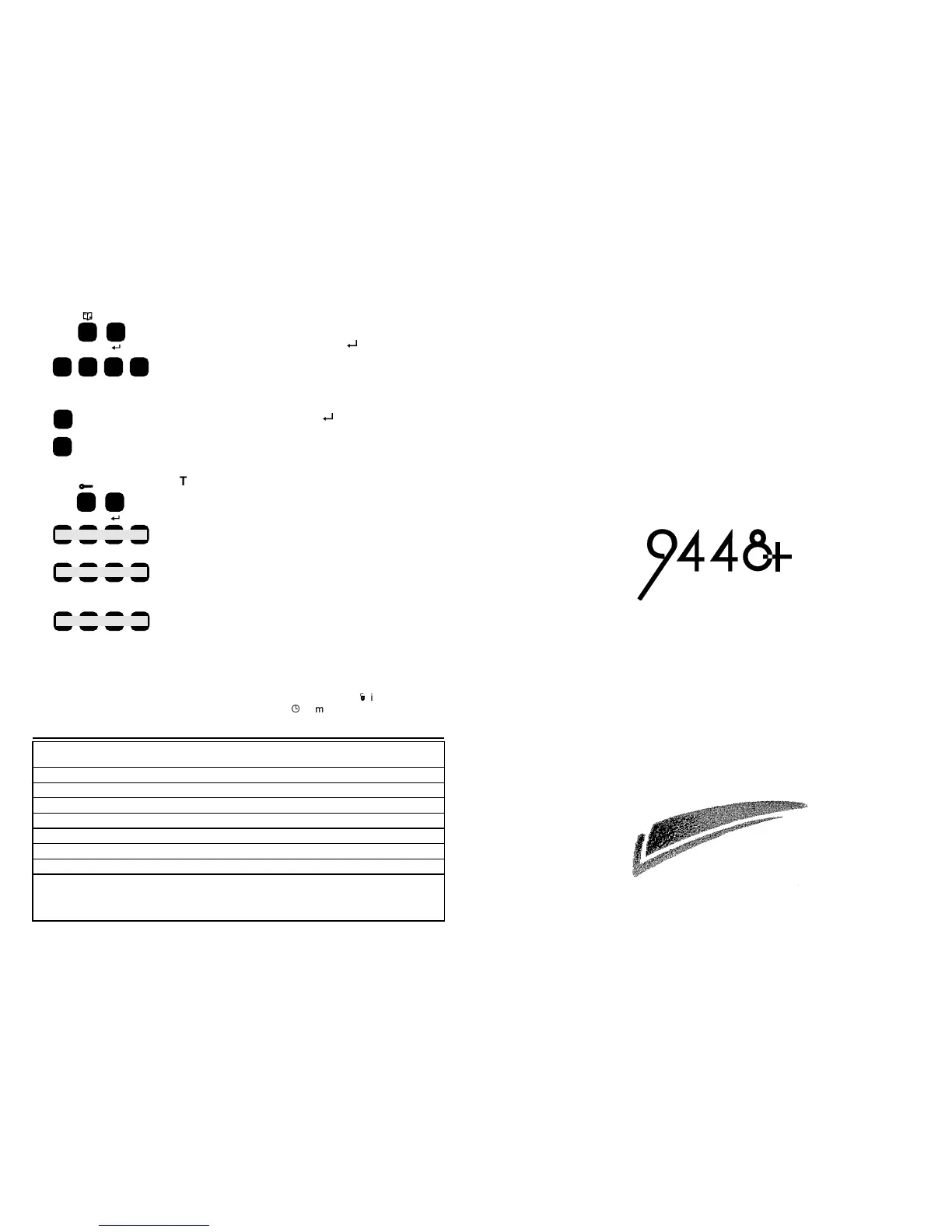
The system keeps a log of the last ten alarm or tamper
events. To read the log key in 8 then
R
followed by your
user code. The system switches on the zone or Tamper
lights to show you the most recent event. If you want to
see earlier events then press << (the 1 key). To see
more recent events press >> (the 3 key). The keypad
gives a short tone when you reach either end of the log.
To leave the log press OMIT or
R
.
TO CHANGE YOUR USER CODE
Your system provides two separate four digit user codes.
When the system is new, the user codes are 1234 and
0000. Change the 1234 user code immediately to a
number that only you know. The new code can be any
four digit code you choose EXCEPT 0000.
The 0000 user code is inactive and will not operate the
system. To activate the second user code change the
0000 to another four digit number. To inactivate the
second user code again, change it back to 0000.
DO NOT use the same number for both user codes.
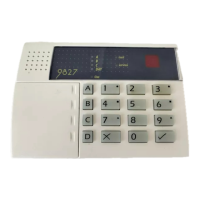
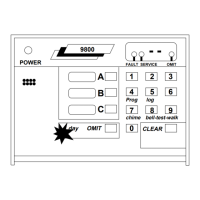
Note: The control unit does not use the
D
light on the
keypad. Also, ignore the
t
symbol over the 9 key, it has
no function on your system.
HARDWIRED CONTROL
PANEL
USER GUIDE
Scantronic
Leading the way in security
Zone Descriptions
Entry Exit Zone:
Zone 1:
Zone 2:
Zone 3:
Zone 4:
Zone 5:
Zone 6:
Installer Name:
Day Tel:
Night Tel:
Part No. 496237 Issue 4
Keypad shows most recent
event.
8
? ???
<<
>>
Earlier events.
Later events.
6
Your Existing Code No.
The New Four Digit Code
Two Bleeps from
Sounder
Two Bleeps from
Sounder
The Code to be Changed.
Followed by:


 To Previous Page