EasyManua.ls Logo

ScentAir ScentDirect SDD4004 - User Manual

ScentAir ScentDirect SDD4004
20 pages
Print Icon
To Next Page IconTo Next Page
Loading...
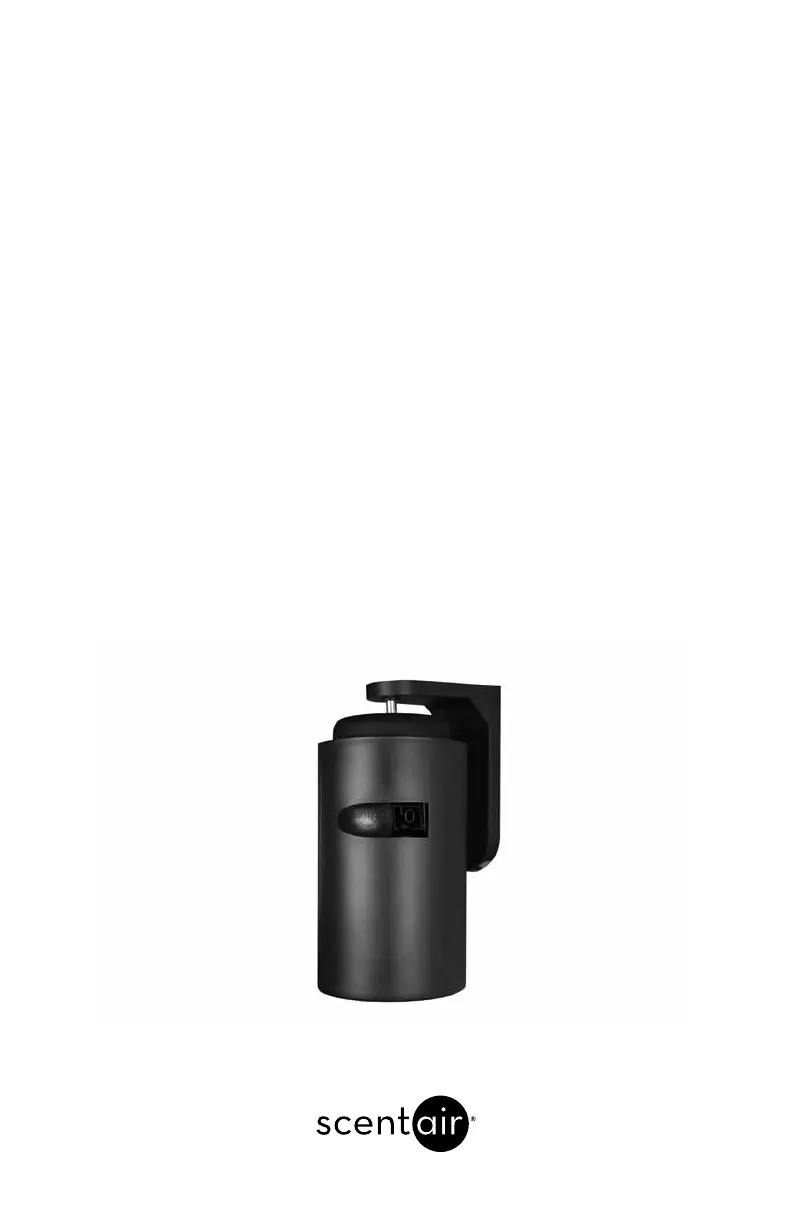
ScentDirect™ SDD4004
SCENT DELIVERY SYSTEM
Installation and Operation Instructions

Questions and Answers

  • B
    Brent JenkinsAug 3, 2025
    How to fix ScentAir ScentDirect SDD4004 Dispenser display if it will not turn on (Wall Mounted)?
    • P
      Paul RobertsonAug 3, 2025
      If the ScentAir Dispenser system display (Wall Mounted) won't turn on, first ensure the system is plugged in and the cord is properly connected to the top of the system. Check the outlet for power; if it has power, try another power supply. When plugged in, push the override button once to check the backlight. If the backlight turns on but there's no information on the LCD, the LCD is likely malfunctioning.
  • K
    Katherine Cohen DDSAug 16, 2025
    What to do if ScentAir ScentDirect SDD4004 Dispenser display will not turn on (Track Mounted)?
    • A
      Ashley WilliamsAug 17, 2025
      If the ScentAir Dispenser system display (Track Mounted) is not turning on, verify that the track light power is on. Also, check that the power is correctly plugged into the track mount cord and the ScentDirect™ system. When the machine is plugged in, press the override button once to see if the backlight activates. If the backlight illuminates but no information appears on the LCD display, the LCD is probably malfunctioning.

Summary

Installation

Determine Mounting Location

Guides users on selecting the optimal location for system installation based on airflow characteristics.

Wall Mount Installation

Provides step-by-step instructions for physically mounting the ScentDirect system to a wall.

Universal Track Mount Installation

Details the process for installing the ScentDirect system using an optional track mounting kit.

Cartridge Installation

Explains how to insert the fragrance cartridge into the ScentDirect system.

Cartridge Replacement

Provides instructions for removing and replacing the fragrance cartridge.

System Control Unit

System Set-Up

Programmed Events

Scent Intensity Screen

Explains how to adjust fragrance output intensity and duration for scheduled events.

Lockcodes

System Override

SD Card Programming

Troubleshooting

ScentAir ScentDirect SDD4004 Specifications

General IconGeneral
BrandScentAir
ModelScentDirect SDD4004
CategoryDispenser
LanguageEnglish

Related product manuals