13
GB
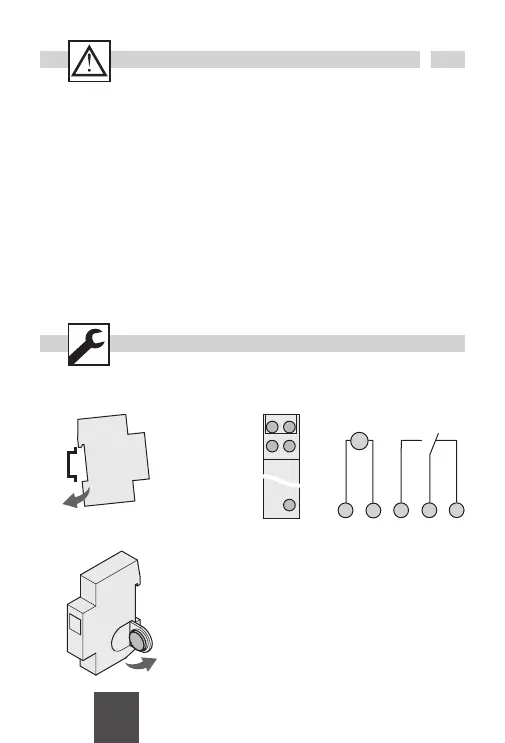
Installation on DIN rail Terminal diagram
1 2 3L N
M
~
C1
Battery change
Type: CR 2032
Attention!
· The battery change may only be carried out
by a qualified electrician!
· Isolate the device before replacing the
battery!
· Check battery polarity when replacing.
Safety precautions
· The connection and installation of electrical devices may only be carried out by a qualified
electrician.
· Interventions in and changes to the device result in the voiding of the warranty claim.
· Observe your national regulations and the respective safety provisions.
· Fixed and flexible conductors of up to 2,5 mm
2
may be attached to the external terminal clips.
· Flexible cables with a cross-section ≤ 1 mm
2
should not be attached.
General information
· Deactivation commands take priority over activation commands.
· If the power supply is correct, the dots shown between the hours and minutes (
HH:MM) are
displayed permanently. The dots flash if the power supply is interrupted.
· If there is no power supply, the position indicator display goes out after 1 minute (sleep-function).
· The whole display flashes the battery needs to be changed for up to 2 weeks to warn that.


 To Next Page
 Loading...