Schüco de
Commissioning instructions – Schüco DCS Touch Display 19
Dok-Nr.10000432116_01
The „100M“ LED indicates whether a transmission speed of 100 Mbps has been achieved
between the IP secure connector and the building’s internal switch at the „LAN“ RJ45 socket.
The IP secure connector is connected to the DCS Touch Display via the „DISPLAY“
connection.
The IP secure connector is connected to the building‘s internal switch/router via the
„LAN“ connection.
The IP secure connector is supplied with power by means of the connections on the reverse
side. In addition, further devices can be connected via two inputs and three outputs.
The „STATUS“ LED indicates the operating status of the IP secure connector.
See the following table for the meaning of the signals:
Display Meaning
Permanently lit In the paired mode, the IP secure connector is assigned to a
DCS Touch Display. No error has been detected.
Flashes slowly In the unpaired mode, the IP secure connector has not been assi-
gned to a DCS Touch Display. Even after the „PAIRING“ button has
been pressed, the „STATUS“ LED ashes slowly until the IP secure
connector has been assigned to a DCS Touch Display.
Flashes quickly In the alarm mode, the connection of the IP secure connector to the
building‘s network is broken and the PoE+ power supply to the
DCS Touch Display is disconnected (factory default).
Flashes slowly twice In the maintenance mode, the alarm is deactivated for 15 minutes
so that the DCS Touch Display can be removed.
Flashes quickly three times In the so-called weak alarm mode, the IP secure connector is
connected to a DCS Touch Display, however there is no connection
to the building‘s network (e.g. when the network cable is unplugged or
in the event of power failure).
Flashes slowly twice and
quickly once
In the update mode, new rmware is loaded into the IP secure
connector.
Flashes in an SOS rhythm In the rescue mode, an error occurred during the rmware update.
A window appears in the browser.
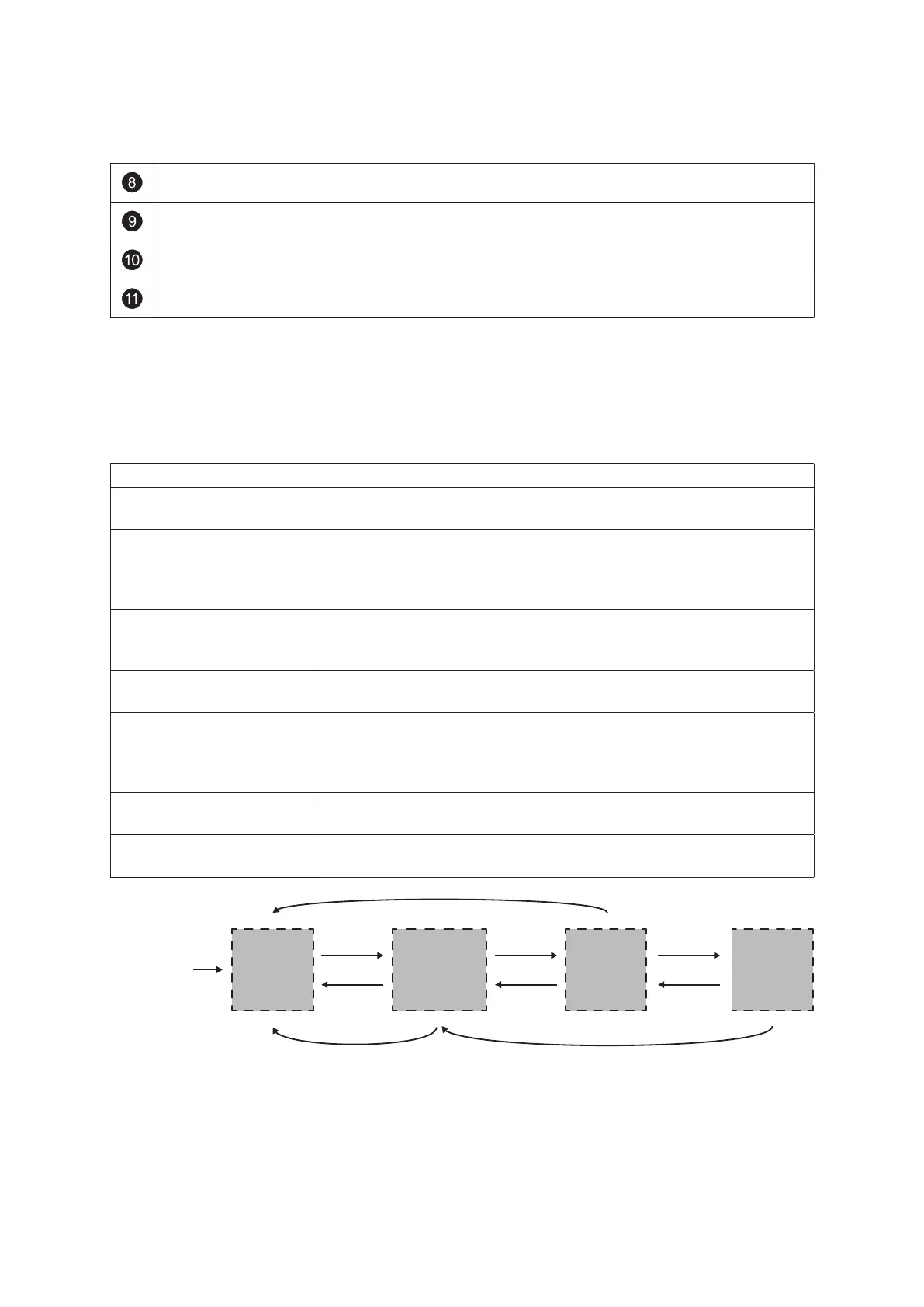
Alarm Mode
RJ45 sockets
IP Secure Connector
LAN: inactive
DISPLAY: inactive
Disconnected
Mode
RJ45 sockets
IP Secure Connector
LAN: 5 min active
DISPLAY: 5 min active
button “PAIRING”
pressed
5 min time window
has elapsed
Connected
Mode
RJ45 sockets
IP Secure Connector
LAN: active
DISPLAY: active
successfully
connected
button “PAIRING”
pressed
button “PAIRING”
pressed
restart
DCS Touch Display
Alarm Mode activated
via Theft Alarm (30 s delayed)
RJ45 sockets
IP Secure Connector
LAN: inactive
DISPLAY: active
Light
Alarm Mode
DCS Touch Display
cannot be reached
(e.g. when restarting)
DCS Touch Display
can be reached again
Connection
DCS Touch Display to
IP Secure Connector



 To Next Page
 Loading...