Schücode Commissioning instructions – Schüco DCS Touch Display
30
Dok-Nr.10000432116_01
8.1. Start screen
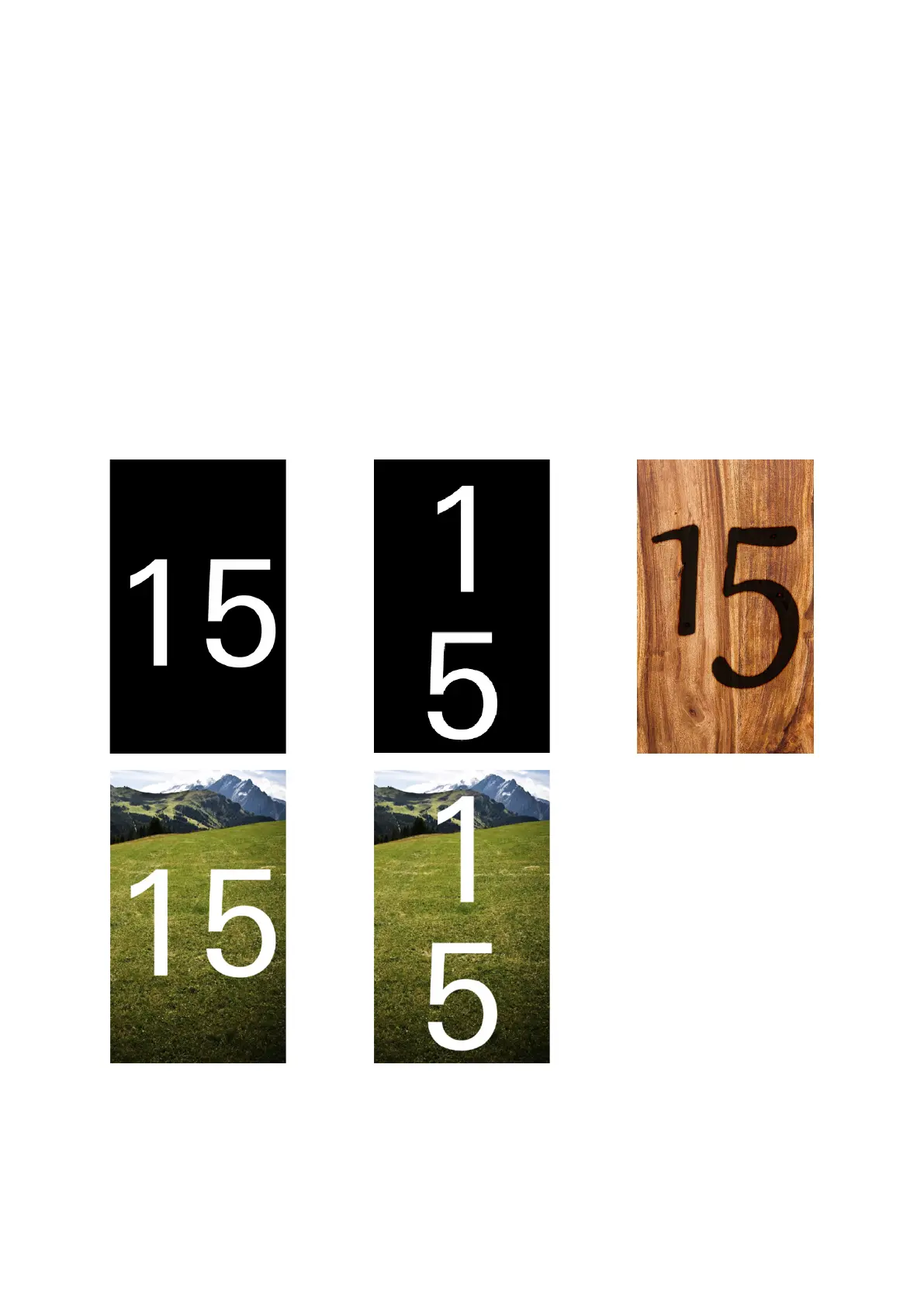
In the „Start screen“ view, the house number or an image can be displayed. To exit the „Idle“ device
status, the screen must be tapped or a movement detected by the integrated camera of a congured
motion detector (see „9.11 Motion detection“). For the „Start screen“ view, there are ve display
options (see „9.9 Device“):
● The house number alone is displayed horizontally.
● The house number alone is displayed vertically.
● Only an image is displayed.
● The house number is displayed horizontally along with an image. In this case, the house number
appears over the image in white font.
● The house number is displayed vertically along with an image. In this case, the house number
appears over the image in white font.



 To Next Page