Schücode Commissioning instructions – Schüco DCS Touch Display
32
Dok-Nr.10000432116_01
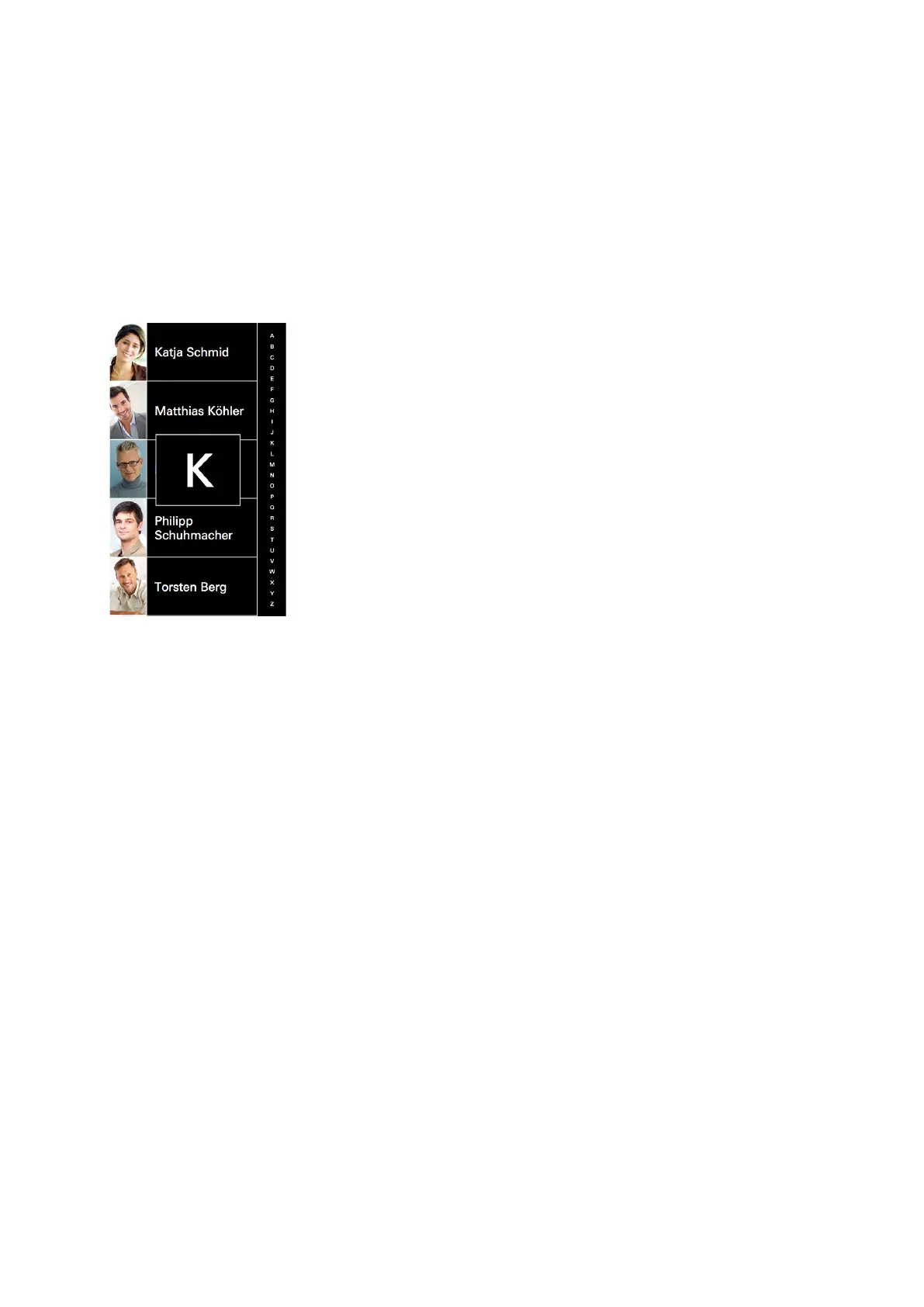
Proceed as follows to scroll through the „Doorbell list“ view:
1. For optimum scrolling upwards and downwards, position your nger in the middle of the scroll bar.
2. Swipe upwards or downwards. The alphabet on the scroll bar shows the direction in which you are
scrolling. In addition, the box in the middle of the screen shows which contacts are being shown
with which initial letters. Alternatively, you can also tap a letter in the scroll bar in order to move
directly to the desired initial letter.



 To Next Page