Schücode Commissioning instructions – Schüco DCS Touch Display
40
Dok-Nr.10000432116_01
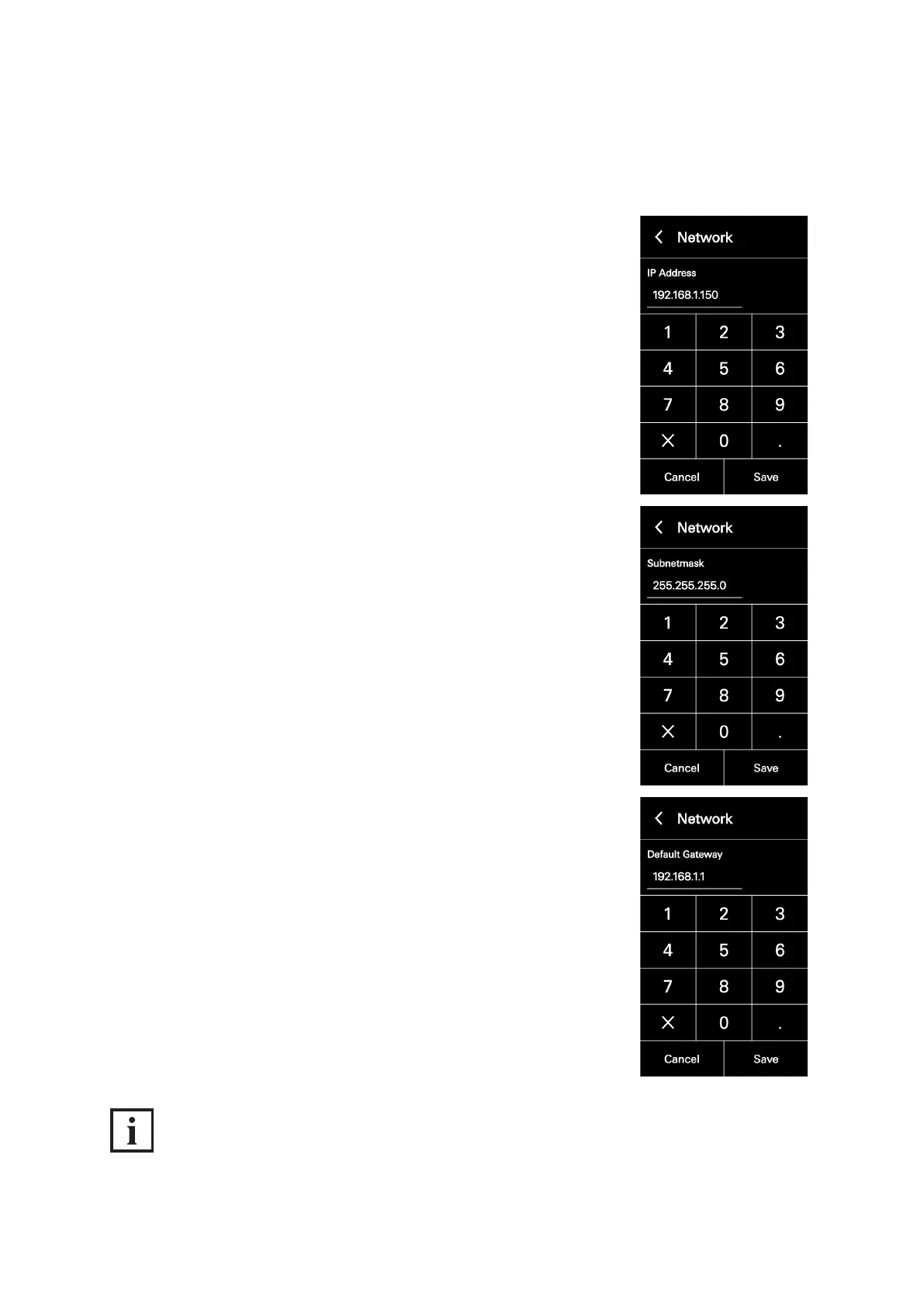
3. Tap the „IP address“ eld and enter an IP address using the keypad
that appears.
4. Tap „Save“.
5. Repeat steps „2“ and „3“ for the „Subnet mask“ and „Default gateway“
elds.
INFORMATION
DHCP function activated
While the „DHCP“ checkbox is checked, it is not possible to amend the „IP address“, „Subnet mask“
and „Default gateway“ elds.



 To Next Page