Schüco de
Commissioning instructions – Schüco DCS Touch Display 41
Dok-Nr.10000432116_01
8.4.3. Audio
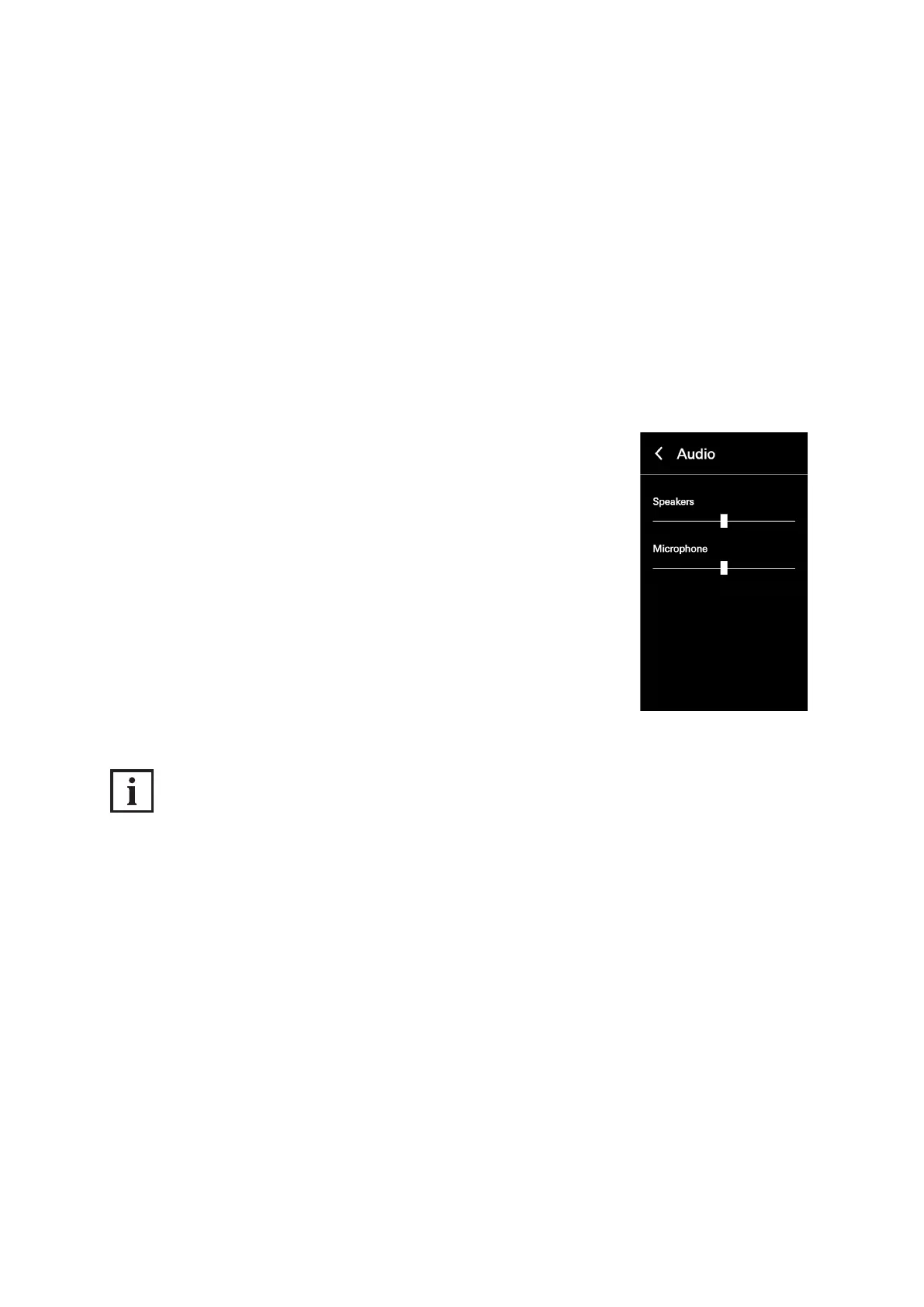
In the „Audio“ conguration view, it is possible to make basic audio settings on the
DCS Touch Display. The following options are available for this:
● Loudspeaker: Here you can adjust the output volume of the loudspeaker on the DCS Touch Display.
Here the value is set to the middle value as standard. By moving the slider right, you can increase
the volume; by moving the slider left, you can decrease it.
● Microphone: Here you can adjust the degree of preamplication of the microphone on the
DCS Touch Display. Here the value is set to the middle value as standard. By moving the slider
right, you can increase the volume; by moving the slider left, you can decrease it.
Proceed as follows to adjust the volume settings on the DCS Touch Display:
1. Open the „Audio“ conguration view.
2. Adjust the volume by means of the „Loudspeaker“ and/or „Microphone“
controls.
INFORMATION
Applying settings
Settings are applied and saved immediately when adjusting a control.
Display of the value
The set value is displayed only in the web interface and not on the screen of the DCS Touch Display.



 To Next Page