Schücode Commissioning instructions – Schüco DCS Touch Display
58
Dok-Nr.10000432116_01
9.4. Conguration
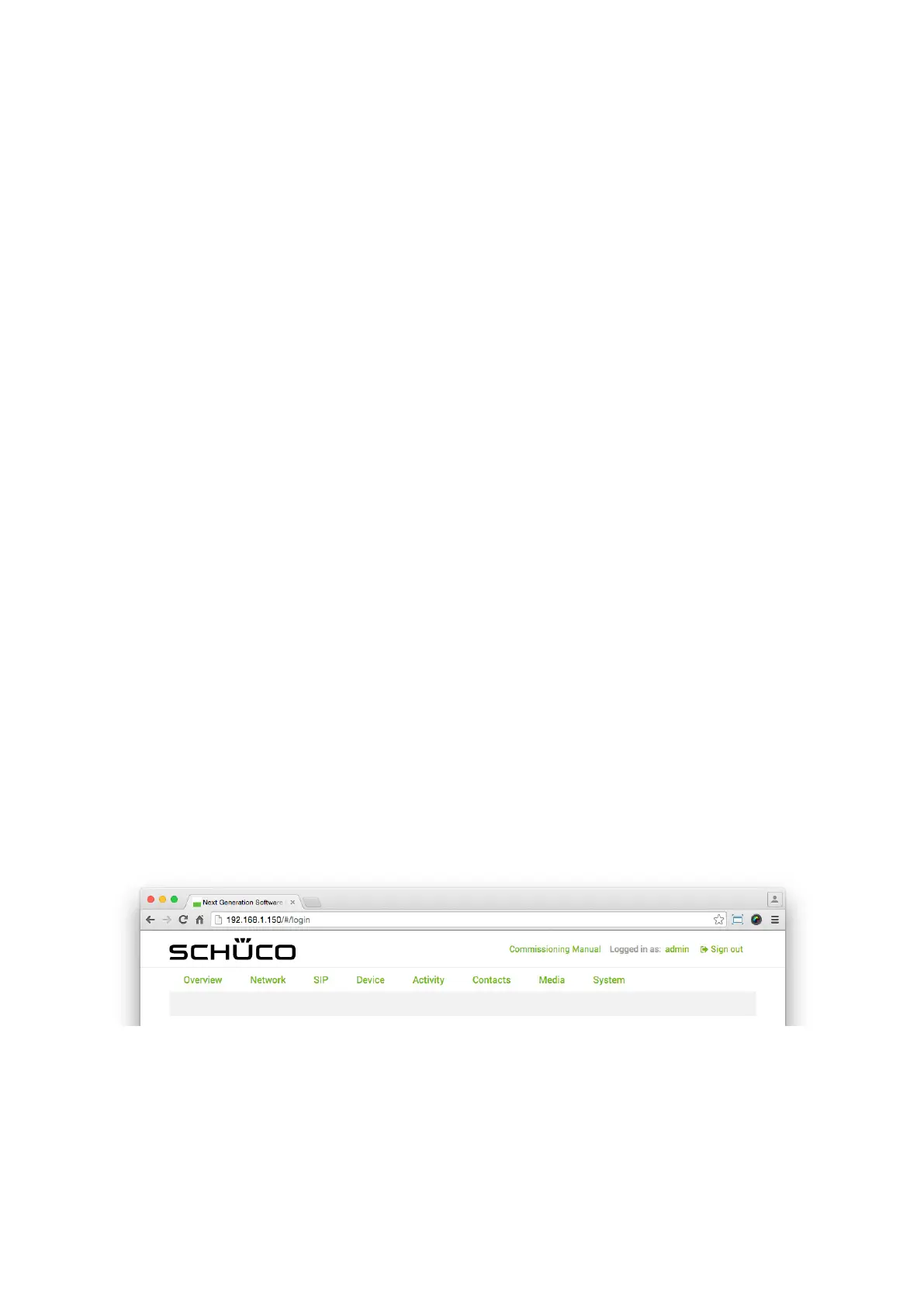
The menu bar of the web interface is subdivided into the following sections in order to enable us-
er-friendly and intuitive operation:
● Overview: View the most important data and settings.
● Network: Make IP network settings.
● SIP: Make SIP settings.
● Device
• Device: Make display settings for the screen.
• Audio: Make audio settings.
• Video: Make video streaming settings.
• Motion detection: Conguration of motion detection for the internal camera.
• Buttons: Make settings for the „Doorbell list“ view.
● Activity
• Activity: Make settings for the triggering of action sequences.
• Action sequences: Make settings for actions.
● Contacts: Manage contacts.
● Media
• Tones: Manage audio media.
• Photos: Manage image media.
● System
• System: Make system settings.
• User administration: Make settings for user accounts.
• Codes: Make settings for audio and video codes.
• Remote maintenance: Start remote maintenance for support purposes.
In addition, there are the following options above the menu bar:
● Schüco (company logo): Tapping here calls up the „Overview“ page (see „9.6 Overview“).
● Commissioning instructions: Tapping here calls up these instructions, which are stored on the
Schüco homepage.
● Logged in as: (user name): This shows which user is currently logged in. Clicking on the user name
(e.g. „admin“) immediately calls up the „User administration“ page, on which the prole can be edit-
ed (see „9.18.2 Prole“).
● Log out: By tapping here, the user currently logged in can log out.


 To Next Page
 Loading...
