Operations
SleepMode
TheconsoleautomaticallygoesintoSleepModetoconservethebattery:
• •
•
ifthereisnoactivityfor45secondsafterUserSetup.
• •
•
afterDisplayResults.
• •
•
ifWorkoutModepausesandthereisnoactivityfor5minutes.
PushanybuttontoactivatetheconsolefromSleepMode.
UserSetup
WhentheconsoleisinSleepMode,pushanybuttontogotoUserSetupmode.
DuringUserSetupModetheconsolecollectsthenecessaryuserdatatocalculateandrecordyourworkoutdata.Proximitylinking
totheuser’sHRMorAnt+watchoccurswhileinUserSetup.
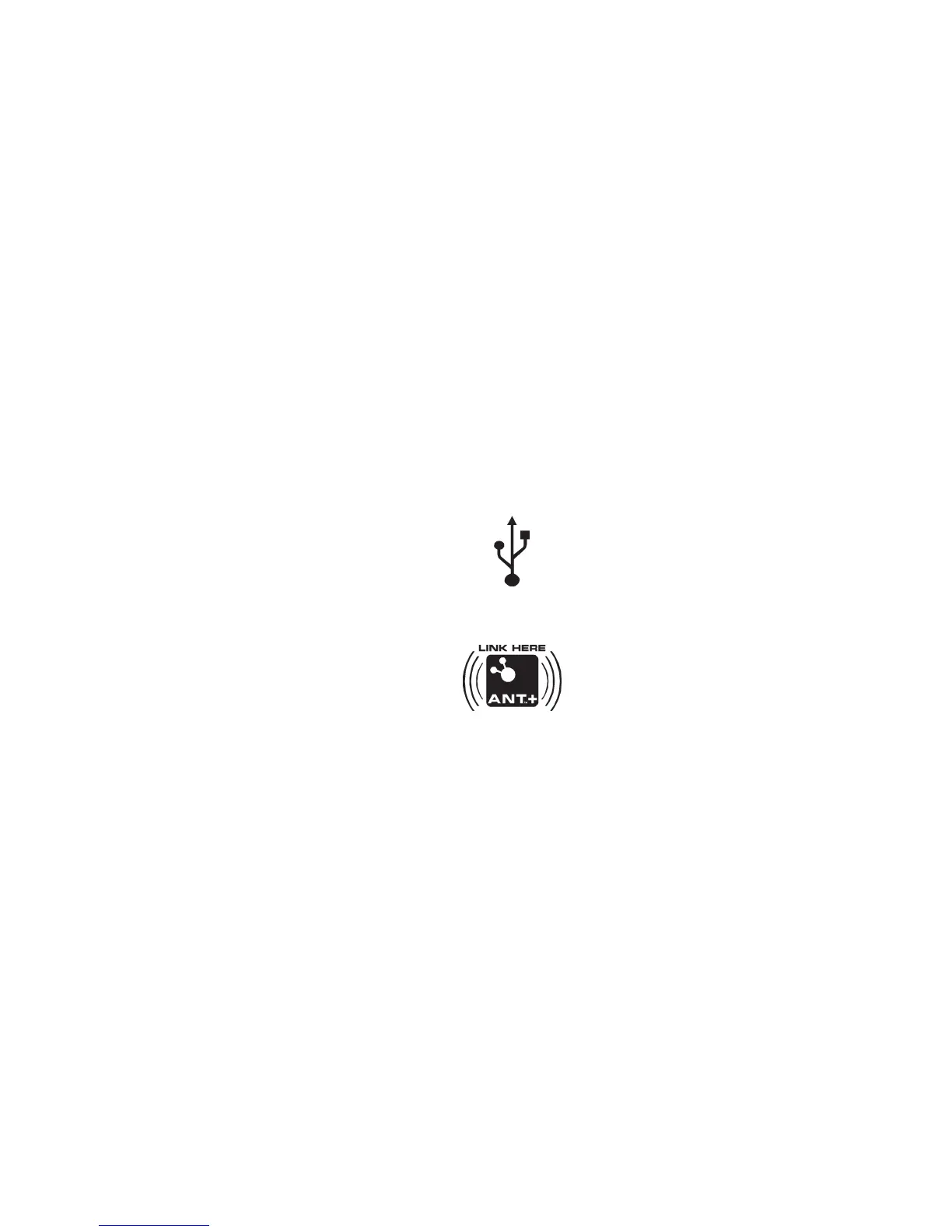
IftheconsoledoesnotfindaUSBstoragedeviceorAnt+watch,thearrowiconsontheconsoleblink.Usetheappropriate
instructionforyourmonitoringequipment.
• •
•
USBstoragedevice—installthedeviceintheUSBport.Whentheconsolesensesthedevice,theUSBarrowindicator
stayson.
• •
•
Ant+watch—linktotheconsole.Movethewatchto2–4"(5–10cm)orlessfromtheAnt+LinkHerelogoontheconsoleand
holditthereuntilthearrowstayson.TheAnt+arrowandwatchindicatorscomeonwhenproximitylinkingiscomplete.
• •
•
Ant+HRM—linktotheconsole.LeanintotheconsolesothattheHRMis7.5–31"(20–80cm)fromtheAnt+LinkHerelogo,
untilthearrowstayson.TheAnt+arrowindicatorcomesonwhenproximitylinkingiscomplete.IftheAnt+indicatorisnot
on,theconsoleusesEM5kHzsignaltocalculateHRM.
Note:
IfyouhaveanAnt+SportWatchandpairedAnt+HRM,itisonlynecessaryforthetheconsoletolink
withthesportwatch.However,ifyouhaveanAnt+SportWatchandEM5kHzHRM,theconsolelinksto
thewatchandtheHRM.
9 9
9



 To Next Page