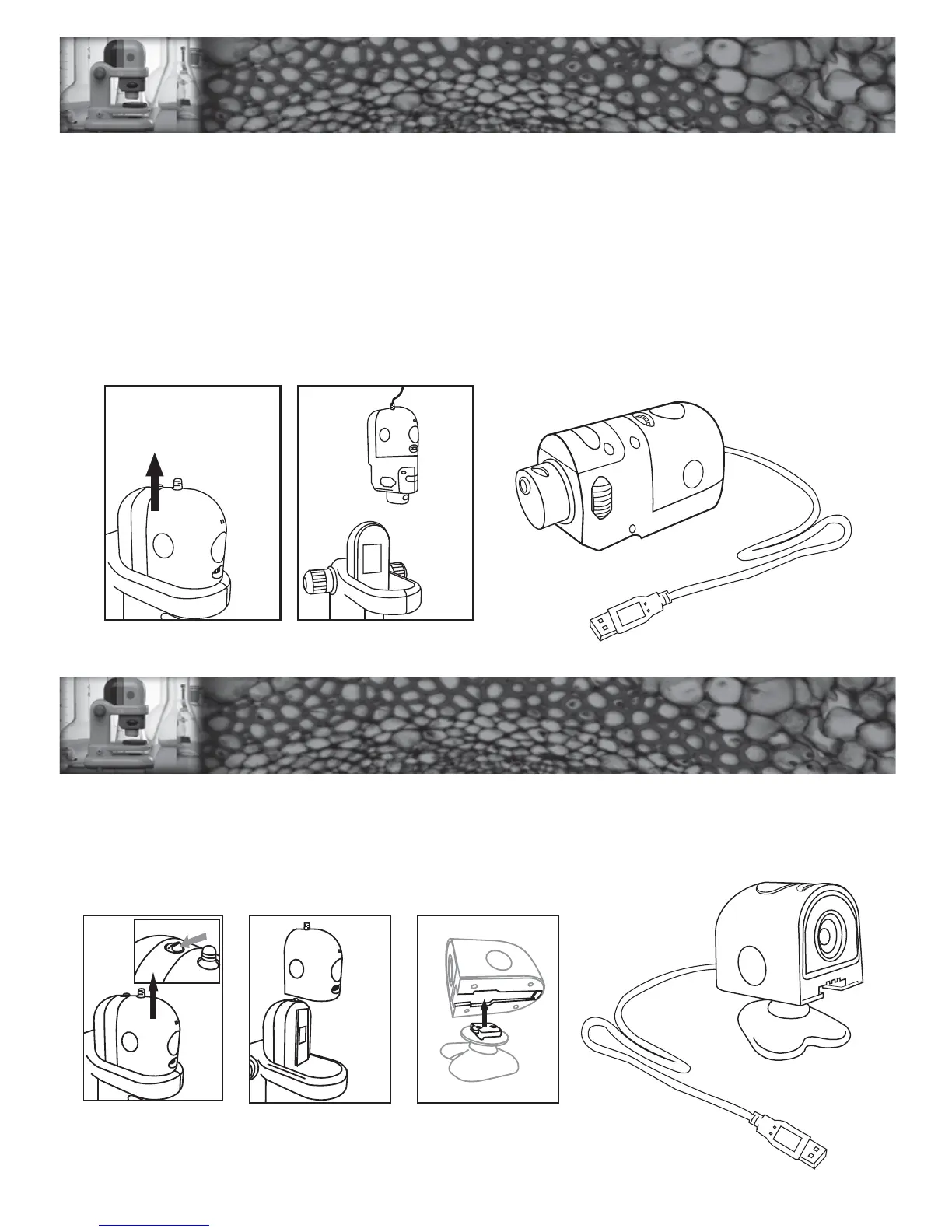
Focusing – The handheld unit itself can be used to focus by moving the unit closer or further from
the object
NOTE : This image on the screen will have a delay. Turn the focus knob slowly and wait for the
image to refresh before adjusting again.
Changing Magnification – Change the magnification of the image by turning the Revolving Turret Ring.
Taking Images – Images on the screen can be captured by pressing the Shutter Button.
USING HANDHELD
MICROSCOPE MODE
USING HANDHELD
MICROSCOPE MODE
Focusing – Focus the image by turning the Focus Adjustment.
Taking Images – Images on the screen can be captured (recorded) by pressing the Shutter Button.
USING THE C
2
D CAMERA
USING THE C
2
D CAMERA
9


 To Next Page