11
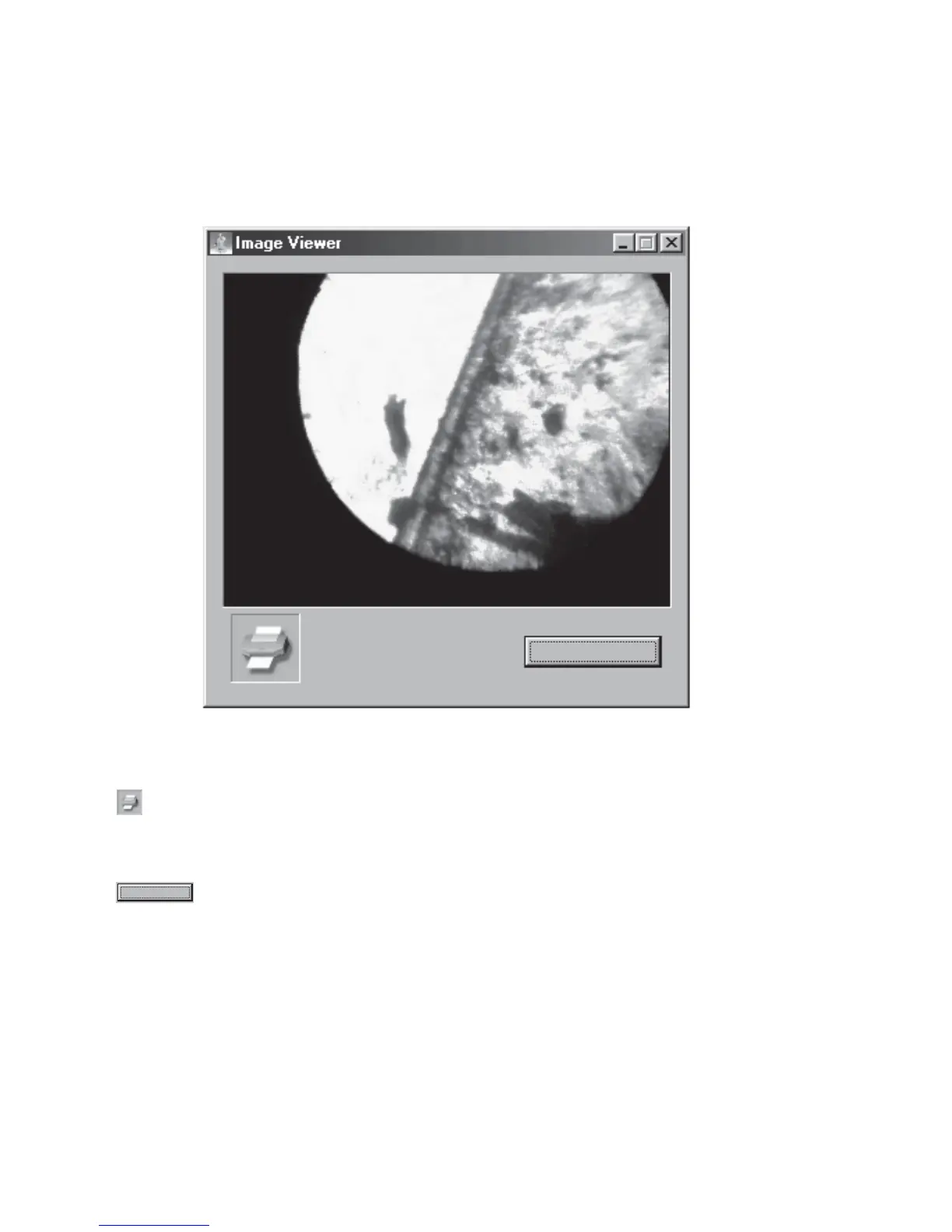
Image Viewer
Copy to clipboard
USING THE C
2
D SOFTWARE, continued
Print
Click button to print out the image from the printer.
NOTE: It would not have any effect unless you have installed the appropriate printer driver.
Copy to clipboard
Click button to copy the image to the clipboard.
TIPS: You can utilize this feature to process the image further from the other software such as Adobe
®
PhotoShop
®
. You can also use Microsoft
®
Office to make your own presentation.
Copy to clipboard


 To Next Page