Need help?
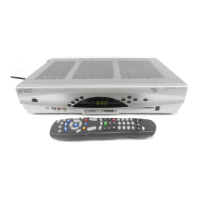
Do you have a question about the Scientific Atlanta Explorer 8300HD and is the answer not in the manual?
Provides essential guidelines for safe operation and compliance with warnings.
Details precautions regarding power sources, grounding, and preventing electrical hazards.
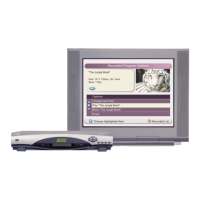
Explains how the DVR offers enhanced control over TV viewing and highlights its key benefits.
Covers initial safety notices, club info, and how to identify your 8300HD model.
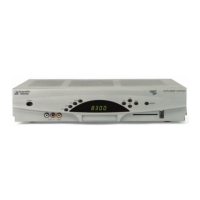
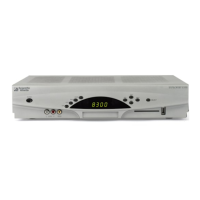
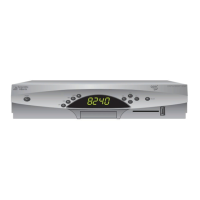
Details the functions of all buttons and the LED display on the front panel of the 8300HD.
Identifies and describes the purpose of each connector and port on the rear of the 8300HD.
Outlines the sequential steps for connecting the 8300HD to entertainment devices and powering it on.
Details various connection methods for HDTVs, including HDMI, DVI, Component, and RGB inputs.
Provides instructions for connecting a VCR to the 8300HD for archiving recorded content.
Explains how to connect the 8300HD to an SDTV using component, composite, S-Video, or coaxial cable.
Details how to connect a VCR to the 8300HD when using an SDTV for recording or playback.
Explains how to navigate and access TV services and programs using the remote control.
Details features for recording programs, watching multiple programs, and adjusting picture size.
Warns about potential screen burn-in on HDTVs and provides advice to avoid it.
Offers solutions for common problems like no picture, no color, or no sound from the 8300HD.
Explains the process of automatic software updates for the 8300HD and how to know when it's complete.
Defines and differentiates between Digital TV, Standard-Definition TV (SDTV), and High-Definition TV (HDTV).
Discusses HDTV aspect ratios (4:3 vs. 16:9) and local TV station broadcasting practices.
Provides information on where to find connection diagrams and lists required cables and adapters.
Explains aspect ratio and screen resolution, including scan rates (480i, 480p, 720p, 1080i).
Details the procedure for connecting the 8300HD to an HDTV using an HDMI cable for digital audio and video.
Explains how to configure the HDMI audio output for optimal sound, including Dolby Digital settings.
Provides instructions for connecting the 8300HD to an HDTV with a DVI input using an HDMI-to-DVI adapter.
Details the procedure for connecting the 8300HD to an HDTV using component video (PrPbY/V) cables.
Explains how to connect the 8300HD to a home theater system using component video (PrPbY/V) inputs.
Details connections for archiving to a VCR and watching VCR tapes on an HDTV simultaneously.
Provides step-by-step instructions for installing and connecting an external SATA hard disk drive to the 8300HD.
Offers guidelines for using the SATA drive, including power requirements and recommendations.
Explains how to connect the 8300HD in HD mode to an SDTV using component video (PrPbY/V).
Details connecting the 8300HD in SD mode to an SDTV using composite video.
Details FCC compliance for the US and EMI regulations for Canada, including declarations of conformity.
Provides information on software usage, registered trademarks, and legal disclaimers.
 General
| Brand | Scientific Atlanta |
|---|---|
| Model | Explorer 8300HD |
| Category | DVR |
| Language | English |


 To Next Page