EasyManua.ls Logo

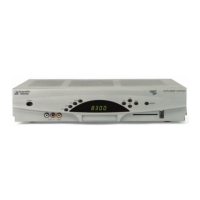
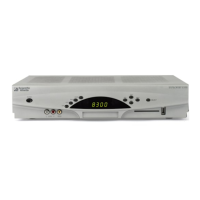
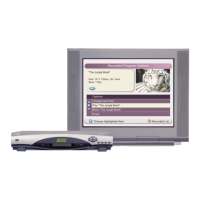
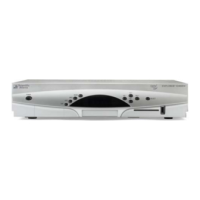
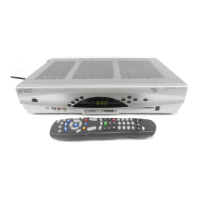
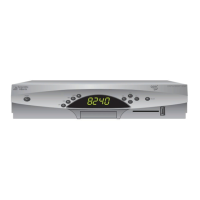
Scientific Atlanta Explorer 8300HDC User Manual

Scientific Atlanta Explorer 8300HDC
28 pages
To Next Page IconTo Next Page
Page #1 background imageLoading...
Page #1 background image
Connecting the
Explorer
®
8300HDC
TM
Digital Video
Recorder

Other manuals for Scientific Atlanta Explorer 8300HDC

Question and Answer IconNeed help?

Do you have a question about the Scientific Atlanta Explorer 8300HDC and is the answer not in the manual?

Scientific Atlanta Explorer 8300HDC Specifications

General IconGeneral
BrandScientific Atlanta
ModelExplorer 8300HDC
CategoryDVR
LanguageEnglish

Summary

IMPORTANT SAFETY INSTRUCTIONS

General Safety, Power, and Usage Warnings

Covers heed, power, grounding, ventilation, placement, and cleaning.

IMPORTANT SAFETY INSTRUCTIONS, continued

Product Protection, Service, and Electrical Safety

Protects product, covers servicing, grounding, lightning, power lines.

Back Panel Connectors

Connecting the 8300HDC

Step-by-Step Connection Guide

Guides through TV compatibility, connections, device setup, and power.

Connecting to HDTV and VCR

HDTV and VCR Connection Methods

Details various connection types for HDTVs and VCRs.

Connecting to SDTV and VCR

SDTV and VCR Connection Methods

Details connection types for SDTVs and VCRs.

Using the DVR Features

Troubleshooting Common Issues

Troubleshooting: Picture, Sound, and Software

Addresses no picture, no color, no sound, and software updates.

HDTV Information and FAQs

Picture Formats Explained

HDMI Connection to HDTV

HDMI Setup and Interface Notes

Covers required cables, connection setup, and important interface notes.

DVI Connection to HDTV

External SATA Hard Disk Drive Connection

HD Mode to SDTV Component Connection

Related product manuals