EasyManua.ls Logo

Scientific Atlanta PowerVu D9834 - User Manual

Scientific Atlanta PowerVu D9834
64 pages
Print Icon
To Next Page IconTo Next Page
Loading...
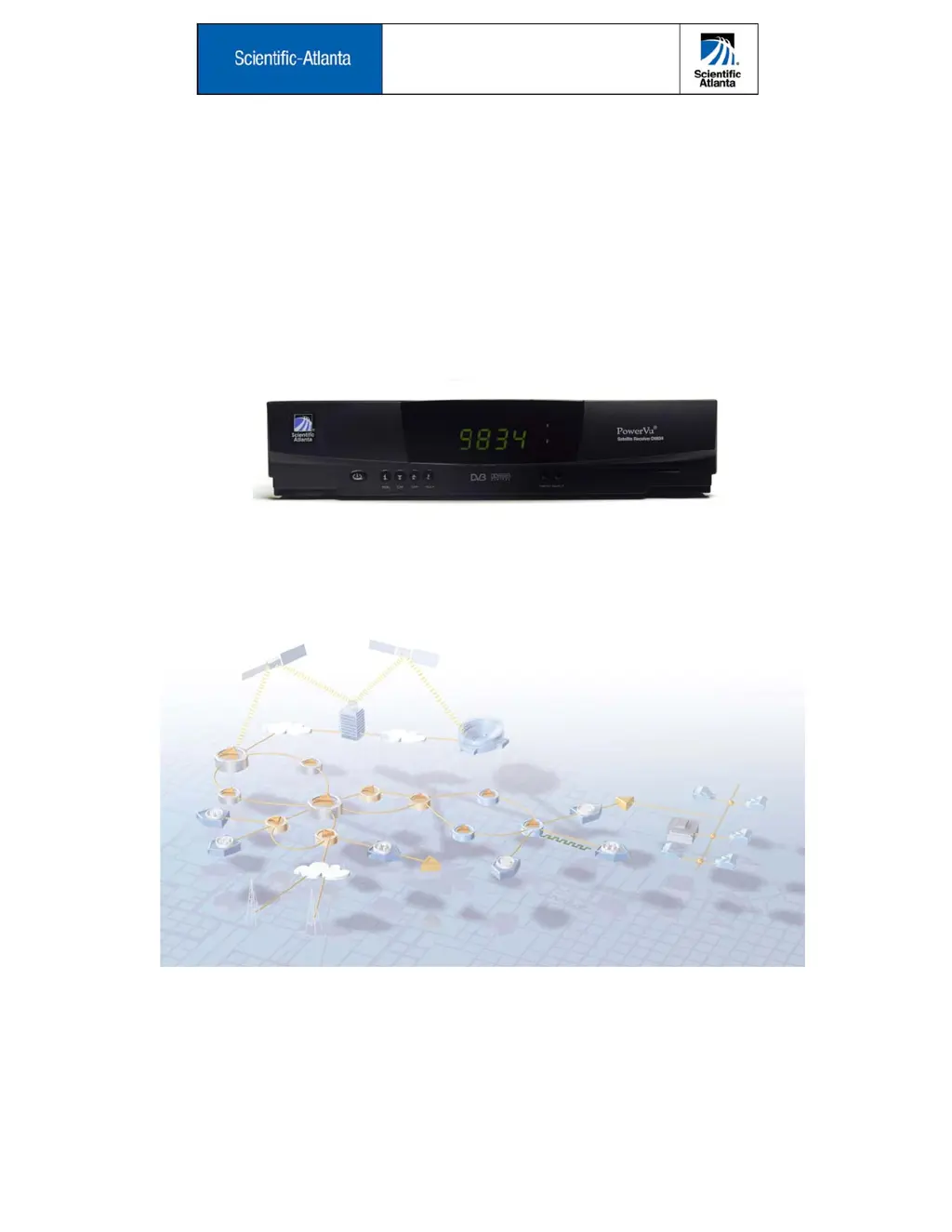
PowerVu
®
Model D9834 and D9835
Satellite Receivers
User’s Guide

Table of Contents

Questions and Answers

  • M
    Michael ChristensenAug 17, 2025
    What to do if Scientific Atlanta Receiver displays 'No Signal' message?
    • S
      stevenjohnsonAug 18, 2025
      If the Scientific Atlanta receiver displays a 'No Signal' message or has no signal when switched on, it could be due to several reasons. First, ensure all satellite/antenna/video cables are properly connected. Second, verify that your satellite antenna is correctly aligned. Third, confirm that the correct installation settings are in use and that an adequate signal level is present. Also, check that your TV is set to the correct channel for receiving satellite signals, as configured in the Audio/Video Setup menu. Finally, ensure your subscriber services are currently authorized.
  • G
    Gary MaddenAug 20, 2025
    How to fix Scientific Atlanta Receiver remote control not working?
    • J
      Jessica BoydAug 20, 2025
      If your Scientific Atlanta Receiver remote control isn't working right, the batteries might be the problem. Try replacing them or making sure they're installed correctly.
  • H
    Heather SpearsAug 22, 2025
    How to fix blank screen on Scientific Atlanta Receiver?
    • J
      Joshua MayAug 23, 2025
      If your Scientific Atlanta receiver shows a blank screen but the TV is on, it might just be that the receiver itself isn't powered on. Press the power button on the receiver or your remote to turn it on.
  • T
    Timothy TurnerAug 26, 2025
    What to do if Scientific Atlanta Receiver says 'Program Not Authorized'?
    • E
      Elijah CruzAug 26, 2025
      If you're seeing a 'Program Not Authorized' message on your Scientific Atlanta receiver, it means your subscription might not cover the channel you're trying to watch. Check your subscription status in the Dish Setup menu or contact your service provider to make sure your services are authorized.
  • J
    Jill RodriguezAug 27, 2025
    Why is my Scientific Atlanta PowerVu D9834 Receiver screen black after exiting menus?
    • L
      Lorraine GonzalezAug 28, 2025
      If your Scientific Atlanta receiver is showing a blank (black) screen after you exit the menus to watch video, this can happen if Channel 0 is displayed. Press the CH Ç or CH È button on your remote control to display virtual channels.
  • M
    Michael SalazarAug 30, 2025
    What to do if I forgot Scientific Atlanta PowerVu D9834 Receiver password?
    • T
      Tara FernandezAug 30, 2025
      If you can't get into a password-protected option on your Scientific Atlanta receiver, it might be because you're using the wrong password, or the password has been changed. Double-check that you’re entering the correct password. If you've forgotten it or it's unavailable, you'll need to contact your local service provider.
  • R
    Robert KellySep 1, 2025
    Why Scientific Atlanta Receiver has no picture and sound?
    • S
      Stephanie Garza MDSep 1, 2025
      If your Scientific Atlanta receiver is showing 'No picture, no sound', try these steps: First, make sure the receiver is turned on and properly connected to AC power by pressing the power button on the front panel or remote. Second, check all the connections to the satellite antenna LNB, TV antenna, and all video and audio cables. Finally, test another channel to see if the problem is specific to one channel.
  • C
    Cindy GallegosSep 4, 2025
    Why Scientific Atlanta Receiver shows scrambled channel?
    • R
      Robert WhiteSep 4, 2025
      If you're seeing a 'Scrambled channel' message on your Scientific Atlanta receiver, it could mean your subscription doesn't include that channel. To fix this, check that your subscriber services are authorized by contacting your local service provider.
  • D
    danaabbottSep 7, 2025
    What does 'Authorization Key Not Received' mean on Scientific Atlanta Receiver?
    • M
      Melissa OliverSep 7, 2025
      If your Scientific Atlanta receiver displays a 'Authorization Key Not Received' message, it means subscriber services are not authorized because the authorization key hasn't been received. Contact your service provider to ensure your services are authorized.
  • S
    spencer06Sep 9, 2025
    Why Scientific Atlanta PowerVu D9834 displays 'Blackout message'?
    • T
      Tammy JensenSep 9, 2025
      If your Scientific Atlanta receiver displays a 'Blackout message', it means subscriber services are not authorized due to a local blackout. Contact your service provider to ensure your services are authorized.

Summary

Introduction

About this guide

Overview of the user manual's content and purpose.

Your Satellite Receiver

Details on the PowerVu Model D9834/D9835 satellite receiver's capabilities.

Important Safety Instructions

Quick Setup Guide

About the Video Standard

Explanation of NTSC/PAL video standards and their relevance to the receiver.

Receiver Startup Procedure

Step-by-step guide for initial receiver power-on and setup.

Front Panel Controls & Display

Setting the TV Video Format

Instructions for configuring the video output format for your TV.

Remote Control Functions

Using Menus

On-Screen Menu Navigation

How to navigate and interact with the receiver's on-screen menus.

Saving and Exiting Settings

Procedures for saving changes and exiting menus.

Main Menu Configuration

Preset & LNB Setup

Configuring satellite receiver presets and LNB parameters.

Dish Setup

Guide for aligning the satellite dish using signal tones and levels.

Audio;Video Setup

Adjusting video format, TV channel, audio output, and AC-3 settings.

Services Information

Viewing program information and PID data for selected channels.

Advanced Menu Options

Accessing advanced features like Administration, Versions, Ethernet, and Diagnostics.

Specifications and Support

Appendix A Specifications

Detailed technical specifications for the satellite receiver.

Appendix B Troubleshooting

Guide to diagnose and resolve common receiver problems.

Appendix C Customer Information

Contact information, hotlines, and warranty support details.

Regulatory Compliance

FCC Notices

Compliance information regarding FCC regulations for TV interface devices.

Declaration of Conformity

Manufacturer's statement of compliance with European directives.

Scientific Atlanta PowerVu D9834 Specifications

General IconGeneral
TypeDigital Satellite Receiver
Input Frequency950 - 2150 MHz
ModulationQPSK, 8PSK
FEC1/2, 2/3, 3/4, 5/6, 7/8
LNB Power13/18 V, 500 mA max
Conditional AccessPowerVu
Power Supply100-240 VAC, 50/60 Hz
Symbol Rate1-45 Msps
Video OutputComposite
Data PortsRS-232
Ethernet10/100 Mbps
DemodulationDVB-S2
Dimensions1.75" H x 19" W x 13" D

Related product manuals