TS-1021
8/25/2015 Scinomix, Inc.
3. Loosen the knob by turning it to the left to decrease the air pressure for the
grippers so that the grip becomes looser
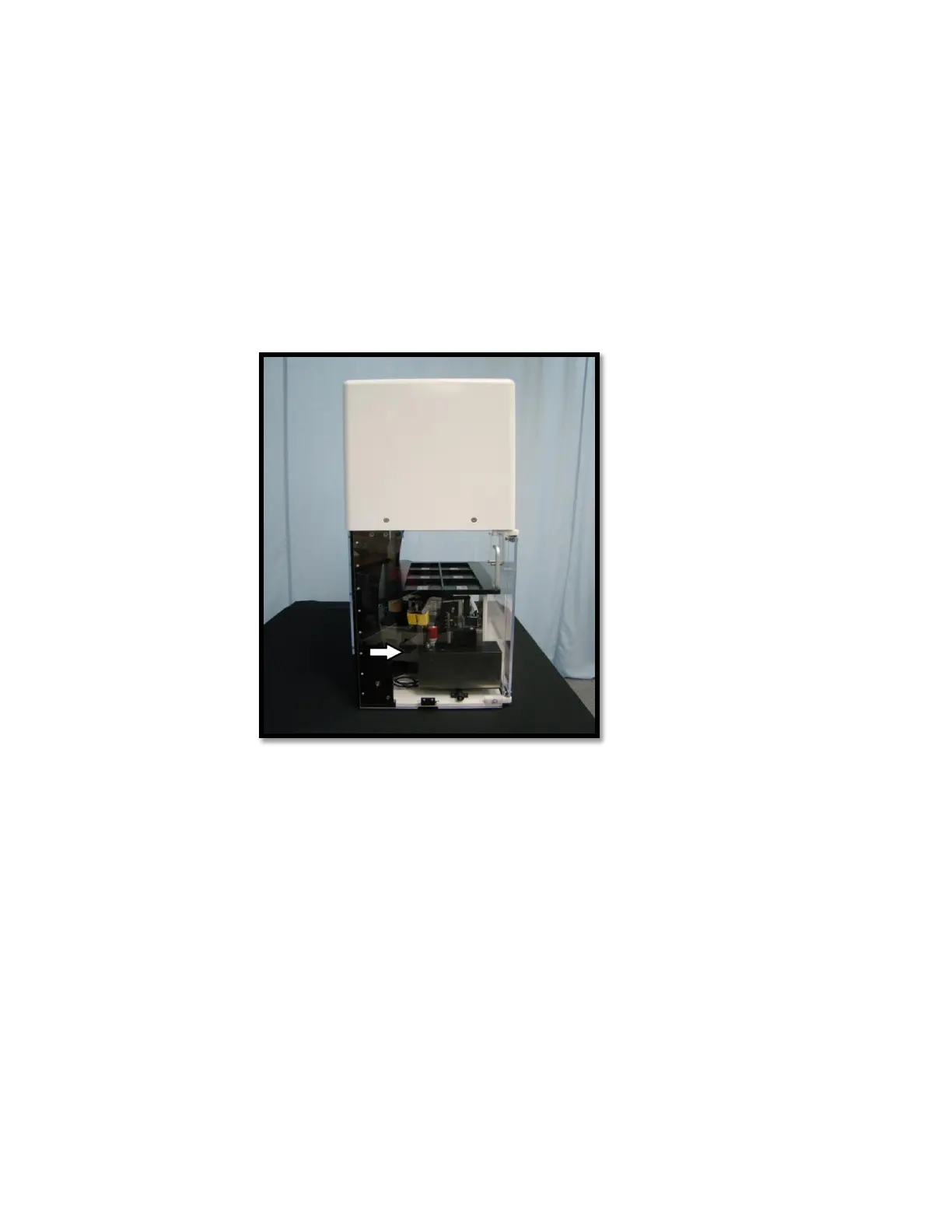
Roller Close Pressure- this air pressure controls how tight the rollers clamp together to
label the tube. This air pressure should be adjusted fairly often depending on the size of
tube you are working with. It is located just behind the roller block assembly on the left
side of the VX2 (see image below)
Left view of VX2
1. To increase air pressure, tighten the knob by turning it to the right
2. To decrease air pressure, loosen the knob by turning it to the left
Peel Blow Pressure- the peel blow pressure is also located behind the roller block
assembly and is right next to the roller close pressure. This air pressure does not need to
be adjusted as frequently as the other two. The peel blow pressure should only be
adjusted if you change the label.
1. To increase air pressure, tighten the knob, by turning it to the right
2. To decrease air pressure, loosen the knob by turning it to the left



 To Next Page