188
3-5. Other interior features
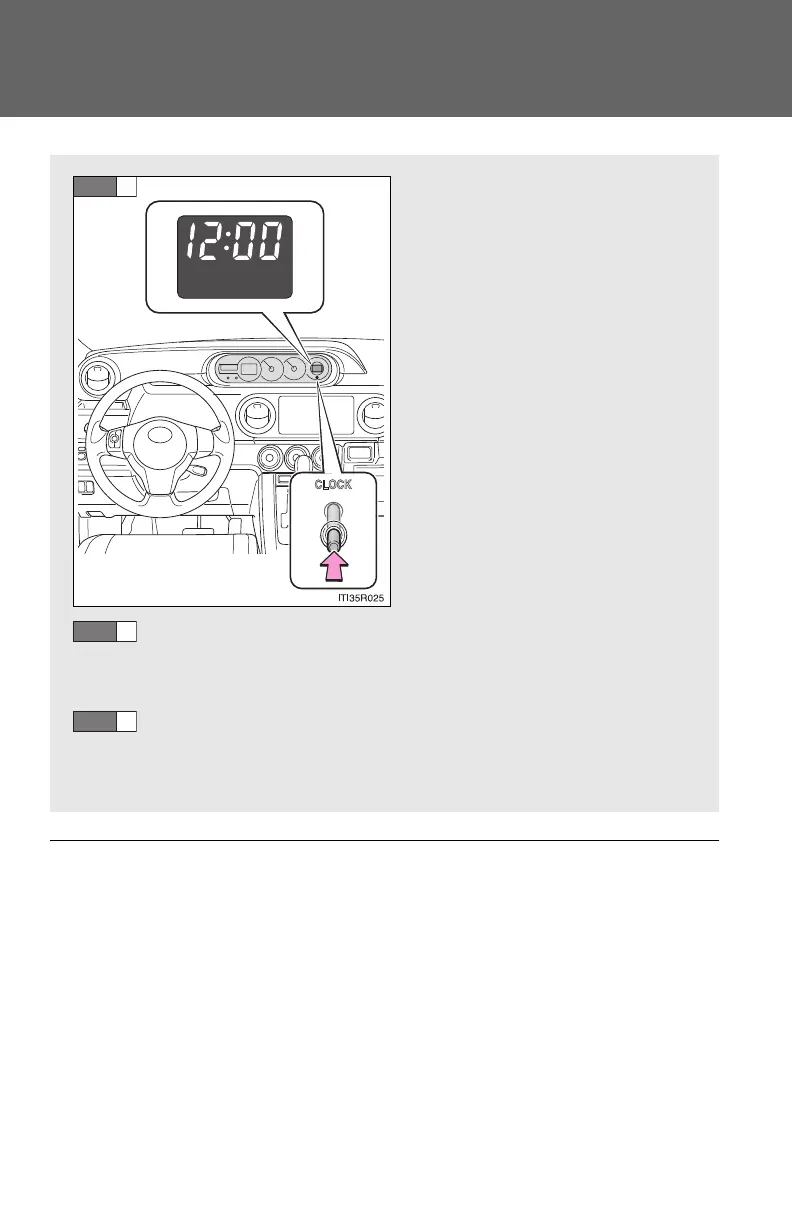
Clock
■ The clock is displayed when
The engine switch is in the “ON” position.
■ When disconnecting and reconnecting battery terminals
The time display will automatically be set to 1:00.
Press and hold the “CLOCK”
button to enter adjustment
mode for the clock.
Press the “CLOCK” button to adjust the minutes.
After adjusting the minutes, wait 5 seconds to allow the minutes to
be automatically input.
Press the “CLOCK” button to adjust the hours.
After adjusting the hours, wait 5 seconds to allow the hours to be
automatically input.



 To Next Page