1 Introduction
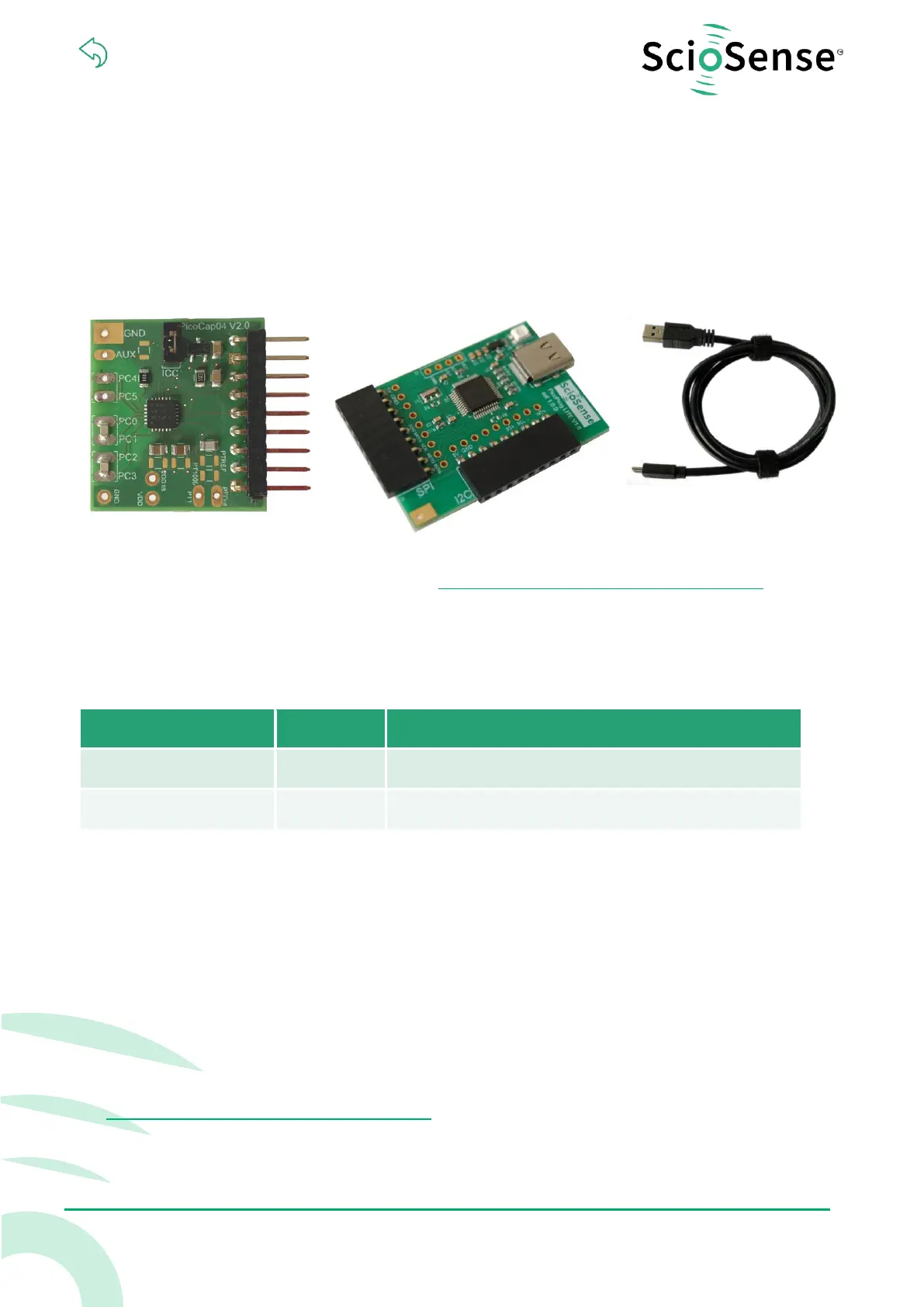
The PCap04-EVA-KIT V2.0 evaluation system provides a complete system for generally evaluating the
PCap04 IC. It is supplied with a main board, a plug-in board, a Windows based evaluation software,
assembler software and the PicoProg Lite communication interface. The kit includes the following
elements:
Figure 1: Elements of the development kit
Please download the software for the kit from https://downloads.sciosense.com/PCAP04 and look
for the latest revision.
1.1 Ordering Codes
Table 1: Pin description
2 Quick Start Guide
In this section, we described how to set up quickly the PCap04-EVA-KIT V2.0 and establish basic
operation and make measurements.
2.1 Installing the Software
It is crucial to install the software before connecting the evaluation kit to your computer. A default
driver loading of your OS may interfere with correct installation.
• Download the latest zipped software installation package to the desired directory.
https://downloads.sciosense.com/PCAP04
• Unzip the package to the desired directory.
• Open “setup.exe” from the unzipped directory.
• Follow the instructions on the screen.


 To Next Page