2.2 Installing the Hardware
• Connect the PicoProg Lite PCB to the computer by means of the USB cable. The green LED should
be on.
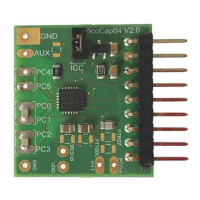
• Connect the PCap04 LITE to the PicoProg Lite. Two connectors are available, one for SPI
communication and one for I2C communication. They are marked accordingly.
2.3 Quick Start for Initial Measurements
In the START menu search for PCap04 or look under program folder ScioSense for the PCap04 software
and start it. The software pops up with the following window:
Figure 2: Start page
On the right site a little icon indicates whether a device is connected and whether SPI or I2C is used.
Click the “Verify Interface” button to confirm communication with PicoProg Lite and PCap04 is
working:


 To Next Page