5.
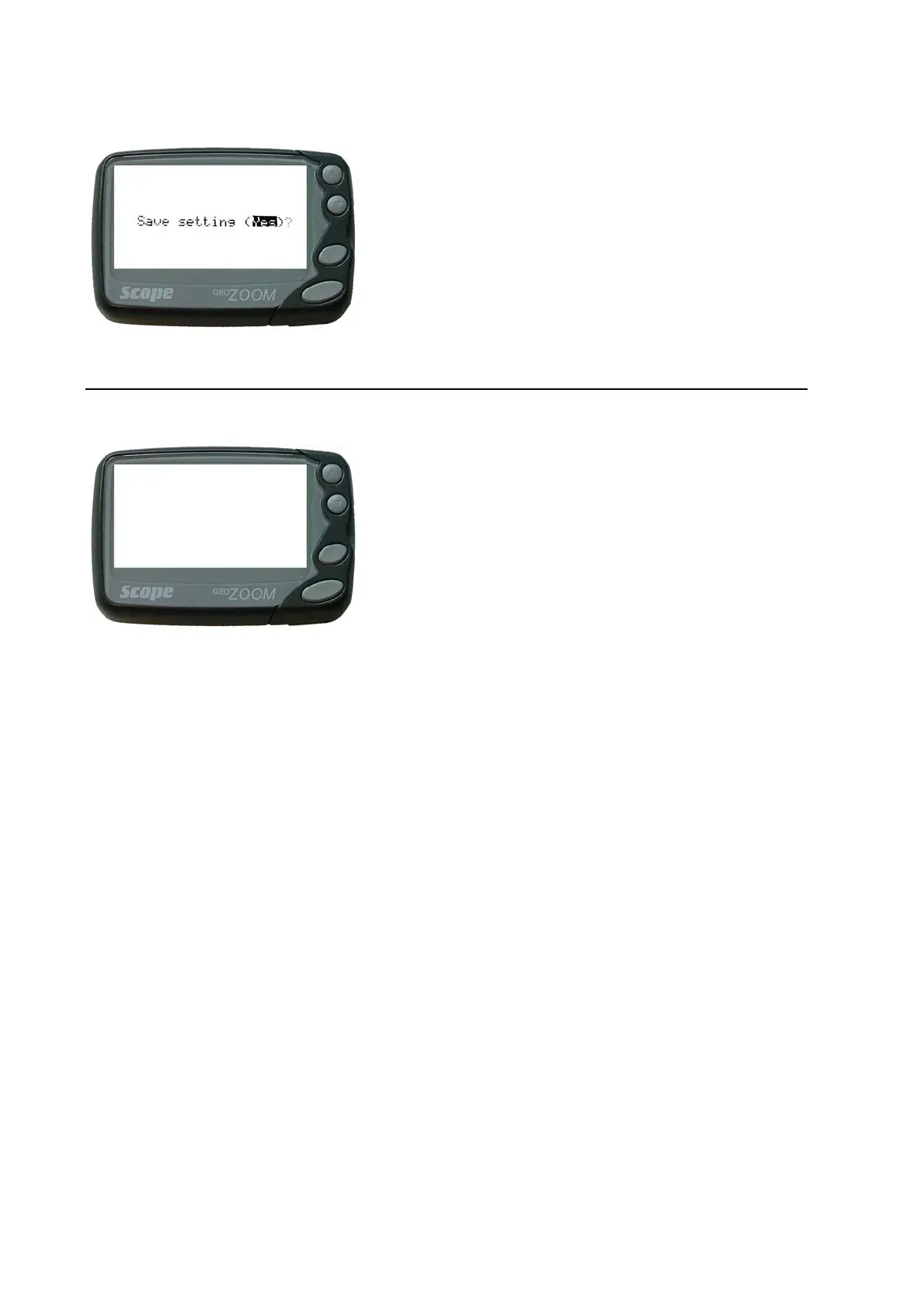
Now save or discard your changes by selecting ‘Yes’ or
‘No’ using the ‘Up’ or ‘Down' keys. Confirm your choice by
pressing the ‘Read’ key.
NB: Pressing the ‘Function’ key at this point will discard all changes & switch the pager off.
6.
After saving the changes, the pager will switch off and
emit 2 short beeps to indicate that the pager is ready to
be switched on. You may now repeat steps 2 – 5 to
confirm or further modify the settings.



 To Previous Page