PICK YOUR VEHICLE
Locate your vehicle on the front cover of this instruction.
REMOVE FACTORY STEREO
Use the step’s provided in the manual to remove factory stereo.
3
QUICK START GUIDE
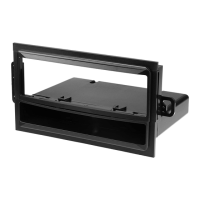
6603 MOUNTING
PANEL
1525 REAR
SUPPORT
BRACKET
SHAFT MOUNT INSTALLATION NOTE:
SNAP SHAFT MOUNTING TABS NOT INCLUDED. IF REQUIRED FOR YOUR STEREO
INSTALLATION, CALL 800-821-36945 x3 FOR IMMEDIATE SHIPMENT.
NOTE: REAR
SUPPORTING THE
STEREO ADDS TO
THE INSTALLATION’S
STRUCTURAL
INTEGRITY.
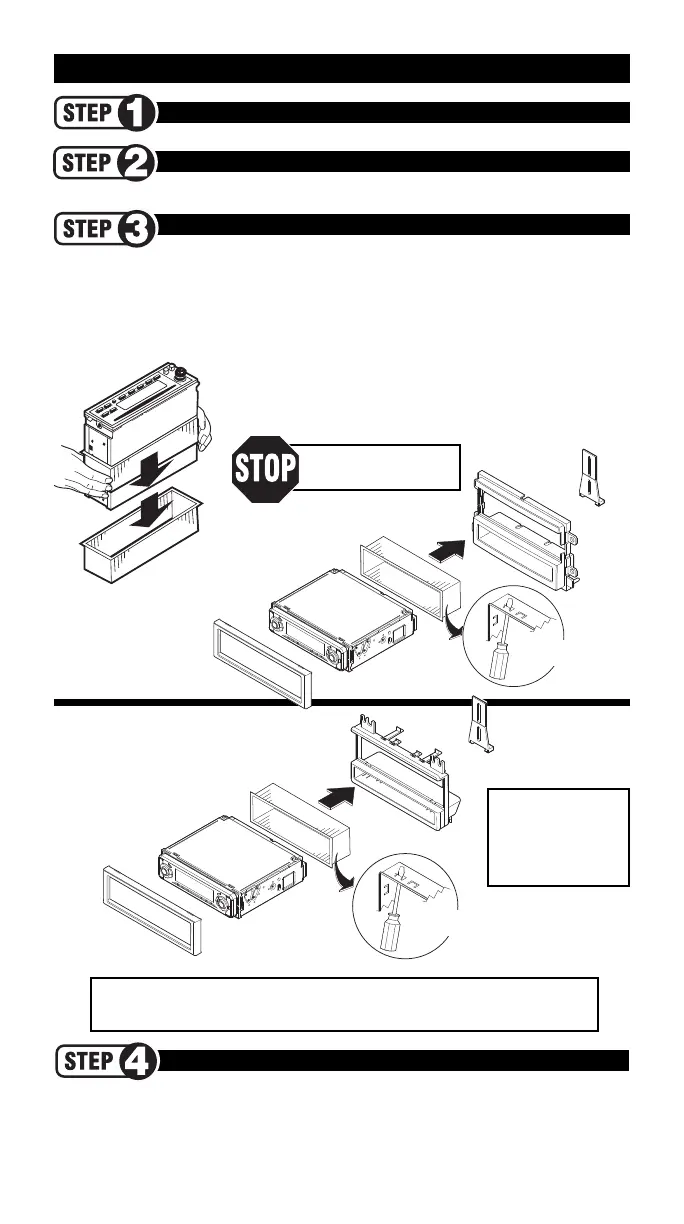
STEREO ASSEMBLY
REMOVE SLEEVE FROM STEREO
1. Locate the locking mechanism on your DIN stereo sleeve
(typically) on the side.
2. Slip mounting sleeve towards rear of stereo and remove.
DIN MOUNTING
SLEEVE (SUPPLIED
WITH STEREO)
DIN STEREO
FLATFACE DIN/DETACHABLE FACEPLATE/PULLOUT (DIN-E) RADIOS
Slide the mounting sleeve (metal shroud) into the panel’s radio opening and bend all available mount-
ing tabs outward (see inset). Slide the radio into the mounting sleeve once it has been fastened to the
kit panel until the radio locks into place.
NOTE: The mounting sleeve must be removed from the radio fi rst! Your radio may be snapped into
its sleeve. Slide the mounting sleeve (metal shroud) off the radio towards the back.
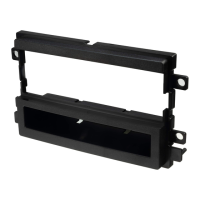
To determine the proper
mounting panel for your
vehicle see pages 4-7
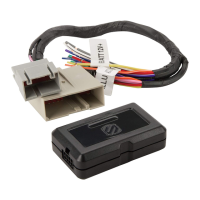
USE THE APPROPRIATE SCOSCHE WIRING CONNECTOR
(*not included - see page 1)
Wire up your new aftermarket stereo to the Scosche wiring connector and install the Scosche kit
and new stereo assembly in your vehicle. Follow the dash disassembly for your specifi c vehicle in
reverse order to reassemble your dash.
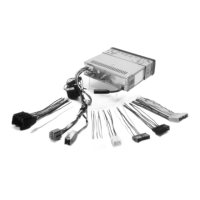
STEREO CONNECTION*
TRIM RING
(SUPPLIED
WITH STEREO)
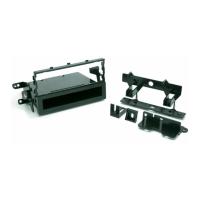
6604
MOUNTING
PANEL
1525 REAR
SUPPORT
BRACKET
DIN STEREO
TRIM RING
(SUPPLIED
WITH STEREO)
DIN MOUNTING SLEEVE
(SUPPLIED WITH
STEREO)
BEND TABS
OUTWARD
BEND TABS
OUTWARD





 To Next Page