EasyManua.ls Logo

Scosche FMTD3 - Specifications; Button Overview; Operation Instructions

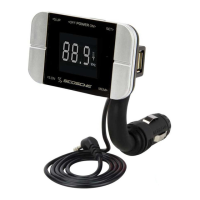
Scosche FMTD3
12 pages
Print Icon
To Next Page IconTo Next Page
To Previous Page IconTo Previous Page
Loading...
SPECIFICATIONS
Voltage
Power:
12V
DC
Power
Frequency
Response:
20Hz
-
15kHz
Input
Interface:
3.5mm
Auxiliary
Input
Fuse:
1A
Fuse
BUTTON
OVERVIEW
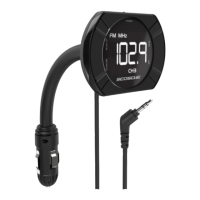
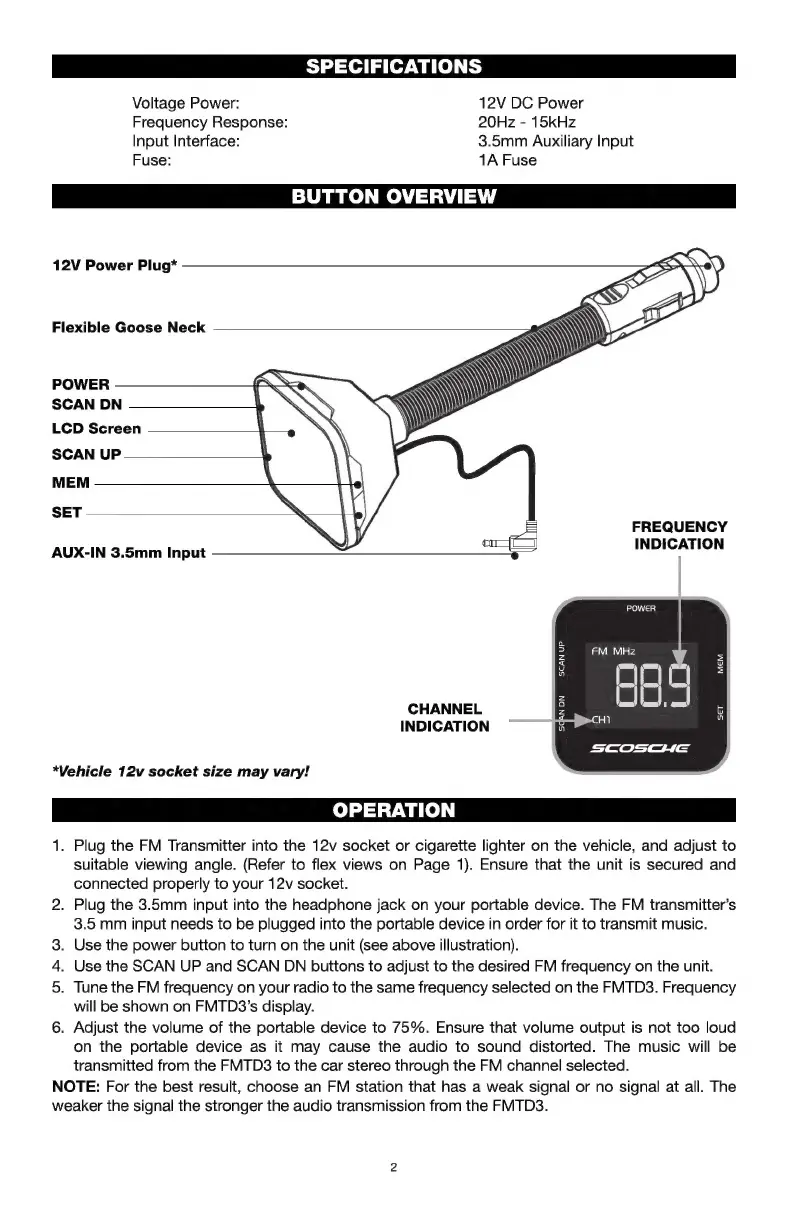
12V
Power
Plug*
Flexible
Goose
Neck
POWER
SCAN
DN
LCD
Screen
SCAN
UP
MEM
SET
AUX-IN
3.5mm
Input
*Vehicle
12v
socket
size
may
vary!
FREQUENCY
=
INDICATION
FM
MHz
OOO
SCAN
UP
00,3
CHANNEL
INDICATION
OPERATION
Le
Plug
the
FM
Transmitter
into
the
12v
socket
or
cigarette
lighter
on
the
vehicle,
and
adjust
to
suitable
viewing
angle. (Refer
to
flex
views
on
Page
1).
Ensure
that
the
unit
is
secured
and
connected
properly
to
your
12v
socket.
.
Plug
the
3.5mm
input
into
the
headphone
jack
on
your
portable
device.
The
FM
transmitter's
3.5
mm
input
needs
to
be
plugged
into
the
portable
device
in
order
for
it
to
transmit
music.
.
Use
the
power
button
to
turn
on
the
unit
(see
above
illustration).
.
Use
the
SCAN
UP
and
SCAN
DN
buttons
to
adjust
to
the
desired
FM
frequency
on
the
unit.
.
Tune
the
FM
frequency
on
your
radio
to
the
same
frequency
selected
on
the
FMTD3.
Frequency
will
be
shown
on
FMTD3's
display.
.
Adjust
the
volume
of
the
portable
device
to
75%.
Ensure
that
volume
output
is
not
too
loud
on
the
portable
device
as
it
may
cause
the
audio
to
sound
distorted.
The
music
will
be
transmitted
from
the
FMTD3
to
the
car
stereo
through
the
FM
channel
selected.
NOTE:
For
the
best
result,
choose
an
FM
station
that
has
a
weak
signal
or
no
signal
at
all.
The
weaker
the
signal
the
stronger
the
audio
transmission
from
the
FMTD3.

Related product manuals