EasyManua.ls Logo

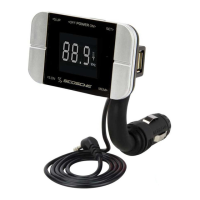
Scosche FMTD3 - Storing Preset Stations; Recalling Preset Stations

Scosche FMTD3
12 pages
Print Icon
To Next Page IconTo Next Page
To Previous Page IconTo Previous Page
Loading...
STORING
PRESET
STATIONS
For
convenience,
store
up
to
3
preset
FM
stations
on
the
FMTDS.
This
feature
will
allow
you
to
recall
known
stations
that
give
the
best
performance.
1.
Tune
to
a
desired
station
by
using
the
SCAN
UP/DN
buttons.
2.
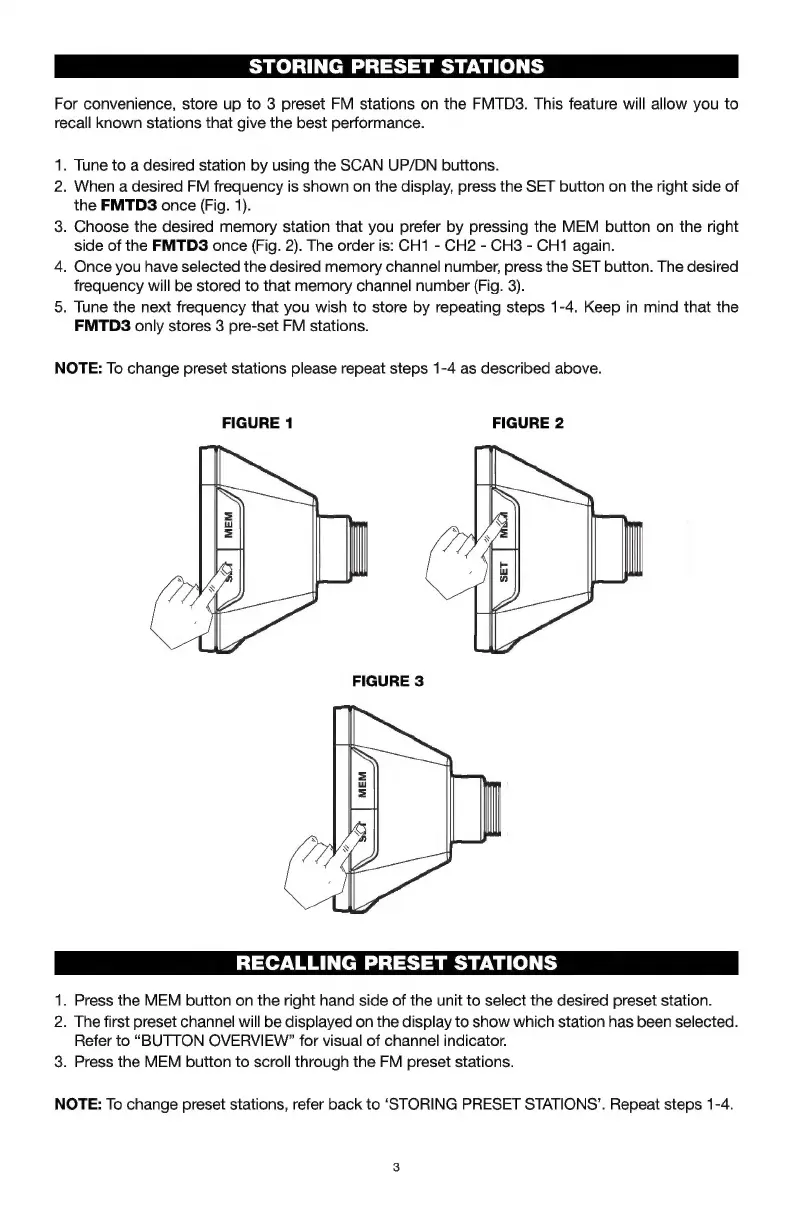
When
a
desired
FM
frequency
is
shown
on
the
display,
press
the
SET
button
on
the
right
side
of
the
FMTD3
once
(Fig.
1).
3.
Choose
the
desired
memory
station
that
you
prefer
by
pressing
the
MEM
button
on
the
right
side
of
the
FMTD3
once
(Fig.
2).
The
order
is:
CH1
-
CH2
-
CH3
-
CH1
again.
4.
Once
you
have
selected
the
desired
memory
channel
number,
press
the
SET
button.
The
desired
frequency
will
be
stored
to
that
memory
channel
number
(Fig.
3).
5.
Tune
the
next
frequency
that
you
wish
to
store
by
repeating
steps
1-4.
Keep
in
mind
that
the
FMTD3
only
stores
3
pre-set
FM
stations.
NOTE:
To
change
preset
stations
please
repeat
steps
1-4
as
described
above.
FIGURE
1
FIGURE
2
RECALLING
PRESET
STATIONS
1.
Press
the
MEM
button
on
the
right
hand
side
of
the
unit
to
select
the
desired
preset
station.
2.
The
first
preset
channel
will
be
displayed
on
the
display
to
show
which
station
has
been
selected.
Refer
to
“BUTTON
OVERVIEW”
for
visual
of
channel
indicator.
3.
Press
the
MEM
button
to
scroll
through
the
FM
preset
stations.
NOTE:
To
change
preset
stations,
refer
back
to
‘STORING
PRESET
STATIONS’.
Repeat
steps
1-4.

Related product manuals