
 Need help?
Do you have a question about the Scosche MAGICMOUNT PRO and is the answer not in the manual?
Contact details for product assistance and inquiries via phone.
Notes on product compatibility and warranty limitations for specific devices.
Instructions and URL for registering the product online for warranty purposes.
Choose the appropriate small or large metal plate for your device.
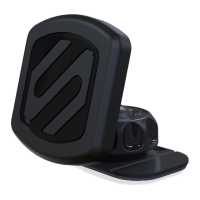
Select the best location for your device and attach the plate.
Prepare the dashboard surface using the supplied cleaning wipe.
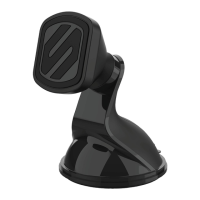
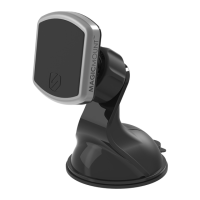
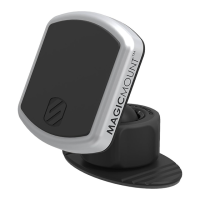
Peel the adhesive backing from the mounting base and place in position.
Loosen and retighten the base to adjust for optimum viewing angle.
Details product defects, coverage period, exclusions, and limitations.
Instructions for returning defective products and liability limits.
Specific warranty terms and conditions for Australian customers.
 General
| Color | Black |
|---|---|
| Compatibility | Universal |
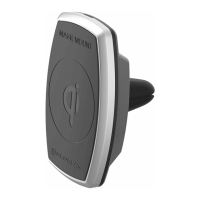
| Mounting Style | Vent |
| Magnet Strength | High |
| Installation | Easy, one-hand operation |
| Features | 360-degree rotation, adjustable viewing angles |
| Type | Magnetic Mount |



 To Next Page