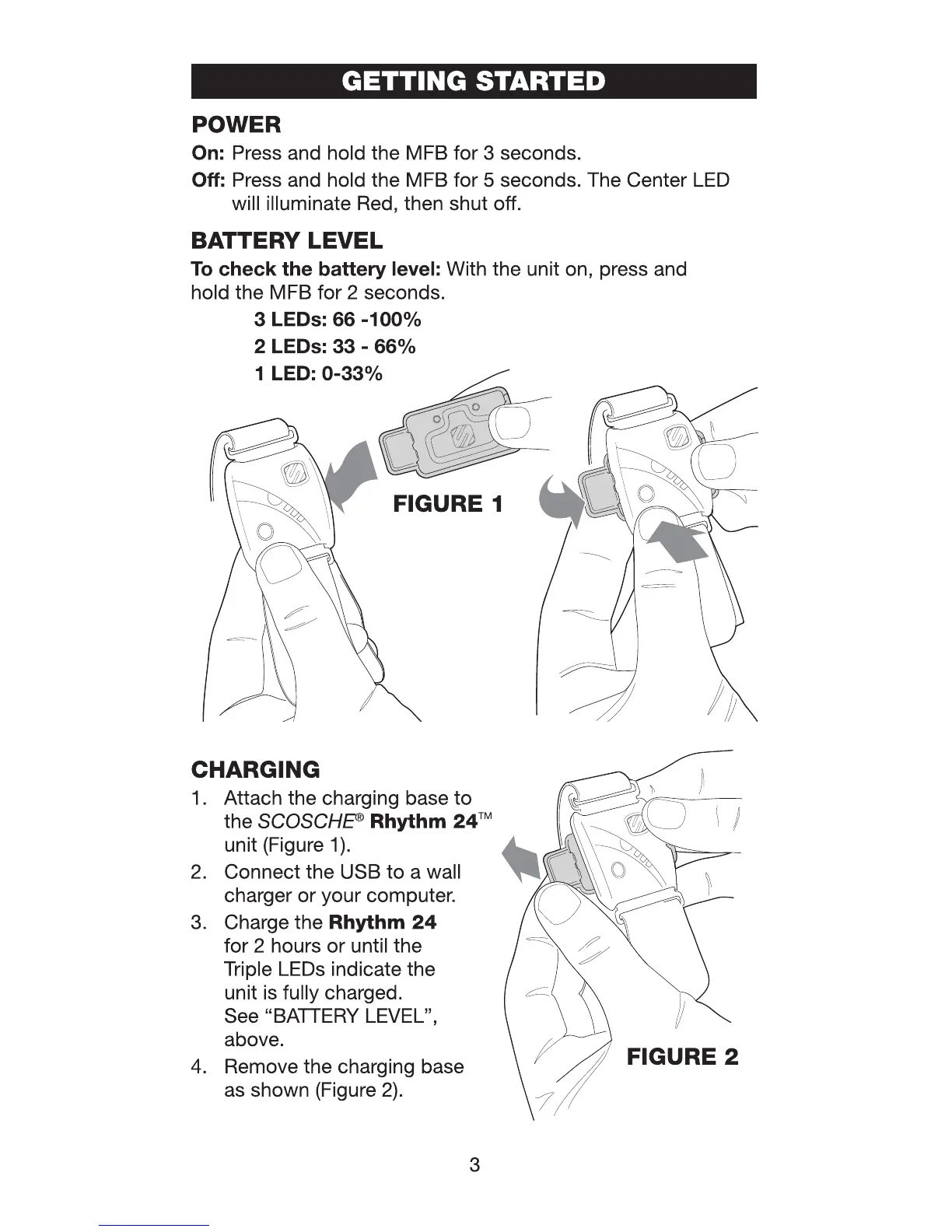
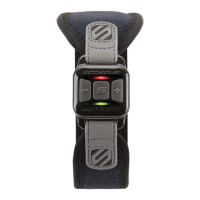
GETTING STARTED
POWER
On:
Press and hold the MFB for 3 seconds.
Off:
Press and hold the MFB for 5 seconds. The Center
LED
will illuminate Red, then shut off.
BATTERY LEVEL
To
check the battery level: With the unit on, press and
hold the MFB for 2 seconds.
3 LEDs: 66
-100%
2 LEDs:
33
-
66%
1 LED:
0-33%
FIGURE 1
CHARGING }
1.
Attach the charging base
to
~
o"
- -
the
SCOSCHE®
Rhythm
24™
~
\ I
unit (Figure
1)
.
4....
~
~
2.
Connect the USB
to
a wall
~
\ \\
0'
}
charger or your computer. o
3. Charge the Rhythm
24
for 2 hours or until the
Triple LEDs indicate the
unit is fully charged.
See "BATTERY LEVEL",
above.
4.
Remove the charging base
as shown (Figure
2).
FIGURE 2
3


 To Next Page