2
GETTING STARTED
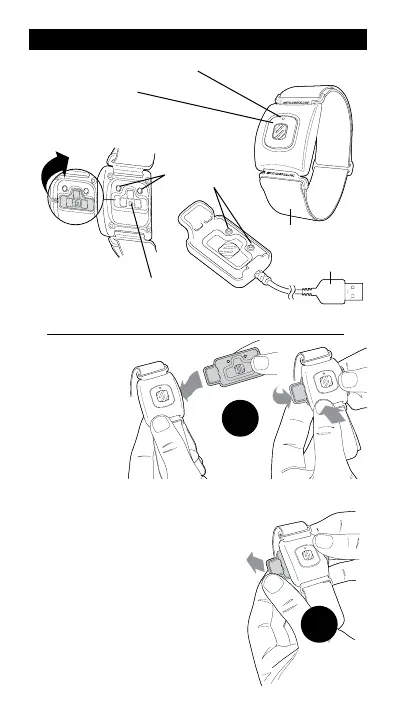
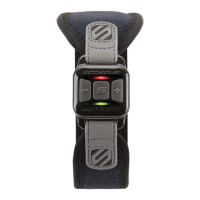
ARMBAND
MULTIFUNCTION
BUTTON (MFB)
Press & hold 2 seconds - turn on
Press & hold 3 seconds - turn off
USB
CHARGING
TERMINALS
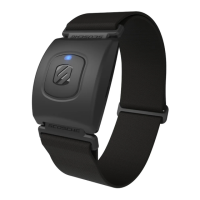
HEART
RATE
SENSOR
FRONT VIEW
REAR VIEW
CHARGING
BASE
!!REMOVE
PROTECTIVE
STICKER!!
Charging
It is recommended to charge the RHYTHM+
2.0 fully before you use first use it. Charging
takes approximately 2 hours or until a solid
blue light indicates the unit is fully charged.
1. Attach the charging base to the
SCOSCHE
®
RHYTHM+ 2.0
unit (A).
2. Connect the USB to a wall
charger or your computer.
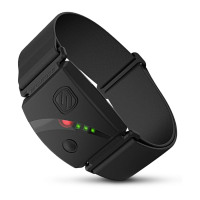
3. A red flashing LED indicates that
the unit is charging.
4. Remove the charging base as
shown (B).
LED INDICATOR
A
B


 To Next Page