GB-
8
Cleaning CDs
If the music skips or does not play, the disc may need cleaning. Before playback,
wipe the disc from the center out with a clean cloth. After use, store the disc in its
case.
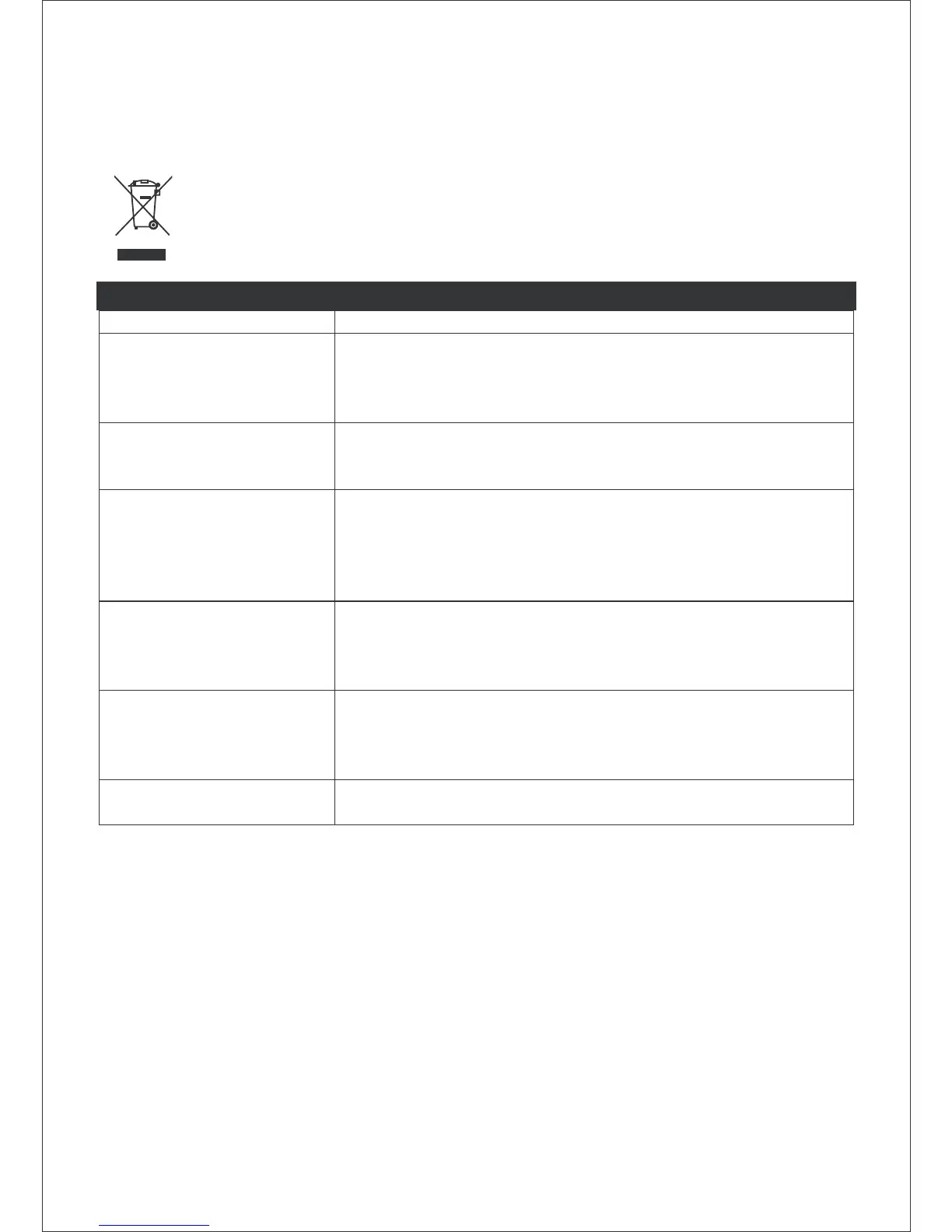
If at any time in the future you should need to dispose of this product, please
note that waste electrical products should not be disposed of with household
waste. Please recycle where facilities exist. Check with your local authority or
retailer for recycling advice. (Waste Electrical and Electronic Equipment
Directive).
TROUBLESHOOTING GUIDE
Problems Recommendations
1. The player or display
does not work
properly.
1.1 Press the ON/STANDBY button to go to standby mode
and press it again to turn on the unit.
1.2 Reset by unplugging the AC power cord for few
seconds, then plug it back in.
2. No sound, poor
sound.
2.1 Check the cable connection.
2.2 Use the FUNCTION or iPod button to select the
correct mode.
3. The disc does not
play.
3.1 Place the disc with the label side facing
outwards.
3.2 Ensure that the disc is free from scratches and
fingerprints.
3.3 Only CD and CD-R/RW discs can be played.
3.4 Clean the disc
4. Noise or distorted
sound in radio mode.
4.1 FM mode: Extend and position the FM antenna to
achieve the best reception.
4.2 AM mode: Orientate the unit to achieve optimum
reception.
5. No sound, poor
sound in iPod mode.
5.1 Check that you have chosen the correct adapter.
5.2 The EQ function in your iPod must be set to “Off”.
5.3 Your iPod is not supported by the unit. Connect
your iPod to the docking station via the AUX IN jack.
6. No picture in video
out mode
6.1 Set the “TV out” setting on your iPod to “ON”.



 To Next Page