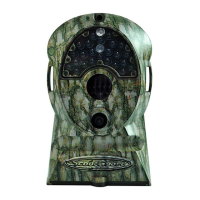
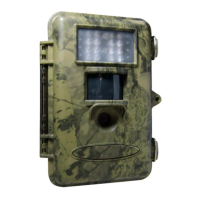
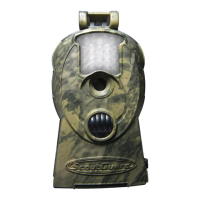
Important Tips
• The working voltage of the camera is 6 V. You can either use 4 or 8 AA batteries, or use an
external 6 V DC power supply (inside + and outside -)
• Please load the batteries according to the indicated polarity on the cover of the battery cabinet
• Please disable the write-protect on the card before inserting SD card
• The camera has no internal memory for images or videos. Please insert a SD card before testing
the camera. Otherwise, the camera will not save images and videos. If no SD-card is inserted or
the write-protect of the card is not disabled, the camera will shut down automatically after a
long beep
• It is recommended to format the SD-card by the camera when used for the first time
• Do not insert or take out the SD-card when the power switch is at the ON position
• Please set the TV in the AV IN mode when connecting a TV
• The camera will be in the USB mode when connected to a USB port of computer. In this case
the SD card functions as a removable disk no matter the power switch of the device is ON or
OFF
• When the remote control is connected to the camera, turning the power ON will force the
camera into the test mode. Otherwise the camera enters the live mode automatically
• In the test mode, the camera will shut down automatically after 3.5 minutes if no key is pressed.
Please turn on the power again if you want to continue to work with the remote control
•
Please be sure that no power interruption occurs during firmware upgrade. Otherwise the
upgrade process may be interrupted or finished incorrectly. This may cause the camera to stop
functioning properly.


 To Next Page