HCO 1-General Information SG550/SG530
Page 1
General Information
1.1 Features
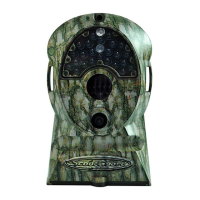
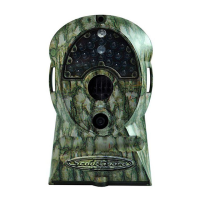
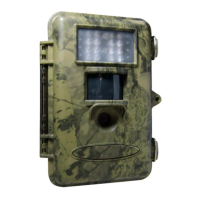
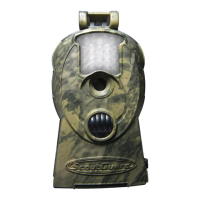
The ScoutGuard SG550/SG530 digital scouting cameras are automatic working surveillance devices.
The cameras can be trigged by any movement of human (or animals) in a certain region of interest
(ROI) monitored by a highly sensitive Passive Infra-Red (PIR) motion sensor,even in the total
darkness thanks to the build-in infrared LED flash. High quality pictures (up to 5 mega pixels) or video
clips are taken consequently upon the triggering. Comparing with other similar cameras on the market,
SG550/SG530 feature:
• Real 5/3 Mega Pixels CMOS sensor, NO interpolation, high quality picture
• Auto LED IR-Cut-Remove
• Compact size, well designed digital scouting camera (5-1/2x3-1/4x2 inches)
• Ultra low stand-by power consumption (< 0.2 Ah/month), extreme durable and convenient with
AA batteries (> 80 days)
• Quick trigger time (< 1.3 s)
• Lockable with mounting strap, nail/screw and cable lock
• Innovative remote control, easy to operate
• Suitable for both hunting and security use
1.2 Application
• Game camera, for hunting and animal observation
• Motion-triggered security camera, for home, office and community
• All other indoor and outdoor surveillance where invasion evidence needed
1.3 Standard Components
The camera has the following ports/jacks: USB port, SD card slot, TV out jack, external DC power
input jack and remote control jack.
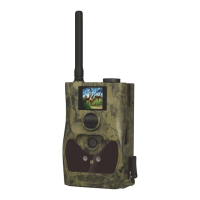
• Fig. 1 shows the front view of the camera
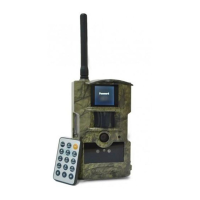
• Fig. 2 shows the remote control
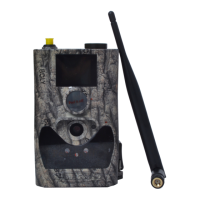
• Fig. 3 shows how the remote control connects to the camera.
The remote control is an input device of the
camera and is primarily used for setting. As shown in Fig.
2, there are five keys: UP, DOWN, RIGHT, MENU (in place of LEFT) and OK.
• MENU key: enter and exit menu
• UP key: up/video mode
• DOWN key: down/camera mode
• RIGHT key: shutter
• OK key: playback mode


 To Next Page