35
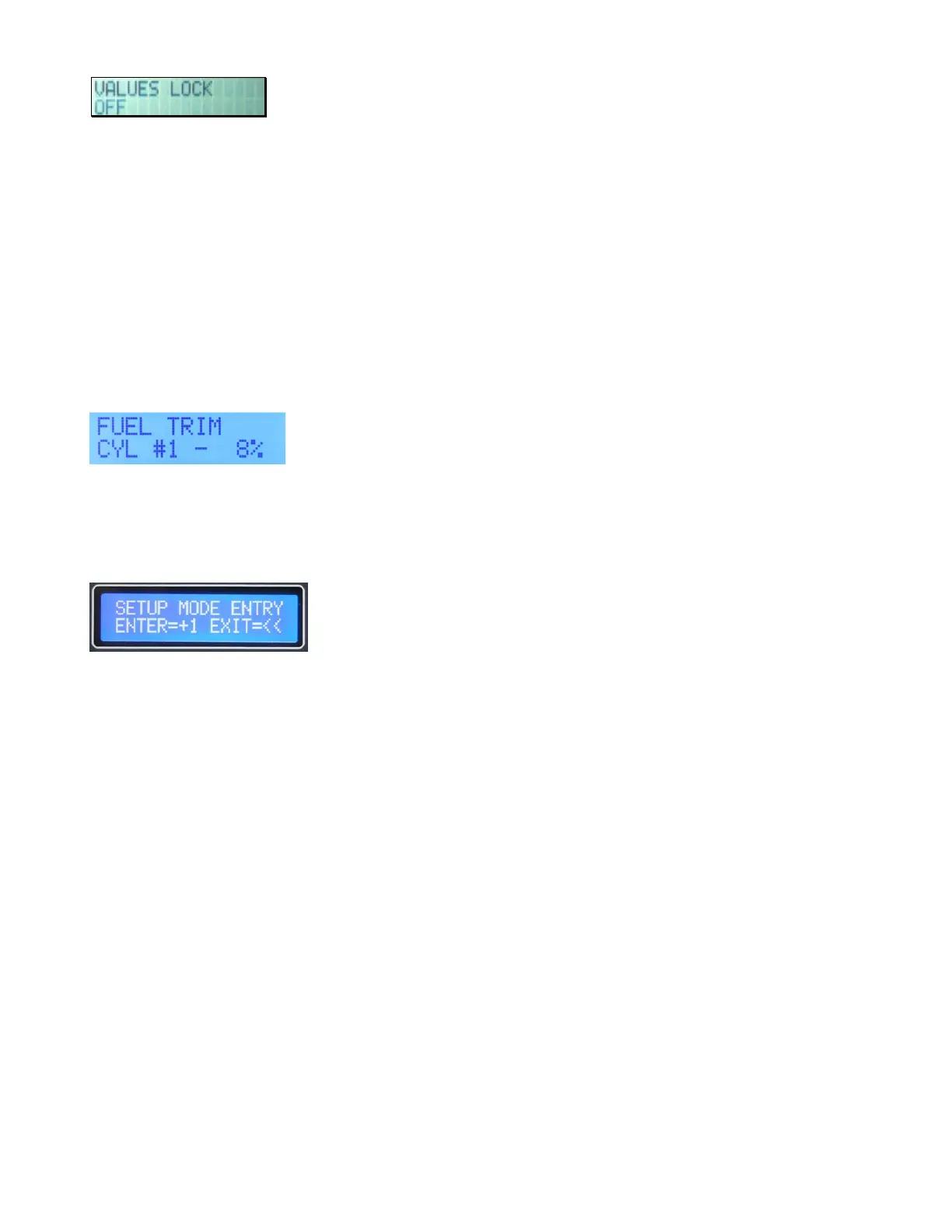
Values Lock
This feature allows you to lock out the programmer function to prevent accidental changes to your
values. To lock your values, select VALUES LOCK window in the LCD programmer. The +1 and -1
buttons are used to select it to the ON or OFF position. When you are done programming for a while
or plan to disconnect the programmer always engage VALUES LOCK ON. You cannot program the
system with VALUES LOCK ON selected.
Optional Individual Cylinder Fuel Trim (4 cylinder)
This option, when activated through a discrete pin code for each burn#, allows the user to add or
subtract to the injector pulse width on each cylinder usually based on EGT readings. Leave the FUEL
TRIM value at zero until all other programming is complete. You should only use this feature if
you have an engine monitor with individual EGT probes for each cylinder. It’s generally designed for
engines which have unequal mixture distribution, running Lean of Peak (LOP). When set correctly, all
cylinders should peak at the same time.
You can trim each cylinder +/- 10% using the +1 or –1 buttons. Scroll right to access the trim windows
for cylinders 2, 3 and 4. For 6 cylinder systems, see the 6 cylinder supplement for trim instructions
and wiring.
Setup Mode
This window makes Setup Mode easier to enter than prior versions. There are many windows in here that
configure the system for particular applications.
Never change Config settings unless instructed to do so from the factory, as these settings can alter the
system in many ways and make the system not run properly or not run at all.


 To Next Page
 Loading...