37
Dual ECU Programmer Functions
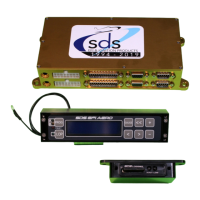
If you have the dual ECU board option with 2 boards in one enclosure, you’ll have a special panel
mount programmer to go with it. This programmer has added circuits and a 2
nd
DB-9 connector to
communicate with the two ECU boards, eliminating the need for two programmers
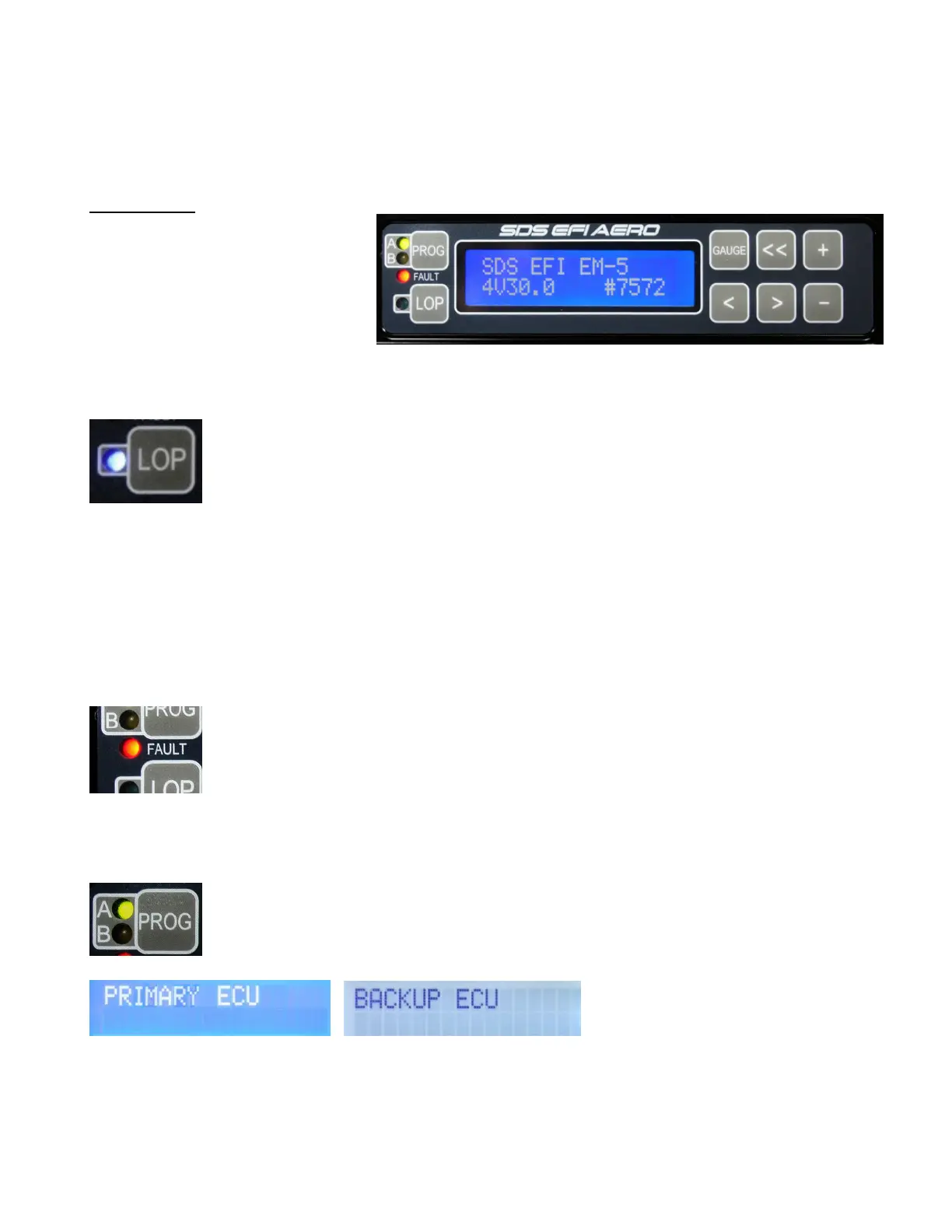
New for 2020, SDS EFI AERO programmer unit.
New features:
Two new keys, PROG AB and LOP
eliminate two toggle switches used
in prior systems.
Built in Fault LED, replaces
separate panel mounted LED.
Works with single or dual ecu’s.
LOP LED indicator.
Higher contrast white on blue LCD display.
LOP key operation
Pressing the LOP key will activate the function in the EM-5 ecu and will advance
ignition timing and lean fuel depending on the settings. Note that LOP will be enabled
but for the LOP advance and Fuel Leaning to occur a few conditions must be met:
Manifold Pressure must be equal or less than LOP MAX MANIFOLD PRESSURE
setting.
Engine RPM’s must be high enough. There is no need for LOP at low engine RPM”s like idle or taxi
conditions.
Engine RPM’s must be 1500 or higher on systems set for 100 rpm incremented rpm ranges(typical lyc
& conti). For high revving engines(auto engine conversions & geared), SDS is set for 250 rpm
increments, the minimum rpm is 2200.
Also note that if using PIN13 and your own toggle switch to activate LOP then the key will not
function. And if using PIN13, the blue LED will light when the PIN13 input sees 6 volts or higher.
Fault LED
This takes over in place of the SDS panel mounted check engine light. If this LED is
flashing, then check Gauge1 screen RPM, MAP and Temperature readings to see if
any display ERR. If none do, then the fault is likely low main voltage which may be
common if electronics are powered up but the engine is not running. In Gauge
screens you can press the plus key to attempt to clear and faults(ERR) if the fault is
still lit check voltage in gauge3 mode, if below 12.5 V then voltage is the cause of the fault LED
flashing
A B Prog key
On Dual board EM-5 systems, this key is used to access and program each ecu
separately. LED’s indicate which ecu is being accessed, green for A(primary) ecu,
and yellow for B(backup) ecu. This key replaces a toggle switch used on older
systems. This key serves no function on single ecu systems.
The programmer will remember where it was when switched, which allows you to be able to most
quickly duplicate values in both ECUs. The screens above will come up for about 2 seconds when
switched to show you which ECU board you are accessing.
Please note: the programmer selection switch does not switch which ECU is running the
engine, the switch only allows programmer access to each ECU.



 To Next Page
 Loading...