PARTNER
11
Surface time
First dive time
(F01)
Second dive time
(F02)
99th dive times
(F99)
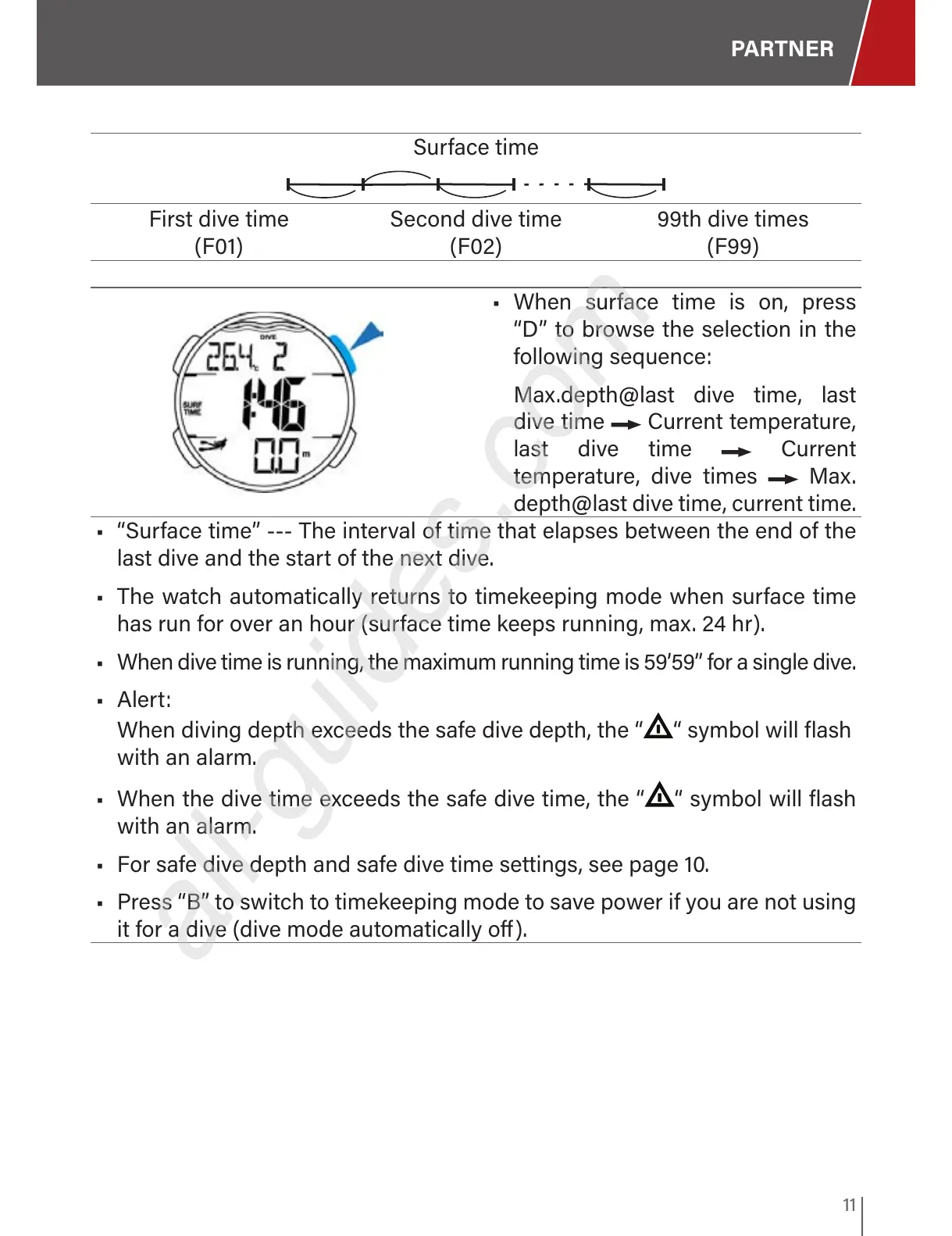
• When surface time is on, press
“D” to browse the selection in the
following sequence:
Max.depth@last dive time, last
dive time Current temperature,
last dive time Current
temperature, dive times Max.
depth@last dive time, current time.
• “Surface time” --- The interval of time that elapses between the end of the
last dive and the start of the next dive.
• The watch automatically returns to timekeeping mode when surface time
has run for over an hour (surface time keeps running, max. 24 hr).
• When dive time is running, the maximum running time is 59’59” for a single dive.
• Alert:
When diving depth exceeds the safe dive depth, the “
“ symbol will flash
with an alarm.
• When the dive time exceeds the safe dive time, the “ “ symbol will flash
with an alarm.
• For safe dive depth and safe dive time settings, see page 10.
• Press “B” to switch to timekeeping mode to save power if you are not using
it for a dive (dive mode automatically o).


 To Next Page