12
RECORD
SELECT
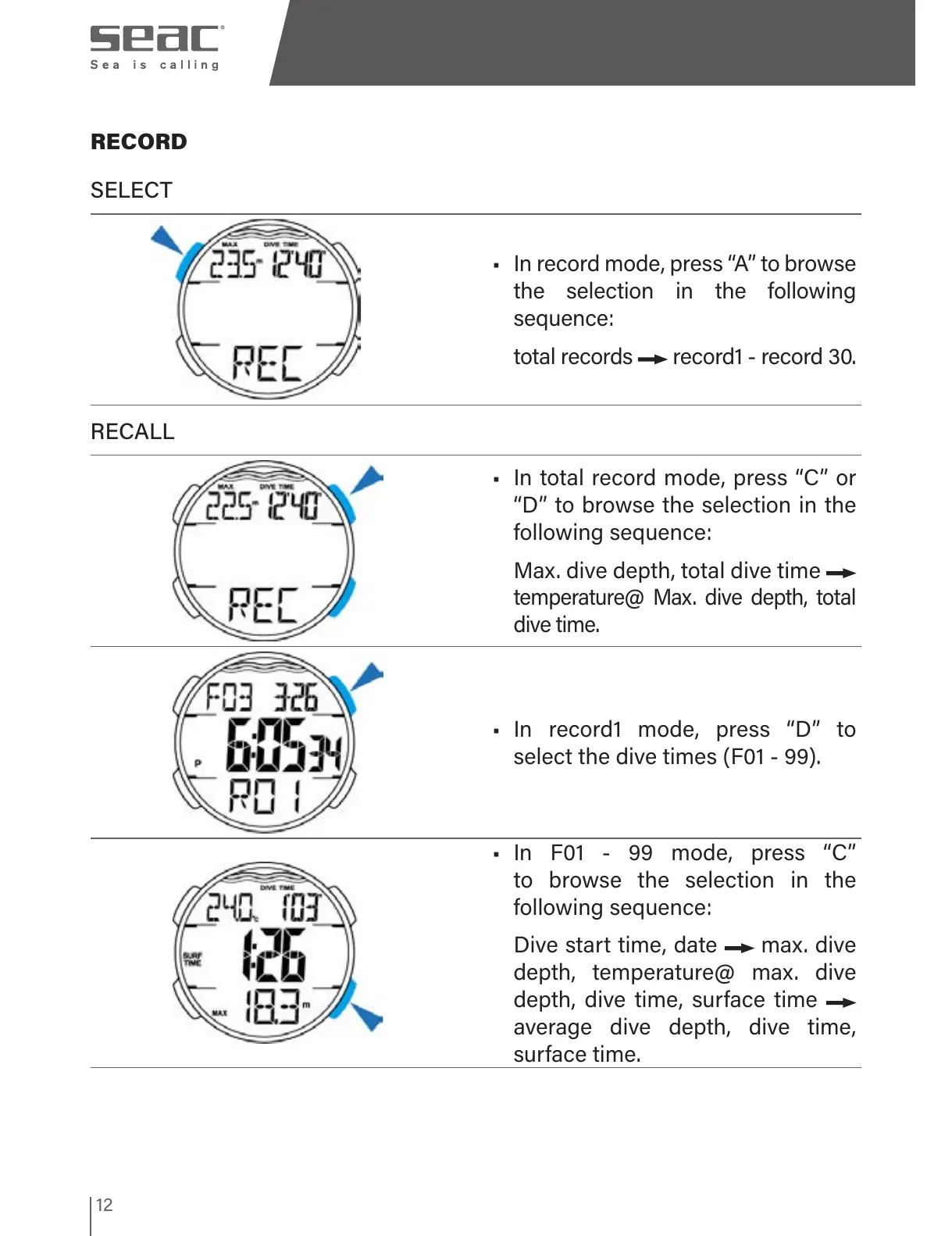
• In record mode, press “A” to browse
the selection in the following
sequence:
total records
record1 - record 30.
RECALL
• In total record mode, press “C” or
“D” to browse the selection in the
following sequence:
Max. dive depth, total dive time
temperature@ Max. dive depth, total
dive time
.
• In record1 mode, press “D” to
select the dive times (F01 - 99).
• In F01 - 99 mode, press “C”
to browse the selection in the
following sequence:
Dive start time, date max. dive
depth, temperature@ max. dive
depth, dive time, surface time
average dive depth, dive time,
surface time.


 To Next Page